


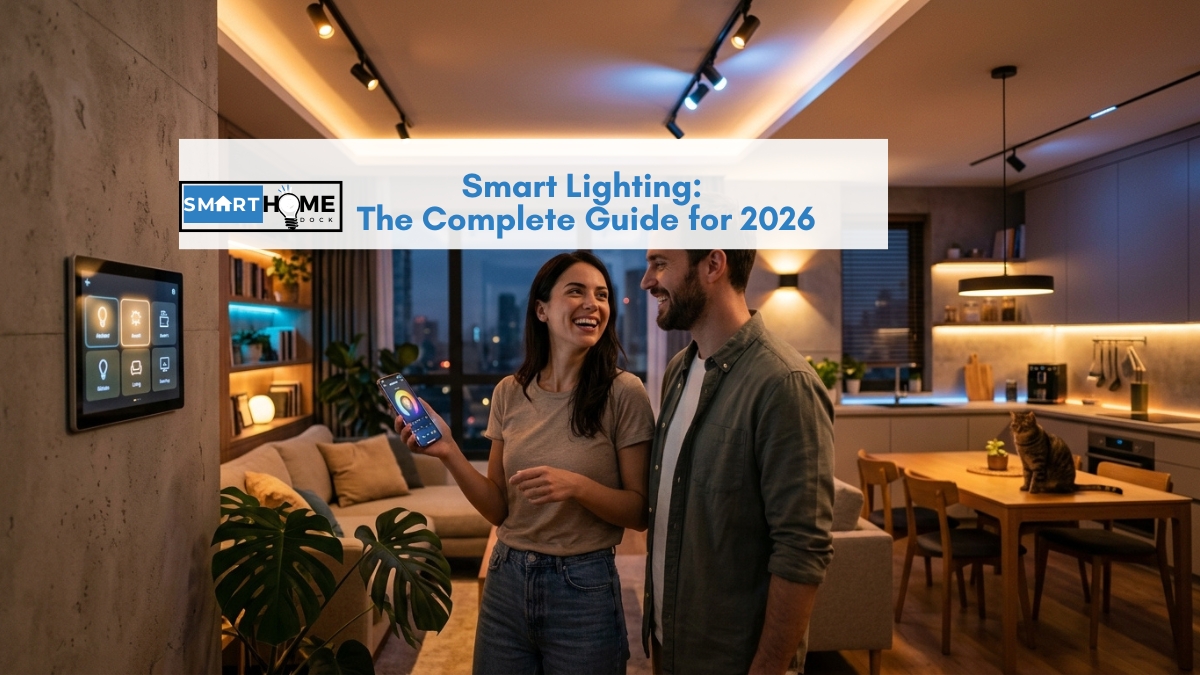
You install smart bulbs in the living room, set up a lovely evening scene, and feel like a genius.
Then your partner walks past, flips the wall switch out of habit, and the whole setup goes dark and unresponsive.
The automations stop. The app says the bulbs are offline. Nothing is broken, but it sure feels like it.
That one moment explains more about smart lighting than any spec sheet.
There are three ways to make a light smart, and picking the wrong one for your home is how people end up frustrated and convinced the whole idea is overrated.
I’ve been setting up connected lighting for over eight years, across rentals, owned homes, and family setups, and this guide walks you through the whole thing: the three approaches, which one fits your situation, what it costs, and where each category’s detailed buying guide lives.
Quick Answer
There are three ways to build smart lighting: smart bulbs (best for renters, colour, and flexibility), smart switches (best when people flip wall switches out of habit or a fitting holds many bulbs), and smart plugs (best for lamps and anything that already plugs into the wall). Most homes use a mix.
If you want the easiest start, put one smart bulb in a bedside lamp, test it for a week, then expand. Choose Matter or Thread devices so you’re not locked into one brand.
The Three Ways to Make a Light Smart: Bulbs, Switches, or Plugs
Before you buy anything, understand that smart lighting comes down to three choices, and each one fits a different situation.
Getting this right first saves you the most money and frustration.
Smart bulbs replace the bulb itself, so they bring colour, tunable white, and dimming to any socket.
Smart switches replace the wall switch, so the whole fixture stays controllable even when someone touches the wall.
Smart plugs sit between a lamp and the outlet, so anything that plugs in becomes schedulable. The table below matches each approach to the situation it solves best.
| Your situation | Best choice | Why |
|---|---|---|
| You rent and can’t rewire | Smart bulbs or plugs | No wiring, fully removable |
| People flip the wall switch by habit | Smart switches | Fixture keeps power and control |
| You want colour and scenes | Smart bulbs | Only bulbs do colour |
| A fitting holds five or six bulbs | Smart switch | One switch beats six pricey bulbs |
| You want to automate a lamp | Smart plug | Cheapest way to make a lamp smart |
| You want circadian or wake-up light | Smart bulbs (tunable white) | Only bulbs shift colour temperature |
Notably, most homes end up mixing all three: bulbs in the lamps and feature rooms, switches on the busy overhead fixtures, and plugs on the odd floor lamp.
You don’t have to pick one approach for the whole house.
Smart Bulbs: Colour, Dimming, and the Flexible Starting Point
Smart bulbs are where most people begin their smart lighting journey, and for good reason.
You screw one in, open an app, and the room is controllable in minutes with no wiring and no risk to a rental deposit.
Bulbs come in three tiers. White only bulbs are the cheapest and handle scheduling and dimming.
Tunable white bulbs shift from warm amber to cool daylight, which unlocks circadian routines and wake-up fades.
Full colour bulbs add millions of shades for scenes and accent lighting. Importantly, colour is the one thing switches and plugs can never do, so if you want mood lighting or a bulb that warms automatically in the evening, bulbs are the only answer.
The catch is the wall switch problem from the intro: a smart bulb needs constant power, so cutting the switch kills it.
For renters and lamp lighting that’s a non-issue, and for overhead fixtures there are fixes covered in the switches section below.
For tested picks across budgets, ecosystems, and colour quality, read our full guide to the best smart bulbs.
Smart Light Switches: The Fix for the Wall Switch Problem
Smart switches solve the single most common smart lighting complaint I hear.
Instead of making the bulb smart, you make the switch smart, so the fixture keeps power and stays controllable no matter how many times someone taps the wall.
Switches handle on, off, and dimming, though they can’t do colour.
They shine in two situations: busy overhead fixtures where family members reach for the wall out of habit, and multi-bulb fittings where replacing five or six bulbs would cost far more than one switch.
Before buying, check whether your wall box has a neutral wire, since many switches need one, although no-neutral models exist for older homes.
Expert Tip, Nyamweru’s 8 Years of Testing
I fought the wall switch problem in my own bedroom for three years before I stopped overthinking it.
The fix that finally worked was a Lutron Aurora, a small dial that clamps over the existing toggle so nobody can cut power to the smart bulbs, yet you still get a physical dimmer on the wall.
If you love your colour bulbs but hate the dead-switch problem, that little dial is the cheapest peace of mind in smart lighting.
For renters, a battery-powered wireless switch or a stick-on dial gives you the same control with no wiring at all.
For wired picks, no-neutral options, and dimmer recommendations, see our full guide to the best smart light switches.
Smart Plugs: The Cheapest Way to Automate a Lamp
Smart plugs are the most overlooked piece of smart lighting, and often the smartest place for a beginner to start.
A plug sits between a lamp and the outlet, so any ordinary lamp becomes schedulable, voice controllable, and part of your routines for under fifteen dollars.
Plugs don’t dim or change colour on their own, because they simply switch power on and off.
That makes them perfect for floor lamps, string lights, and anything you’d flip at the wall anyway.
Furthermore, they’re the ideal renter and beginner device: nothing to wire, nothing to install, and they move with you instantly.
Many also add energy monitoring, so you can see what a lamp actually costs to run.
For the best models across Matter, energy monitoring, and outdoor use, read our full guide to the best smart plugs.
Smart Lighting Protocols: WiFi, Zigbee, Thread, and Matter
The word that confuses new buyers most in smart lighting is the protocol, the invisible way a device talks to your network. You don’t need to be an expert, but one choice here saves you grief later.
| Protocol | Hub needed? | Best for | 2026 verdict |
|---|---|---|---|
| WiFi | No | Small setups, beginners | Easiest, but strains older routers past 10 devices |
| Zigbee | Yes (hub) | Large setups, Hue and IKEA | Rock solid, but ties you to one ecosystem |
| Thread (Matter) | Border router | New cross-platform setups | The best long-term choice in 2026 |
| Matter over WiFi | No | Budget, multi-platform | Great for fewer than 10 lights |
For most new purchases, I recommend choosing Matter devices, whether over Thread or WiFi, so your lights work across Alexa, Google Home, and Apple Home instead of being trapped in one brand’s app. Consequently, you can start with one ecosystem today and switch later without replacing every bulb.
Also Read: Best Smart Home Hub 2026: Which One Do You Actually Need?
Smart Lighting for Renters
Renters often assume smart lighting means rewiring, so they skip it entirely. That’s a myth.
Two of the three approaches need no wiring at all, which makes connected lighting one of the easiest upgrades a renter can make.
Specifically, smart bulbs screw into existing sockets, smart plugs turn any lamp smart, and a battery-powered wireless switch or stick-on dial adds wall control without touching the wiring.
Moreover, everything unscrews or unplugs on moving day and comes with you.
The only approach to avoid in a rental is a hardwired switch, since that means opening the wall box, which usually needs landlord approval.
How Much Does Smart Lighting Cost?
Cost is the question that stops most people, and the honest answer is that smart lighting scales from pocket change to premium.
You can test the idea for the price of a coffee or kit out a whole home, and the gap between budget and premium is wider than most buyers realise.
| Setup | One room | Six rooms (18 lights) |
|---|---|---|
| Budget Matter bulbs (Meross, TP-Link) | $36 to $45 | $216 to $270 |
| Thread tunable and colour bulbs (Nanoleaf) | $45 to $60 | $270 to $360 |
| Smart switches | $30 to $50 | $180 to $300 |
| Smart plugs (per lamp) | $10 to $20 | Varies by lamp count |
| Philips Hue plus Bridge | $150 to $200 | Around $960 |
The takeaway is that premium brands like Philips Hue cost roughly three to four times the budget Matter options for similar everyday function.
Hue earns its price for large, colour-heavy setups that need rock-solid reliability, yet for most homes a budget Matter bulb does the same daily job for far less.
How to Start Smart Lighting Without Overspending
Here’s the approach I give every beginner. You don’t commit to a whole-home system on day one. Instead, you prove the idea in one room, then expand with confidence.
- Start with one tunable white bulb in a bedside lamp. Test scheduling and a wake-up fade for a week.
- Add a smart plug for a floor lamp or string lights to learn routines cheaply.
- Add a smart switch on the one overhead fixture people keep flipping off.
- Expand room by room, sticking to one ecosystem and Matter where possible.
- Layer in automations last, like a goodnight command, a sunset schedule, and motion-triggered hallway lights.
Following this order, a genuinely useful bedroom setup costs under $75, and you never spend big on a system you haven’t tested in your own home first.
Frequently Asked Questions About Smart Lighting
Is smart lighting worth it in 2026?
Yes, for most homes.
Even a single tunable white bulb delivers real benefits like wake-up fades, schedules, and voice control, and smart lighting now starts cheap enough that you can test it for the price of one bulb before committing further.
What is the difference between smart bulbs, switches, and plugs?
Smart bulbs replace the bulb and add colour, tunable white, and dimming.
Smart switches replace the wall switch and keep the fixture controllable even when someone flips it.
Smart plugs sit between a lamp and the outlet to make anything that plugs in schedulable.
Most homes use a mix of all three.
Do smart bulbs work without a hub?
Many do. WiFi, Bluetooth, and Matter bulbs connect straight to your network with no hub, so you can start with a single bulb and an app.
Zigbee bulbs like Philips Hue need a hub, which pays off once you reach a large, reliable whole-home setup.
Why do my smart bulbs stop responding when the wall switch is off?
A smart bulb needs constant power to stay connected, so cutting the wall switch takes it offline until power returns.
Solutions include a smart switch, a switch guard or dial like the Lutron Aurora, or using smart bulbs in lamps where the wall switch isn’t a factor.
How much does smart lighting cost to start?
A single budget Matter bulb runs about $12 to $15, and a useful bedroom smart lighting setup costs under $75.
A full six-room home ranges from roughly $216 for budget bulbs to around $960 for a premium Philips Hue system.
Which smart lighting protocol should I choose?
Choose Matter, whether over Thread or WiFi, for any new purchase.
Matter devices work across Alexa, Google Home, and Apple Home, so you avoid being locked into one brand and can change ecosystems later without replacing your bulbs.
Final Verdict: Where to Start With Smart Lighting
After eight years of building these setups, my advice is simple: match the approach to the room, and start with one bulb.
The best smart lighting system is the one that fits how your household actually uses each switch, not the most expensive kit on the shelf.
If you rent or you’re just testing the water, begin with a single tunable white bulb in a lamp and a smart plug for a second light.
That pairing costs under $40, needs no wiring, and teaches you everything about schedules and routines.
For overhead fixtures that people keep switching off, add a smart switch so the fixture stays smart.
And choose Matter wherever you can, so today’s purchase still works whatever ecosystem you grow into.
Ultimately, smart lighting rewards starting small. Prove it in one room, feel the difference a wake-up fade and a goodnight command make, and expand at the pace your budget sets.
Every great setup I’ve built, including my own, started with a single bulb in a bedside lamp.
Related Guides on SmartHomeDock
This pillar links down to the detailed buying guide for each approach above:
