


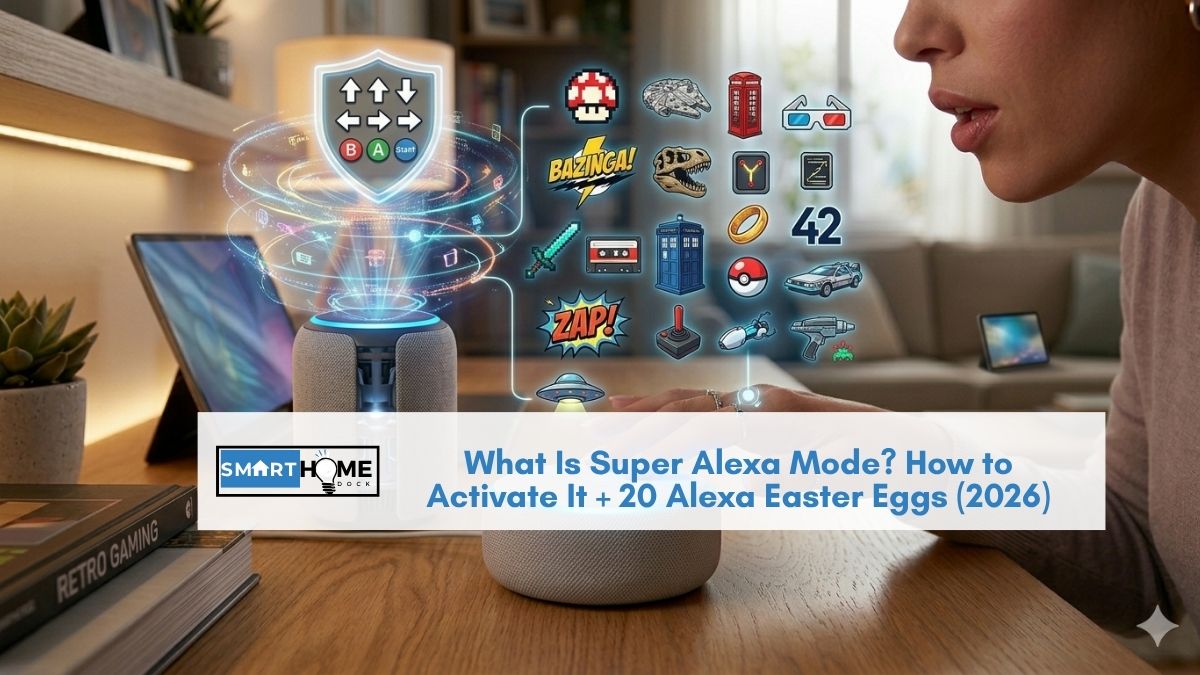
You stumbled across a video of someone saying a weird string of words to their Echo: “up, up, down, down, left, right,” and Alexa responded like she was booting up a spaceship.
Now you’re wondering: what just happened? Is that real? Does it actually do anything?
Welcome to Super Alexa Mode, one of Amazon’s most popular Easter eggs hidden inside every Echo device.
It doesn’t unlock any special features or give Alexa superpowers (sorry), but it does produce one of the funniest voice assistant responses you’ll hear.
And it’s just one of dozens of secret commands that Amazon’s developers have buried inside Alexa for your entertainment.
Here’s everything you need to know about Super Alexa Mode, how to activate it, the gaming history behind it, and 20 more Alexa Easter eggs worth trying.
Quick Answer: Super Alexa Mode is a fun Easter egg activated by saying “Alexa, up, up, down, down, left, right, left, right, B, A, start.” Alexa responds with a dramatic fake system boot sequence. It doesn’t change any settings or add functionality — it’s purely a joke referencing the famous Konami cheat code from 1980s video games.
How to Activate Super Alexa Mode
Say the following command to any Alexa-enabled device Echo Dot, Echo Show, Echo Pop, Fire TV, or the Alexa app on your phone:
“Alexa, up, up, down, down, left, right, left, right, B, A, start.”
You need to say this exactly as written, in order, without pausing too long between words.
If you swap any directions or miss a word, Alexa will say “so close” and won’t activate the mode. Practice it once or twice — the rhythm matters.
When you get it right, Alexa responds with:
“Super Alexa mode, activated. Starting reactors… online. Enabling advanced systems… online. Raising dongers. Error. Dongers missing. Aborting.”
On Echo Show devices, the screen displays a visual sequence that matches the spoken response: reactors booting, systems coming online, and then the error message.
Then everything goes back to normal. That’s it. Super Alexa Mode is over in about 10 seconds.
What Does Super Alexa Mode Actually Do?
Nothing. Absolutely nothing functional. Super Alexa Mode doesn’t change your Alexa settings, unlock hidden features, improve sound quality, or give your Echo any new capabilities.
It’s purely a programmed joke, an Easter egg designed to entertain gamers who recognise the reference.
You don’t need to “turn off” Super Alexa Mode because it was never actually “on.” After the response plays, Alexa returns to normal operation immediately.
Your device is the same as before you said the command.
The History Behind Super Alexa Mode: The Konami Code
The command you speak to Alexa is the voice equivalent of the Konami Code, the most famous cheat code in video game history.
A developer named Kazuhisa Hashimoto created the code in 1986 while working on the NES port of the game Gradius.
He found the game too difficult to play-test, so he programmed a button sequence (Up, Up, Down, Down, Left, Right, Left, Right, B, A, Start) that gave the player full power-ups.
The code was accidentally left in the final game, and players discovered it.
From there, the Konami Code appeared in over 100 games across multiple decades, including Contra (where it gave 30 extra lives), Teenage Mutant Ninja Turtles, Castlevania, and dozens more.
It became such a cultural icon that developers started hiding it in non-game software as an Easter egg. Websites, apps, and now voice assistants have all included Konami Code references.
Amazon’s developers, clearly fans of retro gaming, programmed Alexa to recognise the spoken version of the code.
The “raising dongers” line in Alexa’s response is a reference to Michael “Imaqtpie” Santana, a League of Legends streamer on Twitch who popularised the phrase “raise your dongers” among gaming communities. It’s a deep-cut gaming reference layered on top of a deep-cut gaming reference.
20 More Alexa Easter Eggs and Secret Commands
Super Alexa Mode is just the beginning. Amazon’s developers have hidden dozens of entertaining responses throughout Alexa.
Here are 20 of the best ones to try; each of which produces a unique response:
Pop Culture References
- “Alexa, I am your father.” — Star Wars reference. Alexa’s response is worth hearing
- “Alexa, may the force be with you.” — Another Star Wars Easter egg
- “Alexa, open the pod bay doors.” — 2001: A Space Odyssey reference. Alexa channels HAL 9000
- “Alexa, who you gonna call?” — Ghostbusters reference
- “Alexa, what is the meaning of life?” — Hitchhiker’s Guide to the Galaxy answer
- “Alexa, beam me up.” — Star Trek reference with a fun twist
- “Alexa, winter is coming.” — Game of Thrones nod
Funny Questions
- “Alexa, do you know Siri?” — Alexa has opinions about other voice assistants
- “Alexa, what happens if you step on a Lego?” — Relatable humour
- “Alexa, are you a robot?” — The existential question every AI faces
- “Alexa, can you beatbox?” — She actually tries, and it’s entertainingly bad
- “Alexa, tell me a yo mama joke.” — Family-friendly versions
- “Alexa, why did the chicken cross the road?” — Multiple variations
Secret Modes and Self-Destruct
- “Alexa, self-destruct.” — Alexa counts down from 10 with dramatic sound effects, then… nothing happens
- “Alexa, code zero, zero, zero, destruct, zero.” — Star Trek self-destruct sequence. Different response from the standard self-destruct
- “Alexa, what’s the first rule of Fight Club?” — She follows the rule
- “Alexa, my name is Inigo Montoya.” — Princess Bride fans will love this
- “Alexa, are you Skynet?” — Terminator reference with a reassuring denial
- “Alexa, do a barrel roll.” — A nod to Star Fox and the classic Google Easter egg
- “Alexa, surely you can’t be serious.” — Airplane! quote gets the perfect response
For 25 more fun things to try, check out our how to make Alexa mad guide and our 25 fun games to play with Alexa article.
💡 Expert Tip:
Easter eggs change periodically Amazon adds new ones and occasionally retires old ones. The Super Alexa Mode response has remained consistent since it was introduced, but some of the pop culture responses rotate or get updated. If an Easter egg doesn’t work, try it again a few days later Amazon may be testing new response variations. Also, Easter eggs work on any Alexa device including the Alexa app on your phone, so you don’t need an Echo to try them.
Frequently Asked Questions About Super Alexa Mode
Is Super Alexa Mode dangerous?
No. Super Alexa Mode is completely harmless. It doesn’t change any settings, access any data, or modify your Echo device in any way.
It’s a pre-programmed joke response that plays for about 10 seconds and then stops.
Your device continues operating normally. There is nothing to turn off or undo after activating it.
Does Super Alexa Mode work on all Echo devices?
Yes, Super Alexa Mode works on every Alexa-enabled device, including Echo Dot, Echo Show, Echo Pop, Echo Studio, Echo Auto, Fire TV Stick, and the Alexa app on iOS and Android.
On Echo Show devices with screens, you’ll see a visual animation accompanying the voice response.
On audio-only devices, you’ll only hear the spoken response.
Does Super Alexa Mode work on all Echo devices?
Yes, Super Alexa Mode works on every Alexa-enabled device, including Echo Dot, Echo Show, Echo Pop, Echo Studio, Echo Auto, Fire TV Stick, and the Alexa app on iOS and Android.
On Echo Show devices with screens, you’ll see a visual animation accompanying the voice response.
On audio-only devices, you’ll only hear the spoken response.
What is the exact command for Super Alexa Mode?
The exact command is: “Alexa, up, up, down, down, left, right, left, right, B, A, start.” You must say it in this exact order without long pauses.
If you get any direction wrong or swap words, Alexa will respond with “so close” instead of activating Super Alexa Mode.
The command is the spoken version of the Konami Code, a famous video game cheat code from 1986.
What does “raising dongers” mean in Alexa’s response?
The “raising dongers” line is a reference to Michael “Imaqtpie” Santana, a popular League of Legends streamer on Twitch.
His fans nicknamed the character Heimerdinger as “the Donger,” and the phrase “raise your dongers” became a viral catchphrase in the League of Legends and Twitch communities.
Amazon’s developers included it as a layered gaming reference on top of the Konami Code Easter egg.
In recent firmware updates, the “dongers” response has become less frequent. You may hear a slightly different version.
Are there other Alexa cheat codes besides Super Alexa Mode?
Super Alexa Mode is the only Alexa response based on a literal cheat code (the Konami Code).
However, Alexa has dozens of other Easter eggs and hidden responses triggered by specific phrases movie quotes, funny questions, and secret modes like the “self-destruct” countdown.
See our list of 20 additional Easter eggs above, or check out our 25 ways to make Alexa mad for more.
