


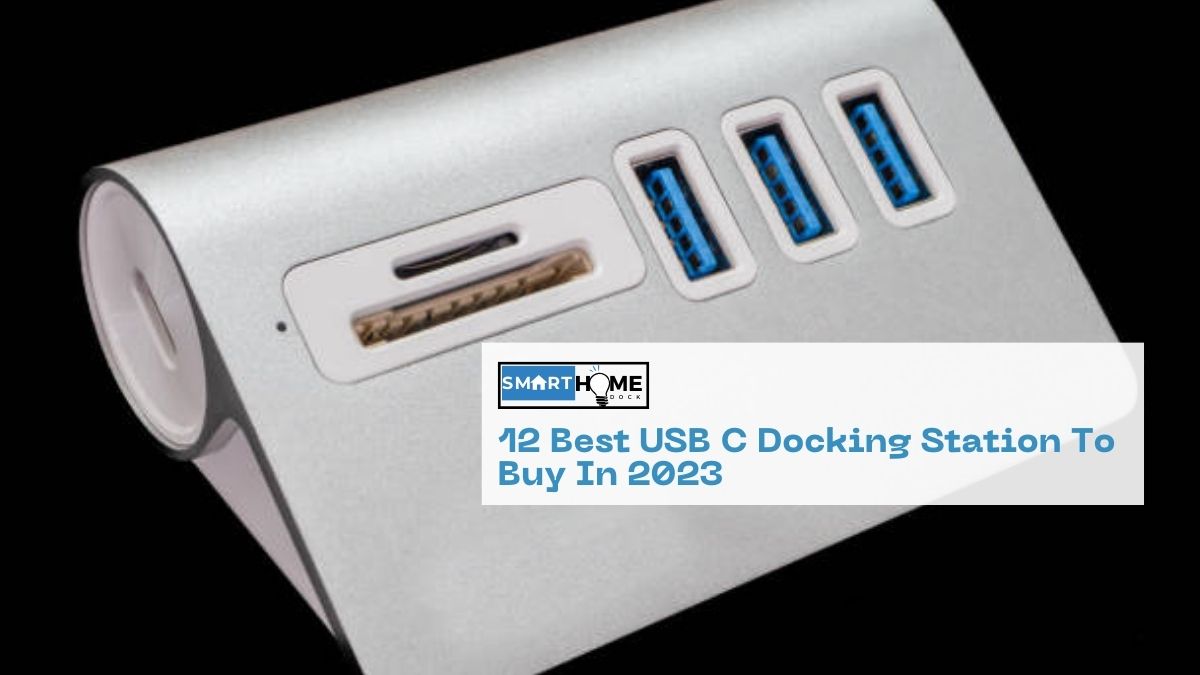
This article gives a detailed review of the 12 Best USB C Docking Station To Buy In 2024.
In today’s tech-driven world, we’re constantly juggling a multitude of devices. Laptops, smartphones, tablets, smartwatches… the list goes on. And with each device comes a new set of cables and chargers.
The result? A tangled mess that can be both unsightly and frustrating. USB C docking stations offer a solution to this chaos.
These sleek devices provide a single, unified connection point for all your devices. With just a single cable, you can connect your laptop to multiple external monitors, keyboards, mice, printers, and more.
In addition, decluttering your workspace, also makes it easier to switch between devices and maintain a productive workflow.
Furthermore, USB C docking stations also offer a number of other benefits. So, if you’re looking for a way to simplify your digital life, a USB C docking station is a perfect solution.
List of Best USB C Docking Stations
- For Mac
- CalDigit TS4 Thunderbolt 4 Dock
- Belkin Thunderbolt 4 Dock Mini
- Kensington SD5700T Thunderbolt 4 Docking Station
- Anker PowerExpand 13-Port Thunderbolt 4 Dock
- For Windows
- Plugable Thunderbolt 4 & USB4 Quad Display Docking Station TBT4-UDZ
- Dell Thunderbolt Dock WD19TBS
- Lenovo Thunderbolt 4 Dock
- HP Thunderbolt Dock G2
- For Linux
- StarTech USB-C Docking Station
- Wavlink Thunderbolt 3 Mini Dock
- i-tec USB-C Docking Station 4K
- UGREEN USB C Docking Station Dual Monitor
Best USB C Docking Stations for Mac
1. CalDigit TS4 Thunderbolt 4 Dock
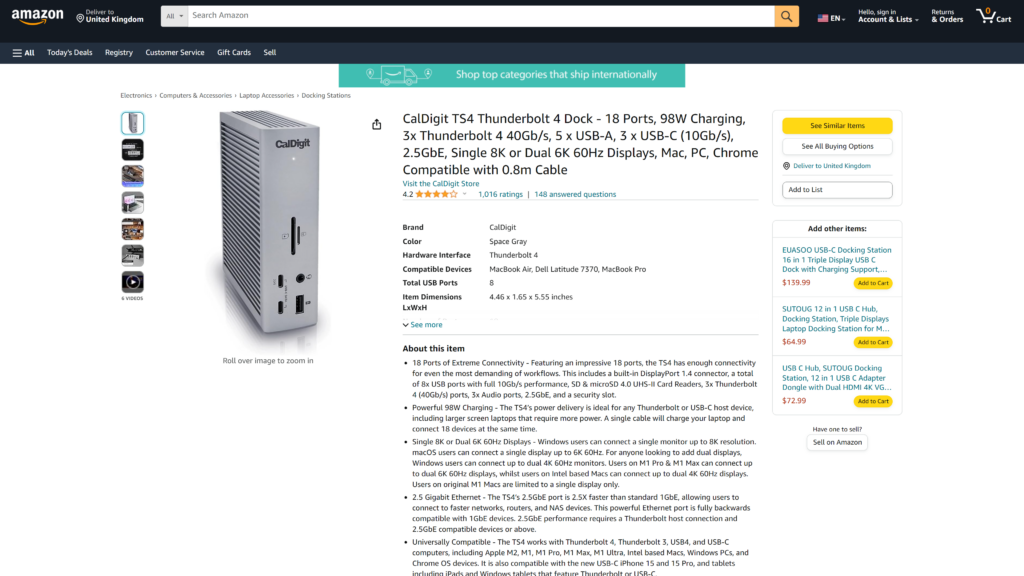
The CalDigit TS4 Thunderbolt 4 Dock is a powerful docking station designed for professionals and enthusiasts who demand top-notch performance and versatility.
In addition, this powerhouse of a docking station offers a wide range of features.
Key features:
- Thunderbolt 4 for rapid data transfer at 40Gbps
- Support for up to two 4K displays at 60Hz or one 8K display at 30Hz
- Laptop power delivery up to 90W
- Comprehensive port selection: USB-A, USB-C, Ethernet, SD card reader
- Sleek and stylish design
Pros:
- Unmatched performance and connectivity
- Support for demanding applications
- Ability to power a connected laptop
- Comprehensive port selection
- Sleek and stylish design
Cons:
- Premium price
- Requires a Thunderbolt 4-enabled laptop
Pricing: $33.29/month
2. Belkin Thunderbolt 4 Dock Mini
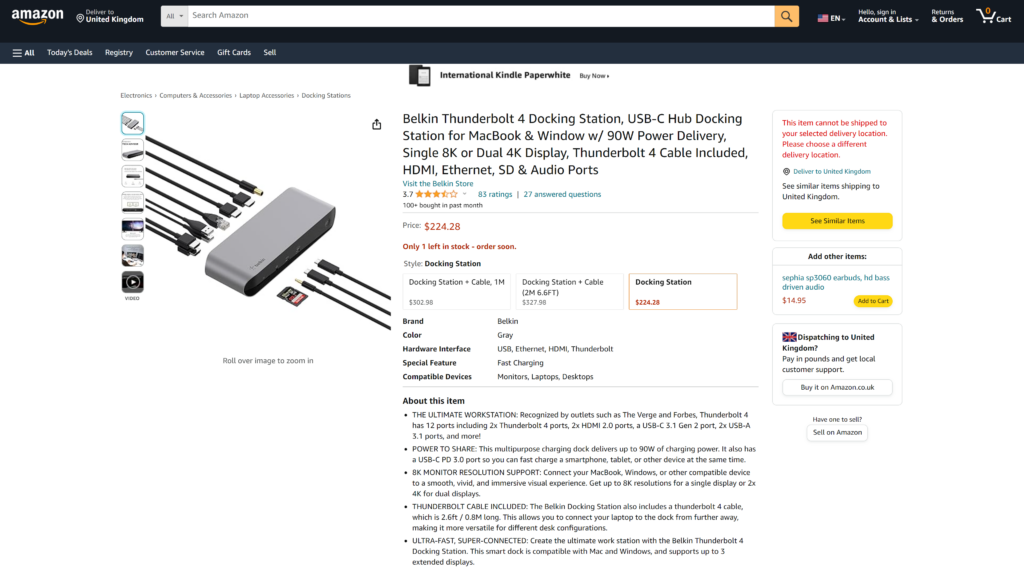
The Belkin Thunderbolt 4 Dock Mini is a compact yet high-performance docking station ideal for professionals and creatives with limited desk space.
Key features:
- Thunderbolt 4 for super-fast data transfer at 40Gbps
- Supports one 8K display at 30Hz or dual 4K displays at 60Hz
- Laptop power delivery up to 90W
- Ports include USB-A, USB-C, Ethernet, SD card reader
- Compact and portable design
Pros:
- Impressive performance in a compact form factor
- Support for high-resolution displays
- Ability to power a connected laptop
- Comprehensive port selection
- Portable design
Cons:
- Lacks some of the advanced features found on larger docks
- Requires a Thunderbolt 4-enabled laptop
Pricing: $24.99/month
3. Kensington SD5700T Thunderbolt 4 Docking Station
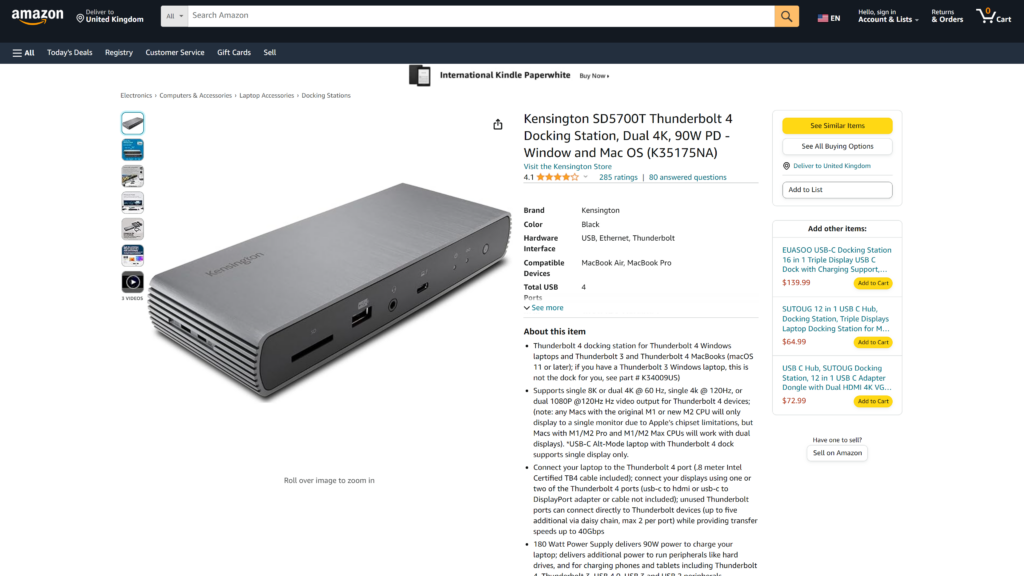
The Kensington SD5700T Thunderbolt 4 Docking Station is a powerhouse for professionals and power users who demand connectivity and elegance.
Key features:
- Thunderbolt 4 for fast data transfer at 40Gbps
- Supports dual 4K displays at 60Hz or one 8K display at 30Hz
- Laptop power delivery up to 90W
- Ports include USB-A, USB-C, Ethernet, SD card reader, and audio in/out
- Built-in security features, like Kensington Security Slot and Smart Key Port Lock
Pros:
- Comprehensive port selection
- Built-in security features
- Support for high-resolution displays
- Ability to power a connected laptop
- Elegant design
Cons:
- Premium price
- Requires a Thunderbolt 4-enabled laptop
Pricing: Starting at $41.66/month
4. Anker PowerExpand 13-Port Thunderbolt 4 Dock
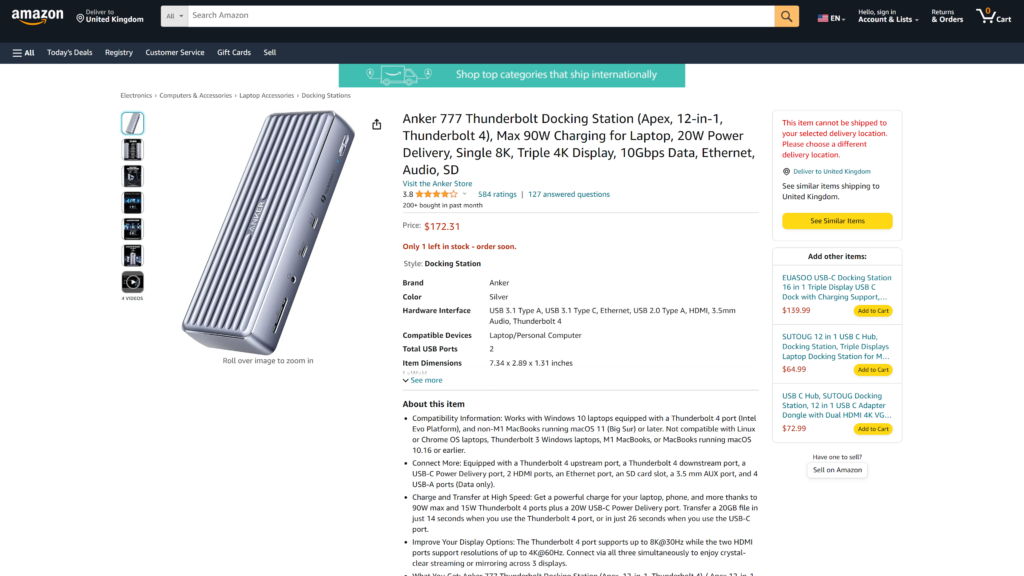
The Anker PowerExpand 13-Port Thunderbolt 4 Dock is a versatile docking station designed for professionals and creators.
Key features:
- Firstly, Thunderbolt 4 for quick data transfer at 40Gbps
- Next, supports dual 4K displays at 60Hz or one 8K display at 30Hz
- Laptop power delivery up to 90W
- Ports include USB-A, USB-C, Ethernet, SD card reader, and audio in/out
- Built-in UHS-II SD card reader for fast file transfers
- Lastly, a compact and portable design
Pros:
- Comprehensive port selection
- Built-in UHS-II SD card reader
- Compact and portable design
- Support for high-resolution displays
- Ability to power a connected laptop
Cons:
- Premium price
- Requires a Thunderbolt 4-enabled laptop
Pricing: $33.29/month
Best USB C Docking Stations for Windows
5. Plugable Thunderbolt 4 & USB4 Quad Display Docking Station TBT4-UDZ
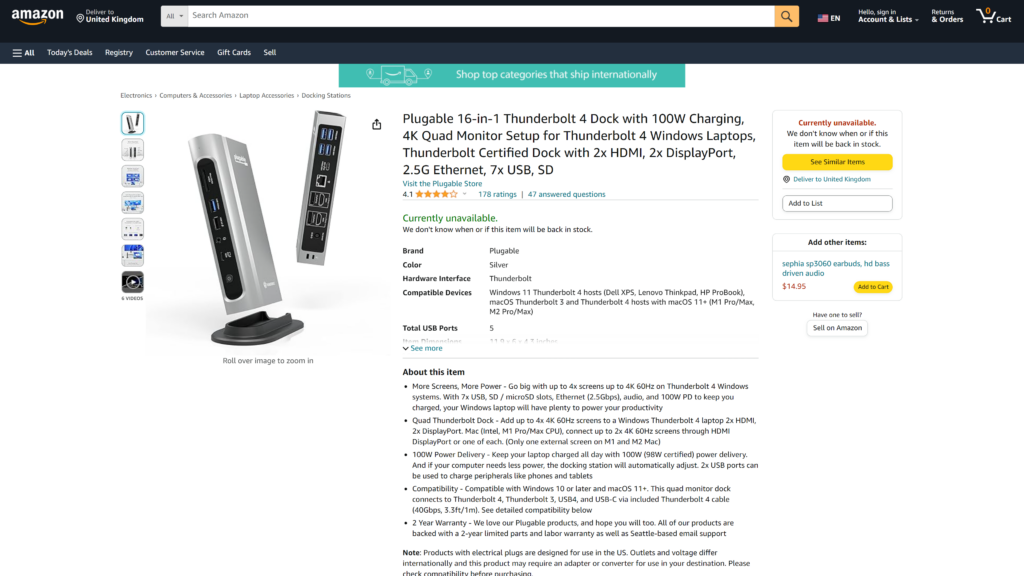
The Plugable Thunderbolt 4 & USB4 Quad Display Docking Station TBT4-UDZ is a high-performance docking station built for demanding tasks like video editing and graphic design.
Key features:
- Thunderbolt 4 for blazing data transfer at 40Gbps
- Support for up to four 4K displays at 60Hz
- Laptop power delivery up to 90W
- Ports include USB-A, USB-C, Ethernet, and SD card reader
- Durable and portable design
Pros:
- Support for multiple high-resolution displays
- High data transfer speeds
- Ability to power a connected laptop
- Comprehensive port selection
- Durable and portable design
Cons:
- Premium price
- Requires a Thunderbolt 4-enabled laptop
Pricing: $41.66/month
6. Dell Thunderbolt Dock WD19TBS
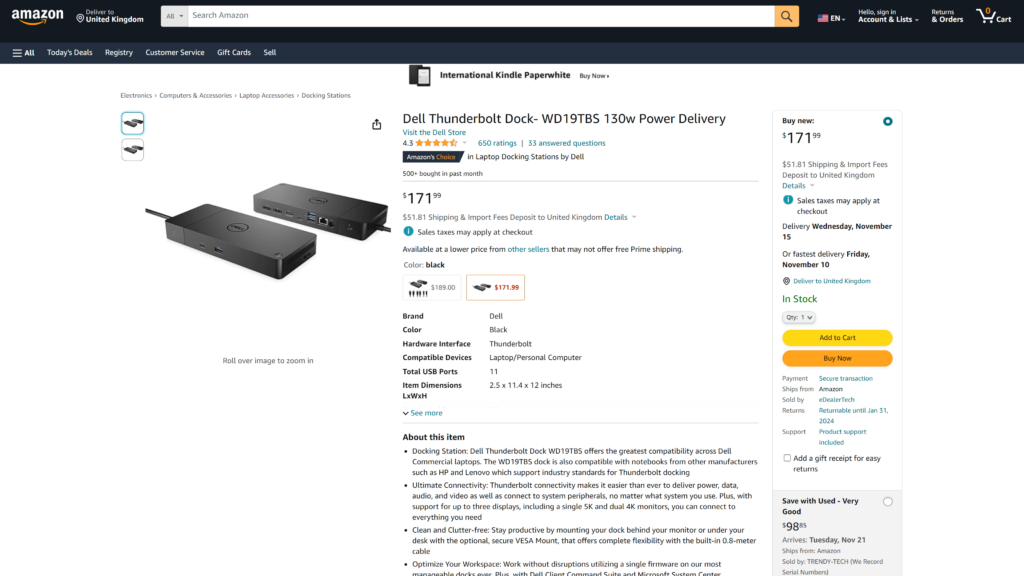
The Dell Thunderbolt Dock WD19TBS is a versatile docking station suitable for various professional and creative applications.
Key features:
- Thunderbolt 3 for data transfer at up to 40Gbps
- Support for dual 4K displays at 60Hz or a single 5K display at 60Hz
- Laptop power delivery up to 90W
- Ports include USB-A, USB-C, Ethernet, SD card reader, and audio in/out
Pros:
- Support for multiple high-resolution displays
- High data transfer speeds
- Ability to power a connected laptop
- Comprehensive port selection
- Durable and portable design
Cons:
- Premium price
- Requires a Thunderbolt 4-enabled laptop
Pricing: $41.66/month
7. Lenovo Thunderbolt 4 Dock
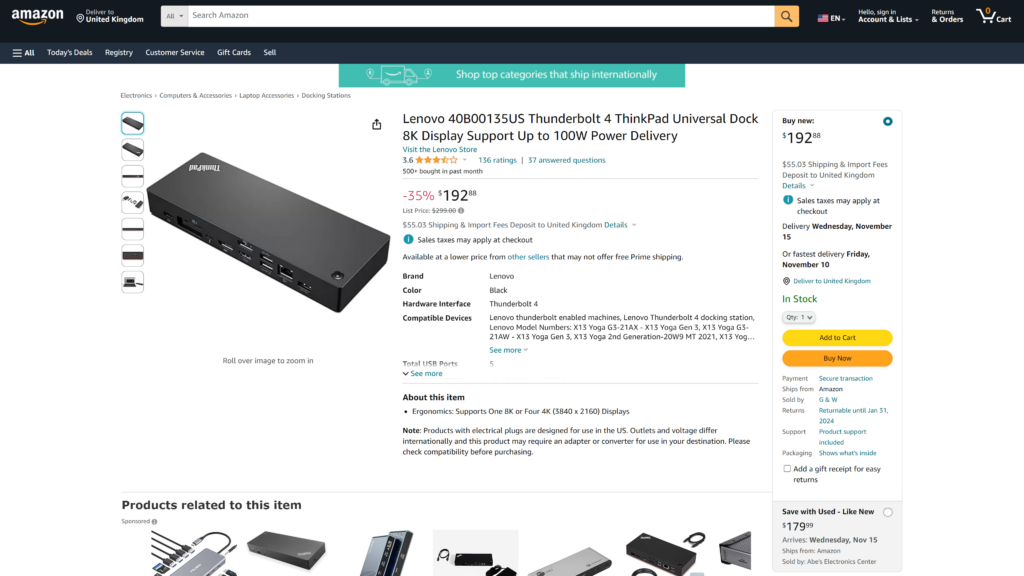
The Lenovo Thunderbolt 4 Dock is a premium docking station crafted for professionals and creators who demand top-notch performance and connectivity.
Key features:
- Thunderbolt 4 for rapid data transfers at 40Gbps
- Support for dual 4K displays at 60Hz or a single 8K display at 30Hz
- Laptop power delivery up to 90W
- Comprehensive port selection: 4x USB-A, 2x USB-C, Gigabit Ethernet, SD card reader, and audio ports
- Stylish design
Pros:
- Unmatched performance and connectivity
- Support for demanding applications
- Powers a connected laptop
- Comprehensive port selection
- Sleek design
Cons:
- Premium price
- Requires a Thunderbolt 4-enabled laptop
Price: $29.16/month
8. HP Thunderbolt Dock G2
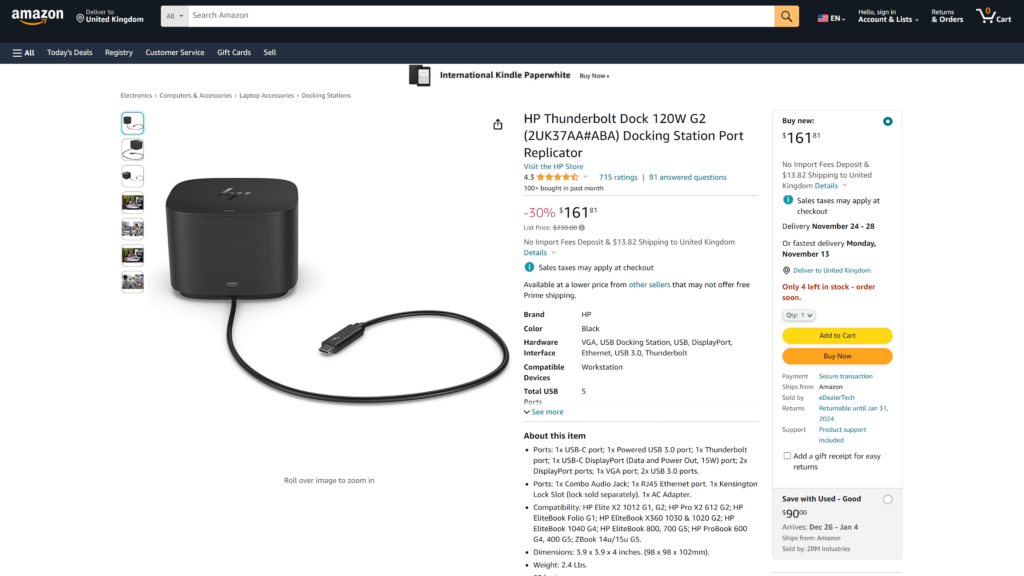
The HP Thunderbolt Dock G2 is a sleek and stylish docking station designed for both performance and aesthetics.
Key features:
- Thunderbolt 3 for data transfer at up to 40Gbps
- Support for dual 4K displays at 60Hz or a single 5K display at 60Hz
- Laptop power delivery up to 90W
- Ports include USB-A, USB-C, Ethernet, SD card reader, and audio in/out
Pros:
- Sleek and stylish design
- Comprehensive port selection
- Support for high-resolution displays
- Ability to power a connected laptop
Cons:
- Premium price
- Requires a Thunderbolt 3-enabled laptop
Pricing: $23.33/month
Best USB C Docking Stations for Linux
9. StarTech USB-C Docking Station
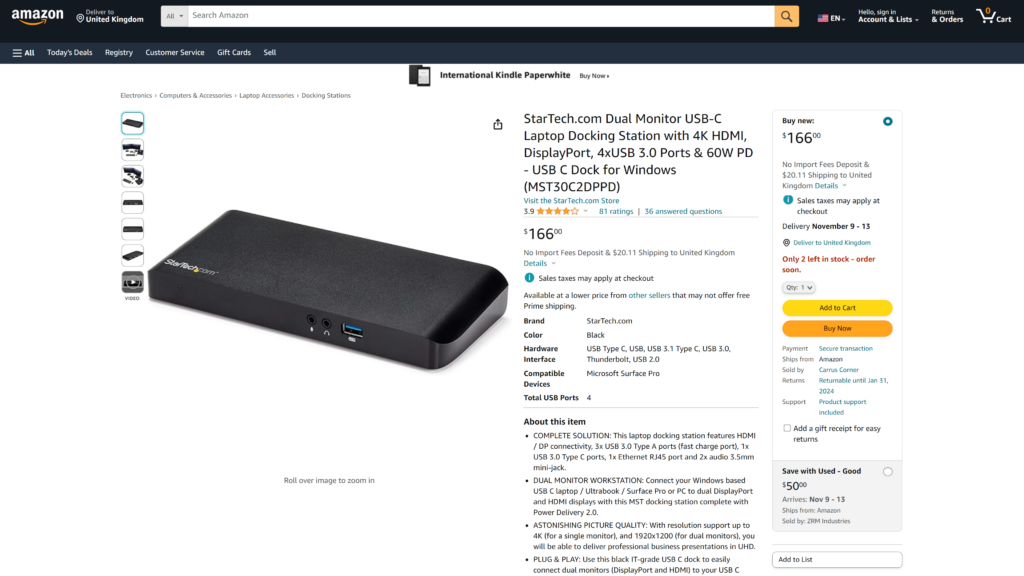
The StarTech Docking Station is an affordable and versatile option for Linux users.
Key features:
- USB-C with support for DisplayPort Alt Mode
- Supports dual 4K displays at 60Hz
- Laptop power delivery up to 60W
- Ports include USB-A, USB-C, Ethernet, and SD card reader
- Compatible with Linux
Pros:
- Affordable price
- Support for dual 4K displays
- Power delivery to a connected laptop
- Comprehensive port selection
- Linux compatibility
Cons:
- Does not support Thunderbolt speeds
- Does not have a built-in speaker
Pricing: $12.50/month
10. Wavlink Thunderbolt 3 Mini Dock
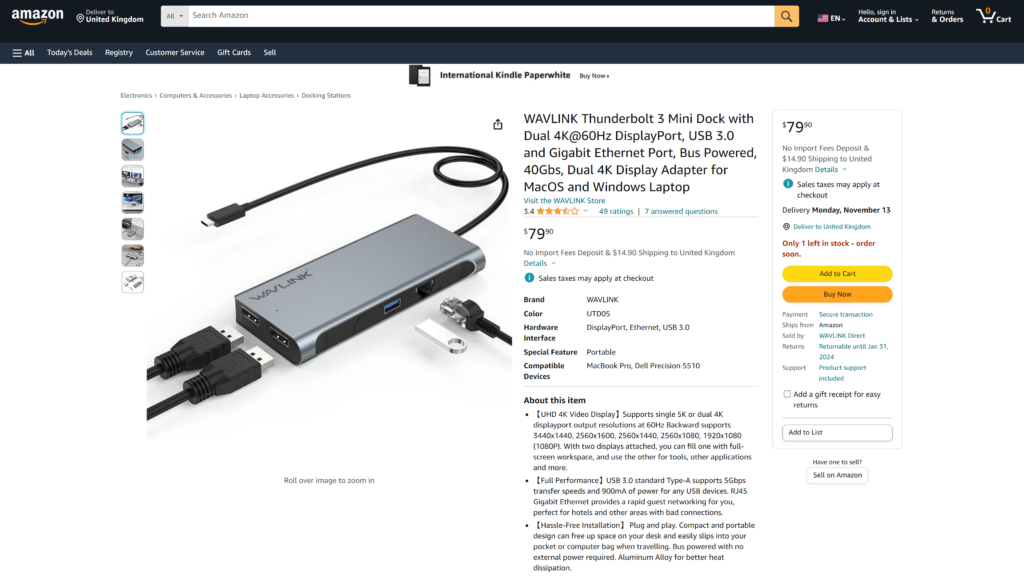
The Wavlink Thunderbolt 3 Mini Dock is a compact and portable docking station suitable for Linux users who need a balance of performance and features.
Key features:
- Thunderbolt 3 with data transfer speeds up to 40Gbps
- Supports dual 4K displays at 60Hz
- Laptop power delivery up to 60W
- Ports include USB-A, USB-C, Ethernet, and SD card reader
- Compatible with Linux
Pros:
- Compact and portable design
- Support for dual 4K displays
- Power delivery to a connected laptop
- Comprehensive port selection
- Linux compatibility
Cons:
- Does not support Thunderbolt 4 speeds
- Does not have a built-in speaker
Pricing: $16.66/month
11. i-tec USB-C Docking Station 4K
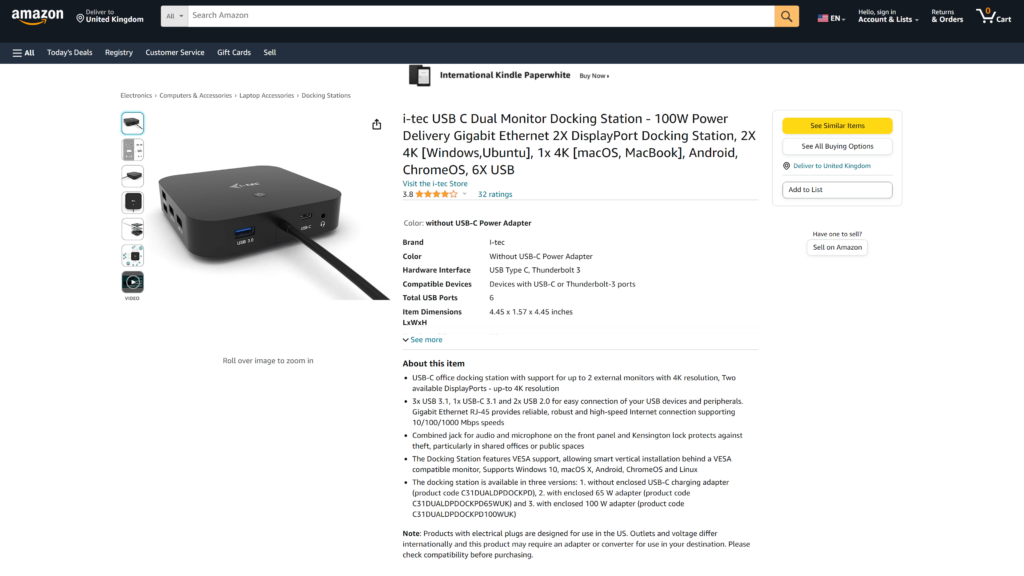
The i-tec USB-C Docking Station 4K is a budget-friendly option for Linux users seeking a straightforward docking solution.
Key features:
- USB-C with support for DisplayPort Alt Mode
- Supports a single 4K display at 60Hz
- Laptop power delivery up to 60W
- Ports include USB-A, USB-C, Ethernet, and SD card reader
- Compatible with Linux
Pros:
- Affordable price
- Support for a single 4K display
- Power delivery to a connected laptop
- Comprehensive port selection
- Linux compatibility
Cons:
- Does not support multiple displays
- Does not have a built-in speaker
Pricing: $8.33/month
12. UGREEN USB C Docking Station Dual Monitor
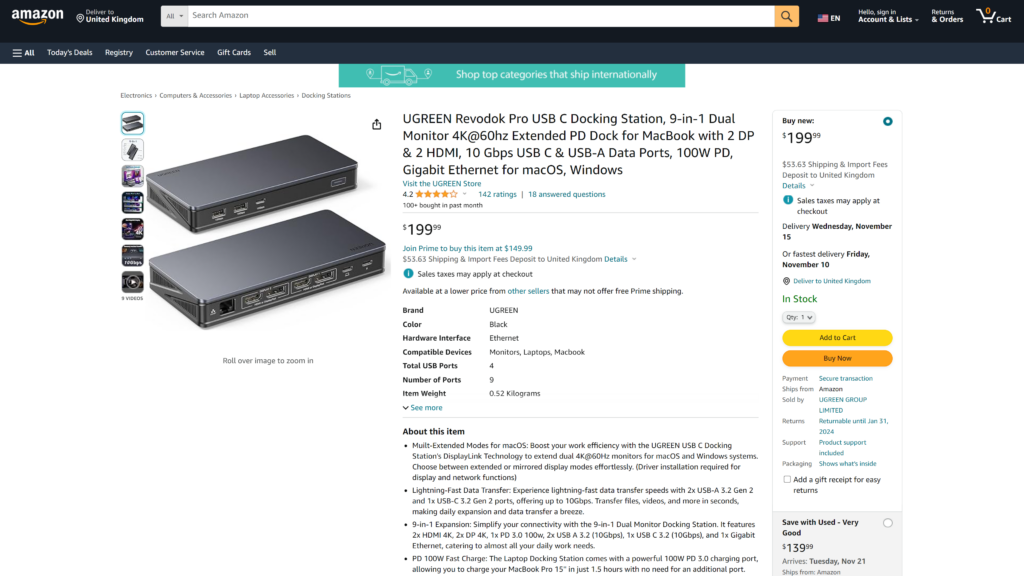
The UGREEN USB C Docking Station Dual Monitor is a versatile and powerful docking station designed for Linux users. It offers essential features for a seamless experience.
Key features:
- USB-C with support for DisplayPort Alt Mode
- Dual 4K display support at 30Hz
- Laptop power delivery up to 60W
- Comprehensive port selection, including 3x USB-A 3.0, 1x USB-C 3.0, 1x Gigabit Ethernet, and 1x SD card reader
- Compact and portable design
Pros:
- Dual 4K display support
- Comprehensive port selection
- Laptop power delivery
- Compact and portable
- Affordable price
Cons:
- Doesn’t support Thunderbolt speeds
- No built-in speaker
Price: $12.50/month
Conclusion
In the world of USB C docking stations, the options are plenty. However, the common goal is to simplify your digital life. Whether you’re a Mac, Windows, or Linux user, there’s a docking station out there for you.
These versatile devices not only declutter your workspace but also enhance productivity and streamline your digital experience.
While the market is brimming with options, consider your specific needs and budget to find the perfect USB C docking station that suits you.
So, what are you waiting for? Declutter your workspace and simplify your digital life with a USB C docking station today!
Also Read: TP Link Router Login: A Complete Guide
