








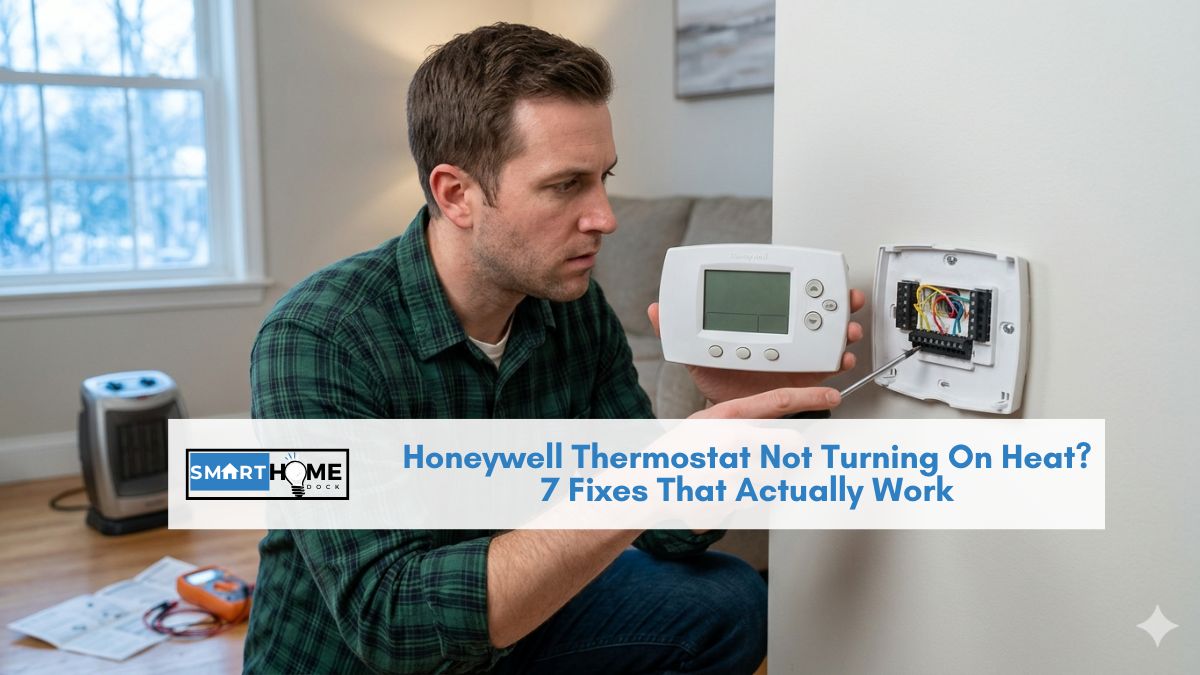
This article contains affiliate links. If you buy through them, SmartHomeDock earns a small commission at no extra cost to you.
Your house is cold. The Honeywell thermostat shows the temperature is set to 22°C. Maybe it even says “Heat On.” But no heat is coming out of the vents. You’ve checked the settings twice. Everything looks correct. If your honeywell thermostat not turning on heat is a constant issue, read further for solutions.
Sometimes, when troubleshooting, it’s crucial to remember that the honeywell thermostat not turning on heat may not indicate a direct fault with the thermostat itself.
If your honeywell thermostat not turning on heat persists after checking the system settings, consider inspecting the furnace directly.
Ultimately, you want to avoid the scenario where your honeywell thermostat not turning on heat leads to discomfort.
Here’s the thing: when your Honeywell thermostat is not turning on heat, the thermostat is often working perfectly. The problem is at the furnace, not the wall unit.
In case of repeated issues, where the honeywell thermostat not turning on heat occurs frequently, having a professional look at your system can save time and frustration.
If your honeywell thermostat not turning on heat has been a recurring problem, it’s important to address it sooner rather than later to ensure comfort and efficiency.
The thermostat’s job is to send a signal; it can do that correctly even when the furnace fails to respond.
Seven fixes, in order from simplest to most technical. Work through them before calling an HVAC engineer.
Quick Answer
“Heat On” is showing, but no heat? Wait 5 minutes, the built-in compressor delay is normal behaviour. If still no heat after 5 minutes, the fault is almost certainly at the furnace, not the thermostat.
No “Heat On” showing? Check system switch (set to HEAT not OFF), check setpoint is above room temperature, check circuit breaker, replace batteries.
Fastest first checks: 1) System switch set to HEAT 2) Setpoint above room temp 3) Wait 5 minutes 4) Check furnace power switch 5) Check air filter 6) Check furnace error light 7) Reset thermostat
⚠️ The most important thing to understand first
For insight into the Honeywell thermostat not turning on heat, troubleshooting guides can offer valuable advice.
Eventually, recognizing the signs of a Honeywell thermostat not turning on heat can empower you for future maintenance.
This is especially true if you notice patterns in the Honeywell thermostat not turning on heat which indicate a recurring issue.
Seeing “Heat On” or a flame icon on your Honeywell thermostat display does not mean your furnace is running. It means your thermostat has sent the call-for-heat signal to the furnace.
Your thermostat may be working perfectly, and your furnace may be failing to respond to that signal for an entirely separate reason. The fixes below address both possibilities in order.
Honeywell Thermostat Not Turning On Heat: 7 Fixes in Order
Fix 1: Check the system switch and temperature setpoint (30 seconds)

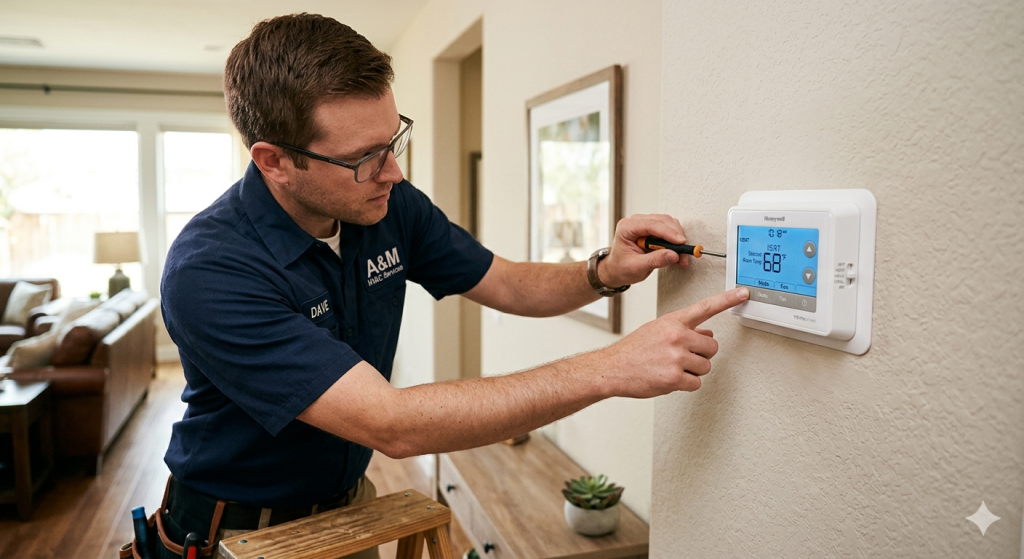
In some cases, a simple reset of your honeywell thermostat not turning on heat issue can resolve the problem quickly and easily.
On your Honeywell thermostat, confirm two things:
If you’re dealing with the honeywell thermostat not turning on heat, troubleshooting efficiently can save you from unnecessary expenses.
When troubleshooting the honeywell thermostat not turning on heat, always start with the basics and ensure that everything is set up correctly.
Remember, the honeywell thermostat not turning on heat can often be resolved with simple checks and adjustments.
- The system switch is set to HEAT (not OFF, not COOL, not EM HEAT unless you have a heat pump and want emergency heat)
- The target temperature (setpoint) is set above the current room temperature shown on the display
If the setpoint is 20°C and the room is already 21°C, the thermostat won’t correctly call for heat. Raise the setpoint to at least 2°C above the current room temperature and wait 5 minutes.
By following these guidelines, you can better manage situations where the honeywell thermostat not turning on heat complicates your home comfort.
Fix 2: Wait 5 minutes — the compressor delay (5 minutes)
Your patience may be tested if the honeywell thermostat not turning on heat becomes a persistent issue.
Honeywell thermostats have a built-in 5-minute delay before calling for heat or cool. This protects compressors from short-cycling damage, turning on and off repeatedly within a short period causes premature wear on the compressor motor.
After you change the temperature setting, wait a full 5 minutes before concluding there’s a problem.
The display shows “Heat On” during this delay, even though the system hasn’t started yet. If the furnace still hasn’t activated after 5 minutes, move to Fix 3.
Fix 3: Check the furnace power switch (1 minute)
Unfortunately, dealing with a honeywell thermostat not turning on heat can sometimes lead to deeper electrical problems.
Should the honeywell thermostat not turning on heat continue, checking connections at the furnace is advisable.
Keep in mind that if the honeywell thermostat not turning on heat happens frequently, an inspection of the entire HVAC system is warranted.
Most furnaces and air handlers have a dedicated power switch on the unit itself; it looks like a standard light switch mounted on the wall near the furnace or on the unit itself.
Your honeywell thermostat not turning on heat might also correlate with other system errors that require immediate attention.
Find it and confirm it’s in the ON position. It’s common for this switch to be accidentally knocked off, or for a previous occupant or technician to have left it off.
In conclusion, if your honeywell thermostat not turning on heat becomes a common issue, reach out to an expert for a thorough check.
Fix 4: Check the circuit breaker (2 minutes)
Go to your home’s electrical panel. Find the breaker labelled HVAC, Furnace, or Air Handler.
If it’s tripped (sitting in the middle position between ON and OFF), switch it fully to OFF and then back to ON. Return to the thermostat and wait 5 minutes for the delay to expire.
If the breaker trips again immediately after you restore power, there is an electrical fault in the system that requires a professional.
Fix 5: Check the air filter (3 minutes)
A clogged air filter is one of the most common causes of a furnace failing to run even when the thermostat is calling for heat.
When airflow is severely restricted, the furnace’s high-limit safety switch activates and shuts the furnace down to prevent overheating, even though the thermostat is correctly calling for heat.
Find your air filter (usually at the air handler unit or in a return air vent, often a grille in the ceiling or wall). Remove the filter. If it looks grey and matted, replace it with a new filter of the same size.
Overall, your experience with a honeywell thermostat not turning on heat should be manageable with these insights.
Then reset the thermostat (see Fix 7) and try again.
Fix 6: Read the furnace error code (5 minutes)
Most modern furnaces have a status indicator LED inside the furnace compartment. This light blinks in patterns, 1 blink, 2 blinks, 3 blinks, that correspond to specific fault codes.
Open the furnace compartment door (safe to do with power off, or carefully with power on to observe the blinking pattern).
Count the blinks and look up the code in your furnace manual or on the sticker inside the furnace door that lists the codes.
Common codes that stop heating even when the thermostat is calling correctly:
- Lockout code (typically 3-4 blinks): the furnace detected a fault and shut itself off as a safety measure. It needs to be reset at the furnace, usually by turning the power off at the furnace switch for 30 seconds and restoring it.
- Pressure switch fault: the inducer motor or condensate drain has an issue. Requires professional diagnosis.
- Limit switch fault: often caused by a dirty air filter (see Fix 5) or blocked vents. Check and clear all supply and return vents in the home.
Fix 7: Reset the thermostat (5 minutes)
To conclude, the honeywell thermostat not turning on heat is not only fixable but can also be prevented with proper care and attention.
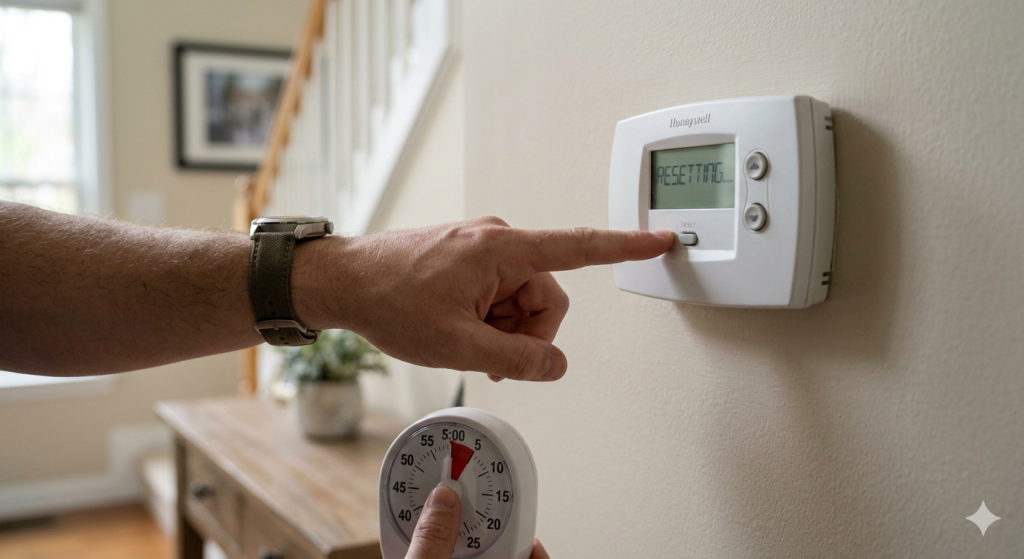
If all of the above check out and the Honeywell thermostat is still not turning on heat, perform a factory reset.
This clears any corrupted settings or wiring configuration that could be preventing the heat call signal from being sent correctly.
Model-specific reset steps:
- T6 Pro: Press and hold Menu for 5 seconds → Installer Options → Reset → Factory
- T9/T10 Pro: Settings → Reset → Factory Reset in the Resideo app
- RTH6360/RTH7560E: Remove batteries → press any button for 5 seconds → reinsert
- VisionPRO 8000: Hold FAN + UP arrows for 3 seconds
After a factory reset, you’ll need to reprogram your schedule and settings. See our full reset guide for all Honeywell models.
If You Have a Heat Pump: Additional Checks
Heat pumps work differently from standard gas furnaces. If your home uses a heat pump for heating and your Honeywell thermostat is not turning on heat, check these additional points:
Auxiliary/emergency heat: heat pumps use auxiliary electric heating strips when temperatures drop too low for the heat pump to operate efficiently.
Remember, if the honeywell thermostat not turning on heat problem persists, it’s crucial to consult a heating professional.
If your thermostat is set to HEAT and temperatures are near or below freezing, the system may be running in auxiliary mode, which takes longer to produce warm air than standard heat pump operation. This is normal behaviour in cold weather.
Reversing valve: heat pumps use a reversing valve to switch between heating and cooling modes. If this valve is stuck or malfunctioning, the system may be blowing cool air when set to heat.
If the air coming from vents is noticeably cool when set to HEAT, the reversing valve requires professional diagnosis.
EM HEAT setting: Setting the system switch to EM HEAT bypasses the heat pump and runs only the auxiliary electric strips.
This is expensive to run continuously. Use EM HEAT only when the heat pump itself has failed, and you’re waiting for a technician.
Being proactive about the honeywell thermostat not turning on heat can help in catching issues before they escalate.
Regular maintenance can help prevent the honeywell thermostat not turning on heat from becoming a recurring theme.
When to Call an HVAC Engineer
Call a professional if any of the following apply after working through all seven fixes:
It’s essential to be proactive about the honeywell thermostat not turning on heat challenges you may face.
- The circuit breaker trips repeatedly when you restore HVAC power
- The furnace status light shows a pressure switch or control board fault code
- You smell gas or burning near the furnace
- The furnace ignites briefly, then shuts off repeatedly (short cycling)
- All thermostat settings are correct, the breaker is on, the filter is clean, and still no heat
Frequently Asked Questions
Why does my Honeywell thermostat say “Heat On” but my heat isn’t coming on?
“Heat On” means the thermostat has successfully sent the call-for-heat signal to your furnace. Your thermostat is working correctly.
The furnace is not responding to that signal.
Work through Fixes 3–6 above to diagnose why.
Common causes are a tripped circuit breaker, a clogged air filter, a triggered safety switch, or a furnace lockout code.
My Honeywell thermostat is set correctly, but the heat won’t turn on. What’s wrong?
When settings are correct, but heating won’t start, the fault is almost always at the furnace rather than the thermostat.
Check the furnace power switch (Fix 3), circuit breaker (Fix 4), air filter (Fix 5), and furnace status light (Fix 6) before assuming the thermostat itself has failed.
A dirty air filter is the single most common cause of a furnace failing to run after the thermostat correctly calls for heat.
How long should I wait after changing the temperature before the heat starts?
Wait at least 5 minutes. Honeywell thermostats have a built-in compressor protection delay that prevents the system from starting immediately after a temperature change.
The display will show “Heat On” during this delay, even though the furnace hasn’t started yet.
If heat hasn’t started after 5 full minutes, then proceed with the troubleshooting steps above.
Will resetting my Honeywell thermostat fix the heat not turning on?
A factory reset fixes the heat not turning on only if the problem is a corrupted setting or configuration error in the thermostat itself.
If the problem is at the furnace (clogged filter, fault code, tripped breaker), a thermostat reset won’t help.
Try Fixes 1–6 first before resetting, as a factory reset erases your schedule and settings.
Related Guides on SmartHomeDock
Checking the reversing valve can be essential if your honeywell thermostat not turning on heat is linked to a heat pump system.
Ensure you note how often the honeywell thermostat not turning on heat occurs for better diagnostics.
Ultimately, understanding the reason behind the honeywell thermostat not turning on heat will empower you in resolving the issue sooner.
Understanding the mechanics behind the honeywell thermostat not turning on heat is crucial for effective troubleshooting.
Lastly, always keep in mind that the honeywell thermostat not turning on heat may relate to seasonal shifts and system adjustments.
Stay informed about your HVAC system to reduce instances of the honeywell thermostat not turning on heat through timely repairs.
All of these considerations help mitigate circumstances where the honeywell thermostat not turning on heat becomes an issue.
For any unusual patterns related to the honeywell thermostat not turning on heat, consider documenting symptoms for your technician.
- Honeywell Thermostat Not Working
- Honeywell Thermostat Display Not Working
- How to Reset a Honeywell Thermostat
- Honeywell Thermostat Review 2026
For issues where the honeywell thermostat not turning on heat may be related to electrical faults, don’t hesitate to reach out for professional help.
To prevent the honeywell thermostat not turning on heat issue, regular maintenance of your heating system is recommended.
Knowing how to respond to the honeywell thermostat not turning on heat can save you time and discomfort.
Ultimately, understanding your honeywell thermostat not turning on heat will empower you as a homeowner.
In summary, addressing the honeywell thermostat not turning on heat early can prevent larger issues down the line.
Further, if you experience the honeywell thermostat not turning on heat, troubleshooting promptly can lead to quicker solutions.


