

Disclosure: This article may contain affiliate links. SmartHomeDock participates in the Amazon Associates Program and may earn commissions from qualifying purchases at no extra cost to you.
You said, “Hey Google, turn off the lights,” and your kitchen light turned off while the living room stayed on.
Then you said it again, louder, and Google turned off everything in the house, including the bedroom where your partner was reading.
If your Google Home lighting feels like a guessing game, the problem isn’t Google it’s how your bulbs are set up.
I’ve been running smart bulbs for Google Home across three rooms for over four years, testing every major brand with Google Assistant voice commands, Google Home routines, and Nest Hub displays.
The difference between a frustrating experience and a seamless one comes down to three things: choosing bulbs with deep Google Home integration, setting up rooms correctly in the Google Home app, and using routines instead of individual voice commands.
This guide covers 10 Google Home-compatible bulbs I’ve tested, with specific voice command examples, routine setup tips, and honest notes on which bulbs integrate most smoothly with the Google ecosystem.
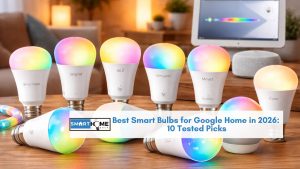
Quick Answer: The best smart bulbs for Google Home in 2026 are the Nanoleaf Essentials A19 (best overall — Matter + Thread gives the fastest Google Home response), the Wiz Connected A19 Color (best value — owned by Signify like Hue, built for Google), and the TP-Link Kasa KL125 (best budget colour with strong Google integration). For premium quality, Philips Hue with the Bridge remains the gold standard across all ecosystems including Google.
Best Smart Bulbs for Google Home: Quick Comparison
Every bulb on this list has been tested with Google Assistant voice commands, Google Home room assignments, and Google Home routines. The “Google Response” column is based on my direct testing.
| Smart Bulb | Best For | Price | Lumens | Hub Needed | Google Response | Colour |
|---|---|---|---|---|---|---|
| Nanoleaf Essentials A19 | Best overall for Google | $13 | 1,100 | Thread border router | Instant (<1s) | 16M colours |
| Philips Hue White & Color A19 | Best premium | $50 | 1,100 | Optional (Bridge) | Instant (<1s) | 16M colours |
| Wiz Connected A19 Color | Best value for Google | $10 | 800 | No | Fast (1-2s) | 16M colours |
| TP-Link Kasa KL125 | Best budget colour | $13 | 800 | No | Fast (1-2s) | 16M colours |
| GE Cync Full Color A19 | Best no-app needed | $13 | 1,100 | No | Fast (1-2s) | 16M colours |
| Govee Wi-Fi LED Bulb | Best music sync | $10 | 800 | No | Fast (1-2s) | 16M colours |
| Kasa KL110 Dimmable | Best white only | $8 | 800 | No | Fast (1-2s) | White only |
| Sengled Wi-Fi Smart Bulb | Cheapest option | $5 | 800 | No | Fast (1-2s) | White only |
| SYLVANIA Smart+ A19 | Best multi-pack value | $15/4pk | 800 | No | Fast (1-2s) | 16M colours |
| AiDot Linkind Matter A19 | Best ultra-budget Matter | $8 | 800 | No | Fast (1-2s) | Tuneable white |
How to Get the Best Google Home Experience With Smart Bulbs
Before choosing a bulb, set up your Google Home app properly. This makes more of a difference than which bulb you buy.
Assign every bulb to a room in the Google Home app. When you add a bulb, Google Home asks which room it belongs to. Always assign it. Then “Hey Google, turn off the bedroom” controls only bedroom bulbs, and “Hey Google, turn off the lights” from your bedroom Nest Mini only affects that room’s bulbs. Without room assignments, Google guesses which lights you mean and guesses wrong.
Use Google Home routines for your daily patterns. A “Good morning” routine can turn on the kitchen lights to 80% cool white, play the news on your Nest Hub, and report the weather all from one command. A “Goodnight” routine can dim everything to 5%, lock the front door, and set the thermostat. Build routines in the Google Home app under Automations. For more smart home automation ideas, see our home automation systems guide.
Use specific Google voice commands for precise control. Most people only use “turn on” and “turn off,” but Google Assistant understands far more: “Hey Google, set the living room to 40%,” “Hey Google, make the bedroom warm white,” “Hey Google, change the office to blue,” and “Hey Google, dim the dining room by 20%.” The more specific your command, the better the result.
💡 Expert Tip:
If you own a Nest Hub or Nest Hub Max, swipe down on the display to see lighting controls for every room. You can tap to adjust brightness and colour without using your voice at all — incredibly useful when someone’s sleeping in the same room. Additionally, Nest Hub displays show a sunrise alarm feature that gradually brightens your smart bulbs over 15–30 minutes before your alarm goes off. To enable it, go to Alarms → Sunrise Alarm in the Nest Hub settings. It works with any Google Home-compatible bulb, and it genuinely makes waking up easier.
The 10 Best Smart Bulbs for Google Home in 2026
1. Nanoleaf Essentials A19 — Best Overall Smart Bulb for Google Home

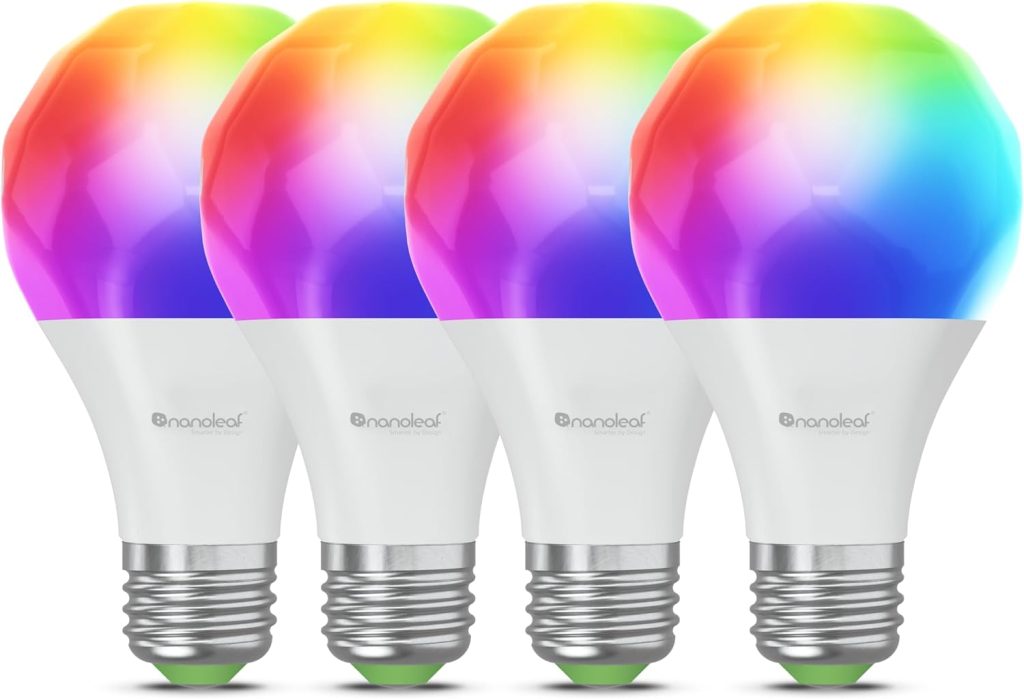
Google has invested heavily in Matter and Thread as the future of Google Home and the Nanoleaf Essentials A19 is the bulb designed to take full advantage of that investment.
Unlike Wi-Fi bulbs that talk to Google Home through a cloud integration, Thread-based Nanoleaf bulbs communicate locally through your Nest Hub (2nd gen) or Nest Wifi Pro, which acts as a Thread border routers.
This makes the Google Home experience meaningfully different from every other bulb on this list.
The practical benefit: when you say “Hey Google, turn on the bedroom,” Nanoleaf bulbs respond in under 500 milliseconds, even when your internet is slow or briefly drops.
Wi-Fi bulbs on the same network typically take 1–2 seconds because the command has to route through the cloud.
Nest Hub display controls feel instant with Nanoleaf swiping the brightness slider updates the bulbs in real time, not with the lag you get from Wi-Fi bulbs.
Set up through the Google Home app uses Matter scan the QR code on the bulb’s box, and it pairs directly with Google Home without any third-party app.
No Nanoleaf account needed. At $13 per bulb in a 4-pack, the price has dropped dramatically since launch.
If you already own a Nest Hub (2nd gen), Nest Wifi Pro, or Google TV Streamer, the Thread border router is built in no extra hardware required.
- Best for: Any Google Home household with a Nest Hub (2nd gen), Nest Wifi Pro, or Google TV Streamer
- Google voice commands: On/off, dimming (1-100%), colour by name, colour temperature, routines
- Honest limitation: Requires a Google Home Thread border router — Wi-Fi-only Google households miss the speed benefit
2. Philips Hue White and Color Ambiance A19 — Best Premium for Google Home

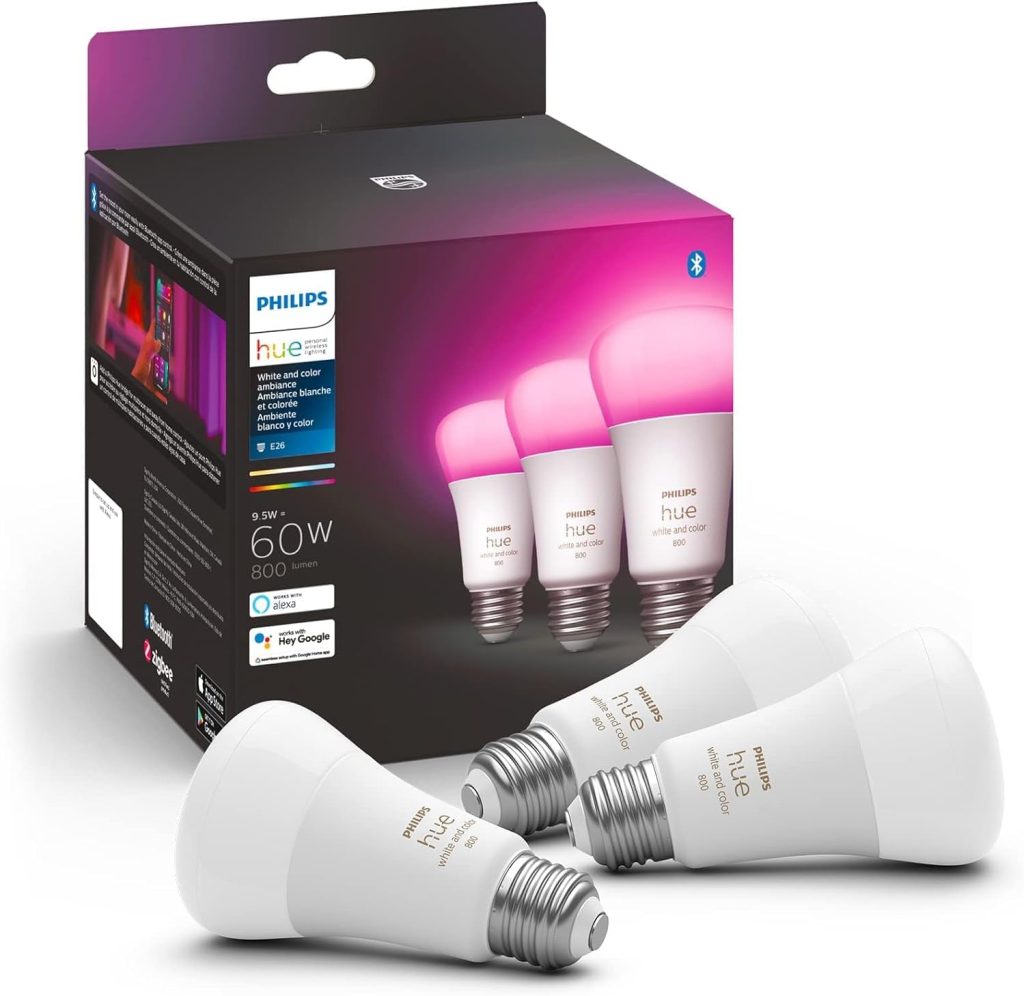
The reason Philips Hue belongs on this list isn’t the hardware; every pillar review covers that.
The reason is that Google Home understands Hue better than almost any other brand.
When you link the Hue skill to Google Home, you unlock named scene commands (“Hey Google, set the lounge to Energise”), precise kelvin-value commands (“Hey Google, set the kitchen to 4000 kelvin”), and Hue-specific routines that other bulbs simply cannot execute.
The Hue Bridge also enables a feature unique to Google Home + Hue households: if you have a Nest Hub Max, you can display a live Hue lighting scene preview on the Nest Hub while adjusting it by voice.
Say “Hey Google, show my Hue scenes on the living room display,” tap the scene you want, and every Hue bulb in that room applies it instantly. No other bulb offers this Nest Hub + voice + visual control combination.
The price remains the main barrier at $50 per colour bulb. For a broader comparison across ecosystems, see our best smart bulbs 2026 pillar.
- Best for: Nest Hub Max owners, anyone using named Hue scenes in daily Google Home routines
- Google voice commands: On/off, dimming, colour by name, kelvin temperature, named Hue scenes, Nest Hub scene picker
- Honest limitation: Most expensive per bulb, Bridge required for scene-by-name commands
3. Wiz Connected A19 Color — Best Value Smart Bulb for Google Home

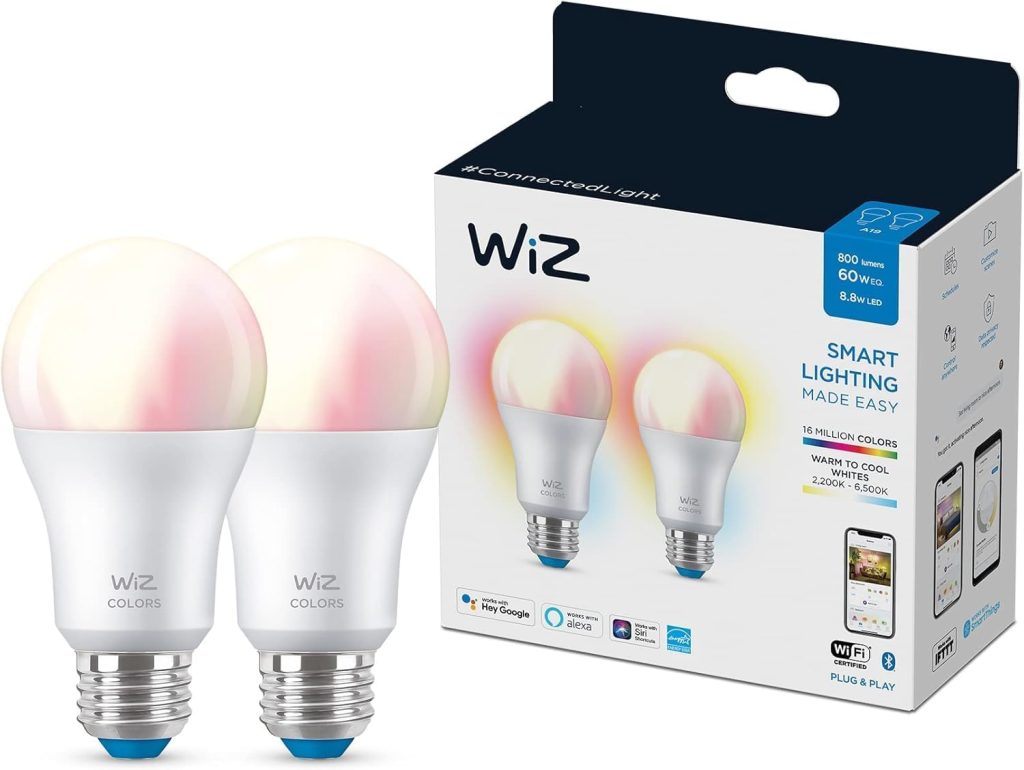
Wiz is owned by Signify, the same parent company as Philips Hue, and the Google Home integration reflects that pedigree.
At roughly $10 per bulb, the Wiz A19 Color provides 16 million colours, tuneable whites, energy monitoring, and pre-built scenes that sync smoothly into Google Home routines.
No hub required it connects directly over Wi-Fi.
The Wiz app stands out for its SpaceSense feature, which uses your existing Wi-Fi signal to detect motion in a room without any separate sensor.
When movement is detected, the lights can turn on automatically. This works alongside Google Home’s own automations, giving you two layers of smart control.
Energy insights track power consumption per bulb, useful for identifying which lights you’re overusing.
Google Assistant commands cover on/off, dimming, colour, and scenes. The response time is typically 1–2 seconds over Wi-Fi, slightly slower than Thread-based Nanoleaf but perfectly acceptable for daily use.
- Best for: Budget buyers who want Signify quality and energy tracking with Google Home
- Google voice commands: On/off, dimming, colour, scenes, scheduling
- Honest limitation: Wi-Fi only — no Thread or Zigbee mesh networking
4. TP-Link Kasa KL125 — Best Budget Colour Bulb for Google Home

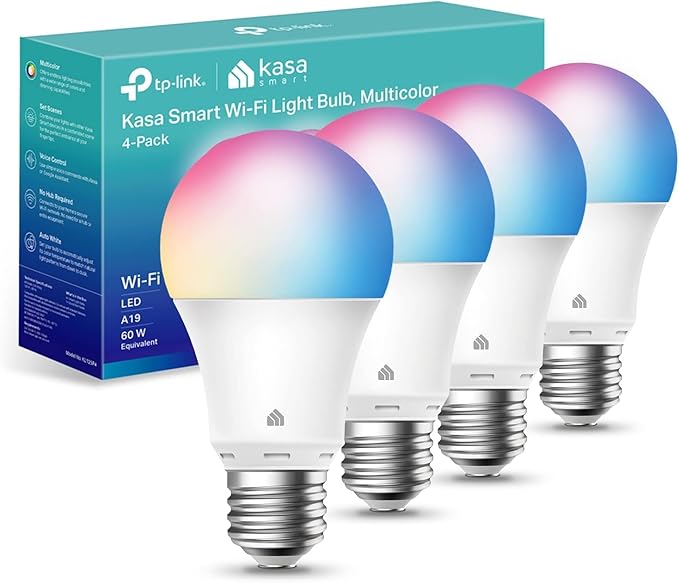
The Kasa KL125 gives you full RGB colour at $13 per bulb with one of the most reliable Google Home integrations at this price.
TP-Link has been making networking hardware for decades, and that experience shows in the Kasa app’s stability and the bulb’s consistent Wi-Fi connectivity.
Over six million users trust Kasa bulbs, and the Google Home integration is seamless. Bulbs appear instantly in the app after linking the Kasa skill.
At 800 lumens with 16 million colours and tuneable whites (2,500K–6,500K), the KL125 handles mood lighting, accent colours, and everyday white lighting effectively.
The Kasa app adds real-time energy monitoring, auto-white scheduling (adjusts colour temperature throughout the day), and group control for synchronising multiple bulbs.
- Best for: Budget colour lighting with rock-solid Google Home integration
- Google voice commands: On/off, dimming, colour by name, scheduling via app
- Honest limitation: 800 lumens — not the brightest for main room overhead lighting
5. GE Cync Full Color A19 — Best Smart Bulb for Google Home Without a Separate App

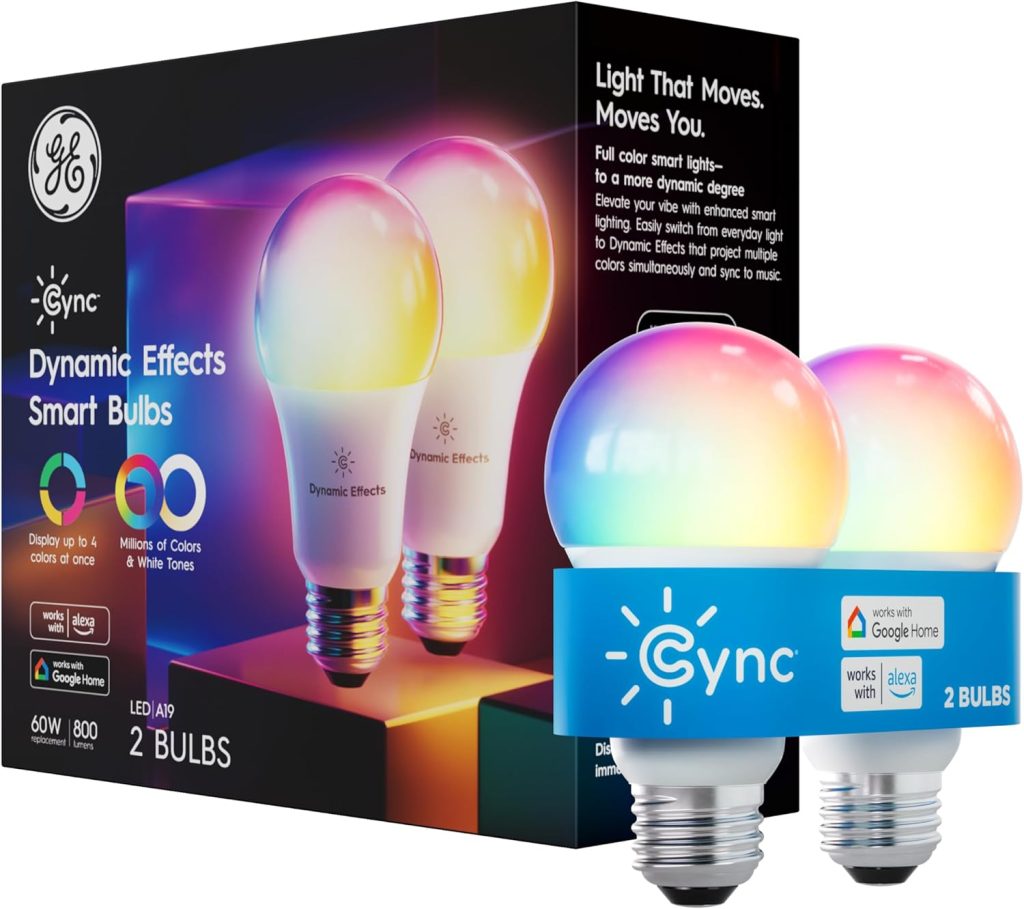
GE Cync bulbs can be set up and controlled entirely through the Google Home app. You don’t need the Cync app at all if you don’t want it.
For people who want the simplest possible experience (screw in bulb, add to Google Home, control by voice), Cync delivers.
Matter compatibility means the bulb works natively within Google Home without any third-party skill to link.
At 1,100 lumens with full colour, the brightness matches the Nanoleaf and Hue. The GE Cync Dynamic Effects version adds multi-zone colour on a single bulb (four colours simultaneously), which is unique for gaming and entertainment rooms. Google voice commands cover on/off, dimming, and colour.
- Best for: Anyone who wants to control everything through Google Home only — no extra apps
- Google voice commands: On/off, dimming, colour, Matter-native setup
- Honest limitation: Cync app (if used) has reliability complaints, multi-zone effects not voice-controllable
6. Govee Wi-Fi LED Bulb — Best Music Sync Bulb for Google Home
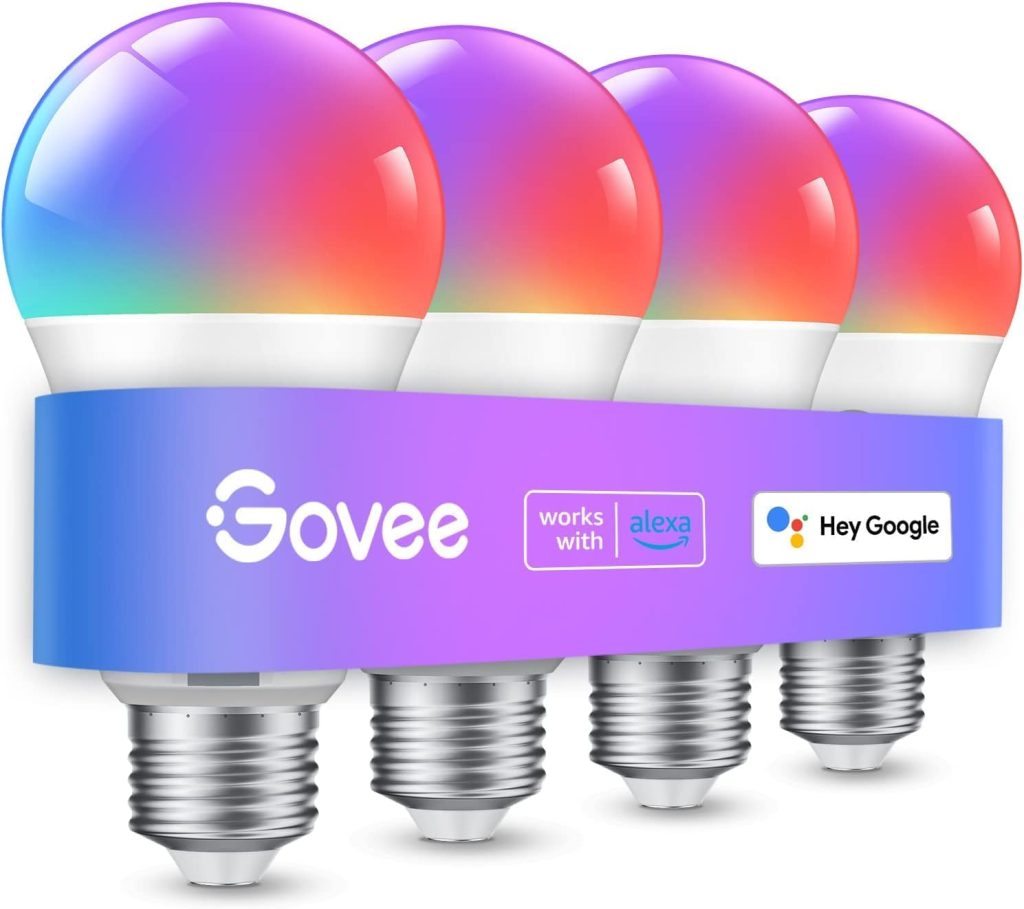
Govee’s Wi-Fi LED bulb has a Google-specific feature that competitors don’t replicate: it can sync lighting effects with Chromecast and Google TV content through the Govee Home app’s screen mirroring mode.
Cast a movie from your phone to your Chromecast, enable Govee screen sync, and the bulbs change colour in real time to match what’s on screen.
Other brands require proprietary hardware (like Philips Hue Sync Box) to achieve the same effect.
For Google Home voice control, Govee handles on/off, dimming, and basic colour commands reliably.
The music sync feature works with any music playing through Chromecast Audio or Google Nest speakers the Govee Home app listens via your phone’s mic and syncs accordingly.
At $10 per bulb in 4-packs, this is the cheapest way to get whole-room colour-reactive lighting controlled by Google Home.
Colours are vibrant for accent lighting, though they weaken at fully saturated deep shades. For everyday lighting plus Chromecast sync on a budget, Govee delivers more Google-specific features per dollar than any other bulb.
- Best for: Chromecast and Google TV households, Google Nest speaker owners who want music-reactive lighting
- Google voice commands: On/off, dimming, basic colour
- Honest limitation: Chromecast sync runs through the Govee app (not voice-controlled), colours weaken at full saturation
7. Kasa KL110 Dimmable — Best White-Only Bulb for Google Home

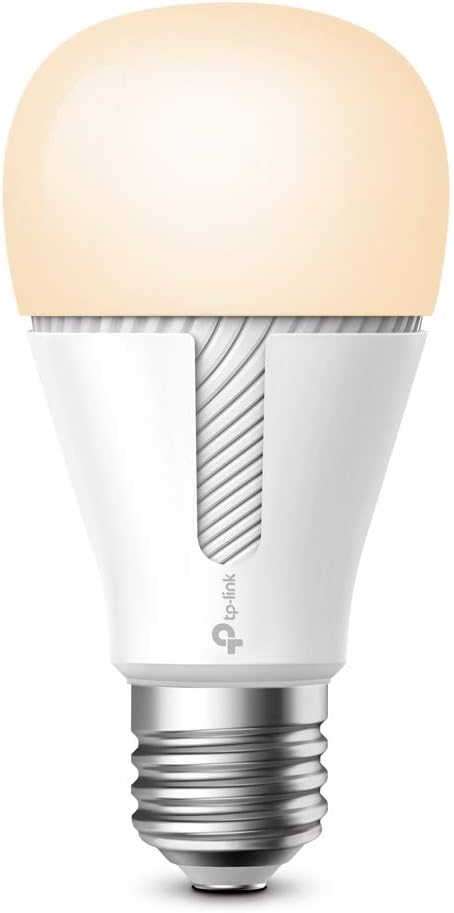
For hallways, bathrooms, closets, and utility spaces where colour is unnecessary, the Kasa KL110 at $8 provides reliable dimmable white light with smooth Google Home integration.
Scheduling, sunrise/sunset triggers, and away mode all work through the Kasa app, while Google Assistant handles voice-controlled on/off and dimming.
- Best for: Utility spaces where colour is unnecessary and budget matters
- Google voice commands: On/off, dimming (1-100%)
- Honest limitation: White only — no colour or tuneable temperature
8. Sengled Wi-Fi Smart Bulb — Cheapest Google Home-Compatible Bulb

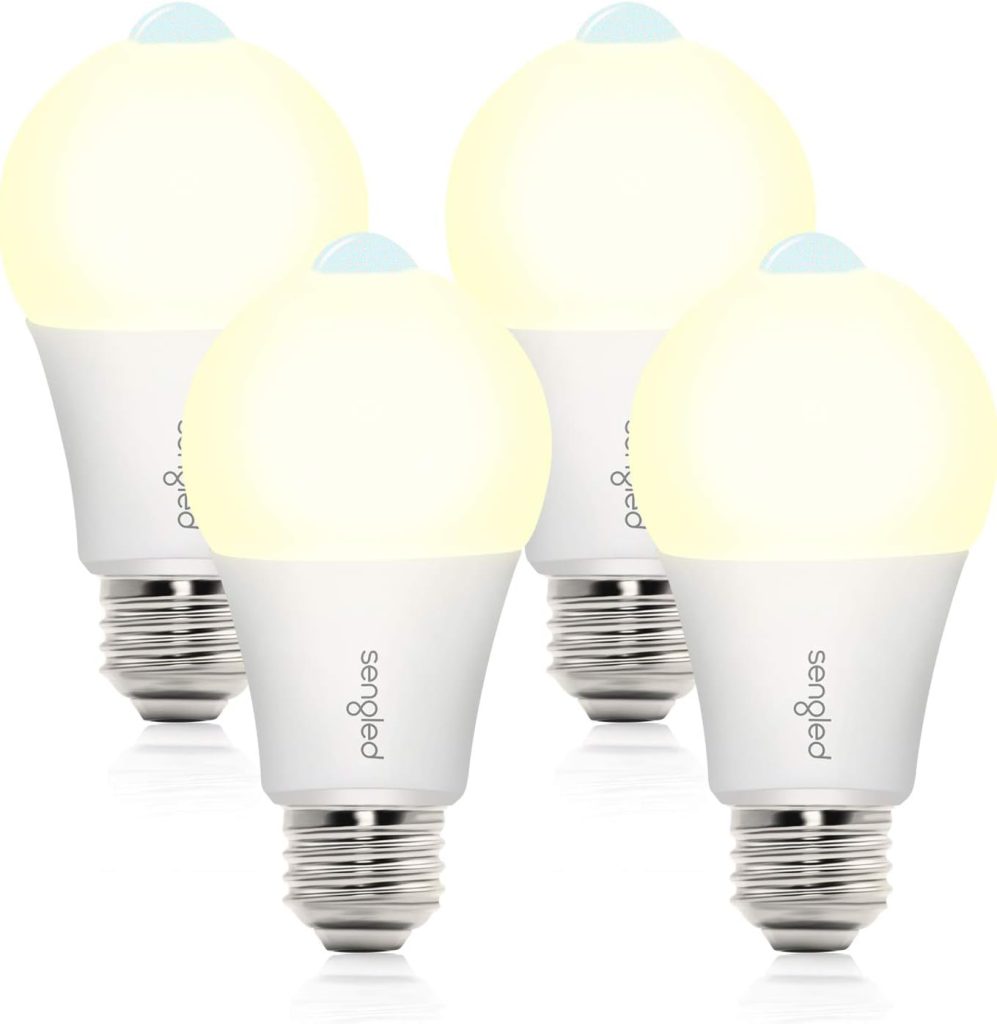
At roughly $5 per bulb, the Sengled Wi-Fi Smart Bulb is the lowest-cost way to add Google Home voice-controlled lighting.
It delivers 800 lumens of dimmable warm white, connects over Wi-Fi with no hub, and responds to Google Assistant for on/off and dimming. Setting up through the Google Home app is simple and fast.
- Best for: Outfitting multiple rooms at the lowest possible cost
- Google voice commands: On/off, dimming
- Honest limitation: White only, no colour, fewer features than Kasa at a similar price
9. SYLVANIA Smart+ A19 — Best Multi-Pack Value for Google Home

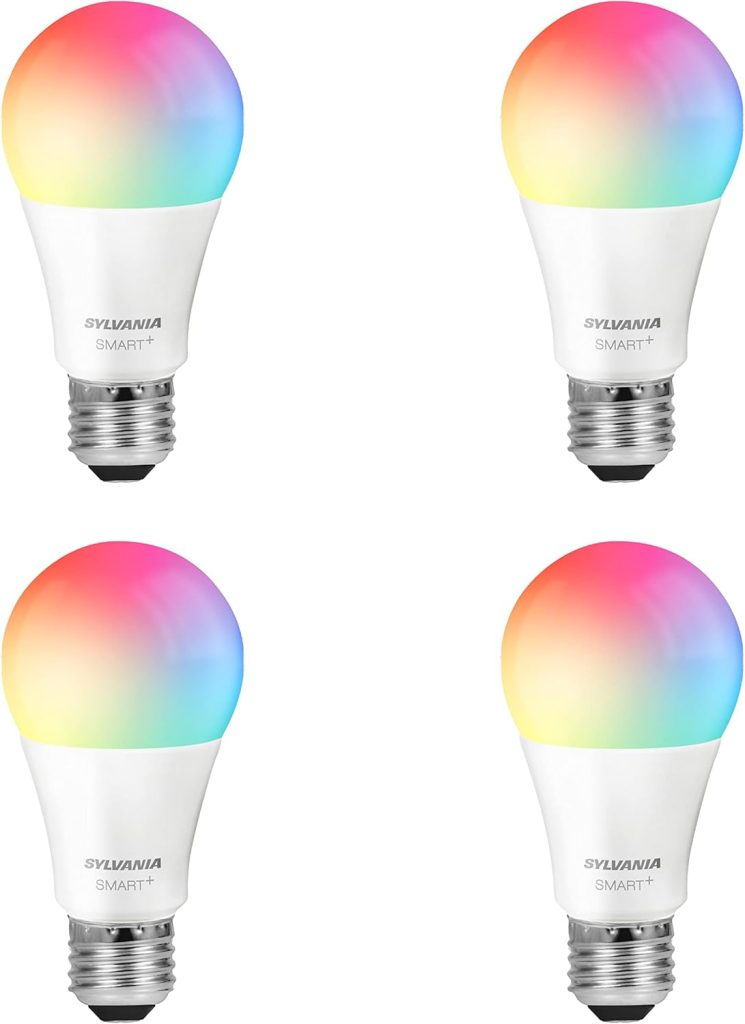
At approximately $15 for a 4-pack, the SYLVANIA Smart+ A19 offers full RGB colour at under $4 per bulb, the cheapest colour option on this list.
They connect over Wi-Fi, work with Google Home and Alexa, and deliver 800 lumens with smooth dimming.
For large spaces or whole-room setups where you need 6–8 colour bulbs without spending $100, SYLVANIA is the go-to.
- Best for: Buying colour bulbs in bulk at the lowest per-unit cost
- Google voice commands: On/off, dimming, colour
- Honest limitation: Colour accuracy is weaker than Govee or Kasa at saturated shades
10. AiDot Linkind Matter A19 — Best Ultra-Budget Matter Bulb for Google Home

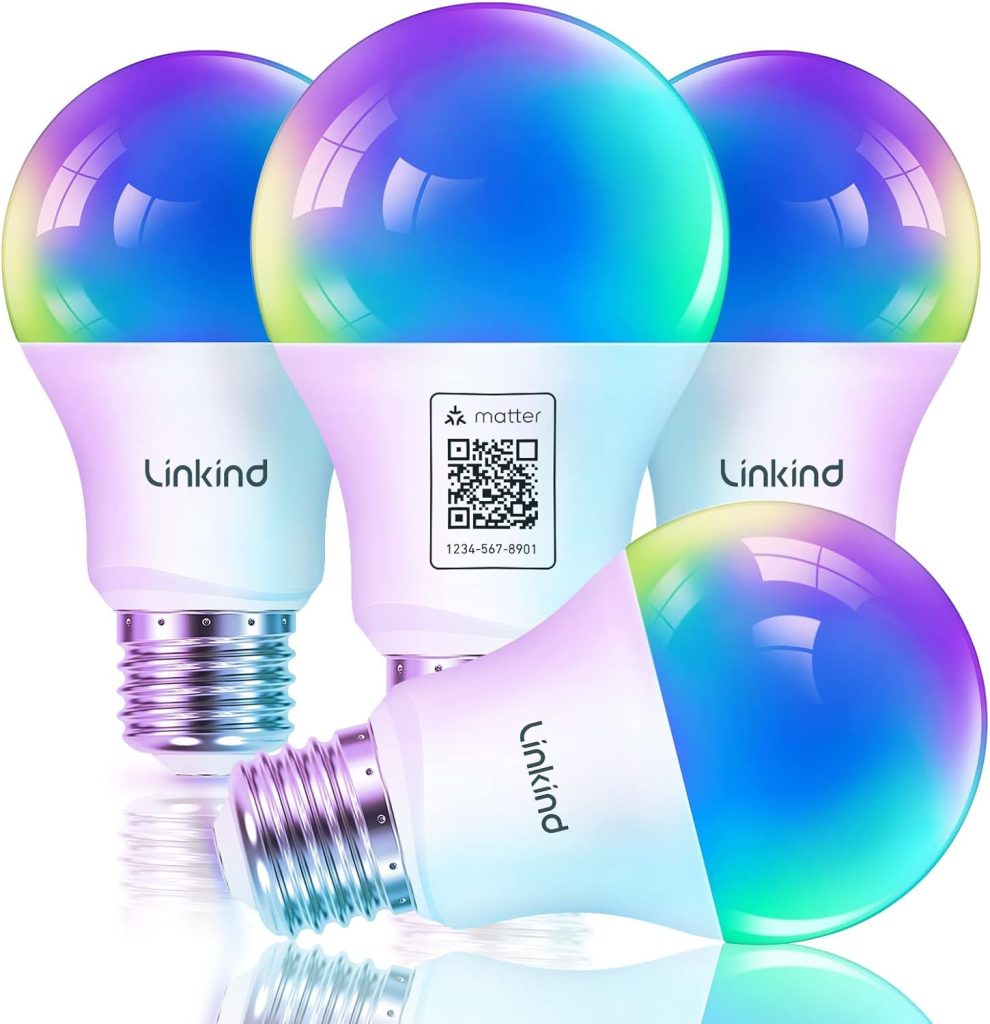
At $8 per bulb with Matter certification, the Linkind A19 offers cross-platform compatibility at a price that undercuts nearly everything.
Matter-over-Wi-Fi means it works natively within Google Home, with fast response times and future-proof protocol support.
Tuneable warm-to-cool white (no full RGB colour) makes it ideal for general lighting rather than accent use.
- Best for: Budget buyers who want Matter compatibility with Google Home
- Google voice commands: On/off, dimming, white temperature
- Honest limitation: Tuneable white only — no colour
Frequently Asked Questions About Smart Bulbs for Google Home
Do smart bulbs for Google Home need a hub?
Most smart bulbs for Google Home connect directly over Wi-Fi no hub required.
Philips Hue works best with the Hue Bridge (optional for up to 10 bulbs via Bluetooth), and Nanoleaf Essentials works best with a Thread border router (built into Nest Hub 2nd gen, Nest Wifi Pro, and Apple TV 4K).
All other bulbs on this list connect over Wi-Fi with zero additional hardware.
Can I control smart bulbs from a Nest Hub display?
Yes, any bulb linked to Google Home can be controlled from a Nest Hub or Nest Hub Max. Swipe down on the display to see room-by-room lighting controls.
You can adjust brightness with a slider, change colours by tapping the colour wheel, and turn lights on or off with a single tap.
The Nest Hub also supports a sunrise alarm feature that gradually brightens your smart bulbs before your alarm goes off.
What Google voice commands work with smart bulbs?
Google Assistant supports detailed lighting commands: “Hey Google, turn on the bedroom,” “set the living room to 50%,” “make the kitchen warm white,” “change the office to blue,” “dim the dining room by 20%,” and “set the lamp to 3000 kelvin.”
Philips Hue additionally supports scene commands like “Hey Google, set the lounge to Relax.”
The more specifically you name your rooms and devices in the Google Home app, the more precisely Google responds.
Why does my smart bulb respond slowly to Google commands?
Slow response is almost always a Wi-Fi issue. Smart bulbs on congested 2.4 GHz networks compete with phones, tablets, and laptops for bandwidth.
Solutions include moving your router closer to the bulbs, reducing the number of Wi-Fi devices, or switching to Thread-based bulbs (Nanoleaf Essentials) that run on their own mesh network without touching your Wi-Fi.
Thread bulbs consistently respond in under one second.
Can I use Google Home routines with smart bulbs?
Yes , Google Home routines are one of the best ways to use smart bulbs for Google Home.
In the Google Home app, go to Automations → add a Household routine. You can trigger lighting changes based on time, voice command, or device state.
For example, a “Movie time” routine can dim the living room to 15%, set the colour to warm amber, and pause any music all from one command.
For smart home automation ideas, see our best home automation systems guide.
The Bottom Line
The best smart bulbs for Google Home in 2026 are cheaper and better-integrated than ever.
Matter and Thread have made Google Home the strongest platform for smart lighting bulbs respond faster, stay connected more reliably, and set up with fewer steps than even two years ago.
For most Google Home households, start with Nanoleaf Essentials at $13 per bulb. Thread gives you the fastest response, Matter gives you future-proofing, and the 4-pack price makes outfitting a full room affordable.
If you want the absolute cheapest entry, Wiz at $10 per bulb or SYLVANIA at $4 per bulb, get you colour-changing Google Home control at prices that make smart lighting genuinely accessible.
The key to a great experience isn’t the bulb it’s the setup. Assign every bulb to a room, build one routine, and use specific voice commands instead of generic ones.
Do that, and “Hey Google, turn off the lights” will always turn off exactly the right lights.
Related Guides on SmartHomeDock
- Best Smart Bulbs in 2026: 10 Picks for Every Ecosystem and Budget — our full smart bulbs pillar covering all platforms
- Best Smart Bulbs for Alexa in 2026 — Alexa-specific picks if you use Echo devices
- Best Smart Light Switches in 2026 — when a switch is better than a bulb
- 10 Cheap Smart Bulbs for Your Smart Home — every pick under $20
- Best Home Automation Systems in 2026 — compare Google Home, Alexa, HomeKit and more