








This article contains affiliate links. If you buy through them, SmartHomeDock earns a small commission at no extra cost to you.
You walked over to the thermostat, and the screen was blank. Dark. Nothing. Your Honeywell thermostat display is not working, and the house is either getting too cold or too hot while you try to figure out what happened. If you’re experiencing issues with the Honeywell thermostat display not working, you’re not alone.
Many users face a situation where their honeywell thermostat display not working makes it hard to control home temperatures effectively. Understanding how to troubleshoot this issue can save you time and discomfort.
The fix is almost always one of four things. But the right fix depends on whether your thermostat runs on batteries or is hardwired, and most troubleshooting guides mix both into the same checklist, sending readers with wired thermostats chasing battery compartments that don’t exist on their model.
Check which type you have first. Then follow the right diagnostic path.
Quick AnswerIf your thermostat uses batteries (RTH series, T6 Pro without C-wire, older models): pull the thermostat off the wall, replace it with fresh alkaline AA/AAA batteries. Screen should restore within 30 seconds.
If your thermostat is hardwired/C-wire powered (T6 Pro with C-wire, T9, T10 Pro, VisionPRO): check the circuit breaker first. Then check the furnace power switch. Then check the HVAC safety switch on the condensate drain.
Both types: confirm the thermostat is fully seated on its wall plate; a partially unclipped thermostat has no pin contact and shows a blank screen even with good batteries or power.
First: Identify Whether Your Honeywell Thermostat Uses Batteries or Is Wired
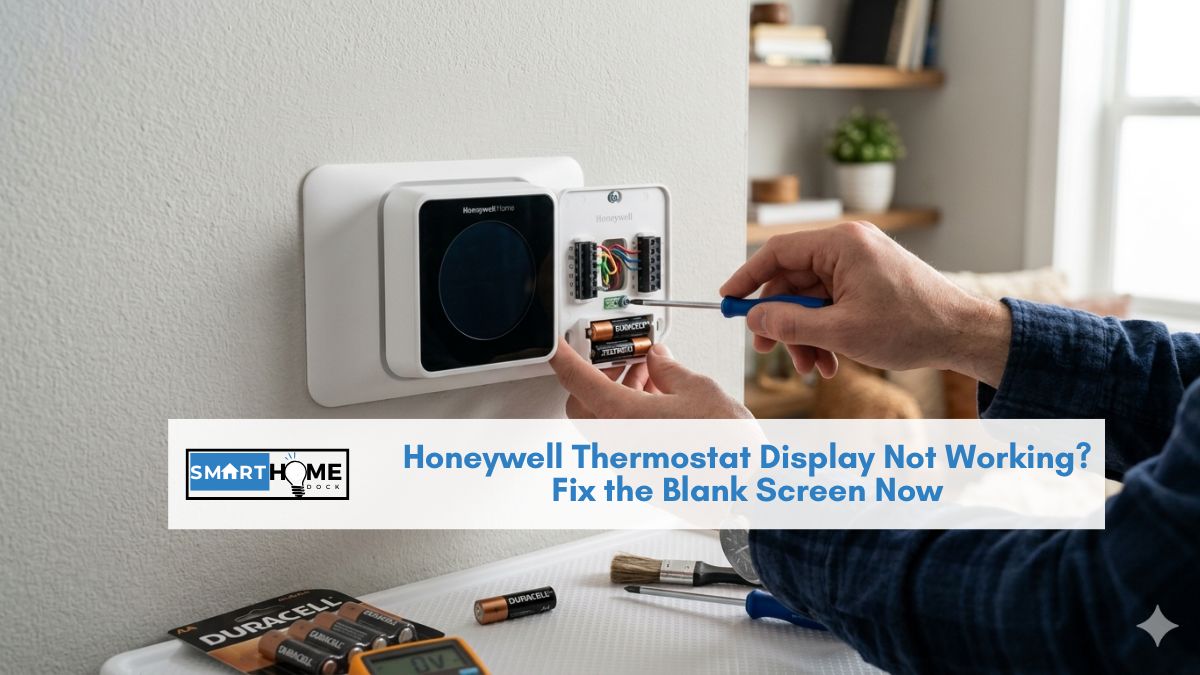
Pull your Honeywell thermostat off the wall plate; it either lifts or unclips. Look at the back.
- You see a battery compartment with AA or AAA batteries: your thermostat is battery-powered. Follow the Battery Path below.
- You see wires connected to labelled terminals (R, C, G, Y, W) and no battery compartment: your thermostat is hardwired. Follow the Wired Path below.
- You see both batteries and wires: some models use C-wire power with battery backup. Replace the batteries first, then follow the Wired Path if the screen still doesn’t restore.
Battery-Powered Honeywell Thermostat Display Not Working
A blank screen on a battery-powered Honeywell thermostat is dead or failing batteries in roughly 90% of cases.
Fix 1: Replace the batteries

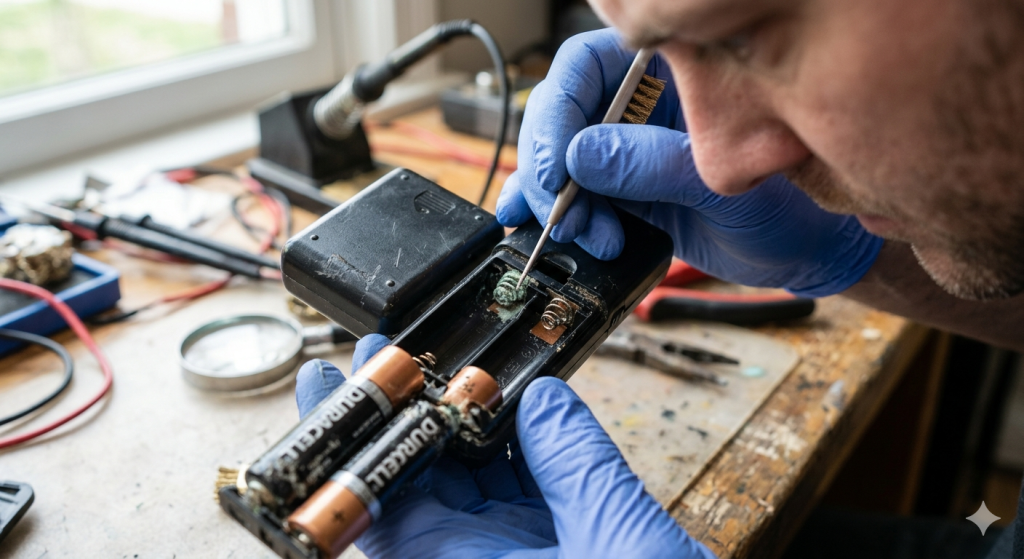
Remove the existing batteries. Insert fresh alkaline AA or AAA batteries (check your model’s specification, most use AA).
When the honeywell thermostat display not working, it’s essential to consider the battery status as the first step in addressing the problem.
Make sure they’re inserted in the correct orientation; the positive and negative terminals are marked inside the compartment.
As a reminder, if your honeywell thermostat display not working persists after replacing the batteries, you may need to check connections and settings.
Important: Use standard alkaline batteries. Do not use rechargeable NiMH batteries.
Rechargeable batteries provide 1.2V per cell instead of 1.5V; the lower voltage can cause the display to remain dim or blank even when the batteries appear charged.
Replace the thermostat on the wall plate and wait 30 seconds. The display should restore and prompt you to confirm the time and date after battery replacement.
Fix 2: Check the battery contacts for corrosion
If new batteries don’t restore the display, look at the battery contacts inside the compartment. Corroded contacts (white or greenish residue) prevent proper electrical contact even with new batteries.
Clean corroded contacts with a cotton swab dipped in white vinegar or isopropyl alcohol. Let dry completely before inserting new batteries.
For severe corrosion that can’t be removed, the thermostat may need replacement.
Fix 3: Confirm the thermostat is properly seated
With batteries in, press the thermostat firmly onto its wall plate until it clicks into place. The pins on the back of the thermostat must make contact with the receptors on the wall plate.
If the thermostat appears flush but the screen is still blank, remove it and reseat it; alignment matters.
Fix 4: Soft reset
Remove the batteries. Press and hold any button on the thermostat for 5 seconds, this discharges any residual power and clears minor firmware glitches. Insert fresh batteries and reseat on the wall plate.
⚠️ Honeywell displays a low battery warning approximately 1–2 months before the batteries fully fail. If you’ve been seeing a low battery indicator and dismissing it, the blank screen is simply the result of those batteries finally dying. Replace immediately after seeing any low battery warning to avoid an unexpected blank screen.
Hardwired Honeywell Thermostat Display Not Working
In some cases, the honeywell thermostat display not working could be linked to minor firmware issues that can be resolved with a soft reset.
Wired thermostats get their power from the HVAC system’s 24V transformer via the C-wire.
A blank screen means that the power supply has been interrupted somewhere between the transformer and the thermostat.
To ensure optimal function, check if your honeywell thermostat display not working after performing the recommended fixes.
Fix 1: Check the circuit breaker
Don’t ignore the signs when the honeywell thermostat display not working, as it could indicate larger issues within your HVAC system.
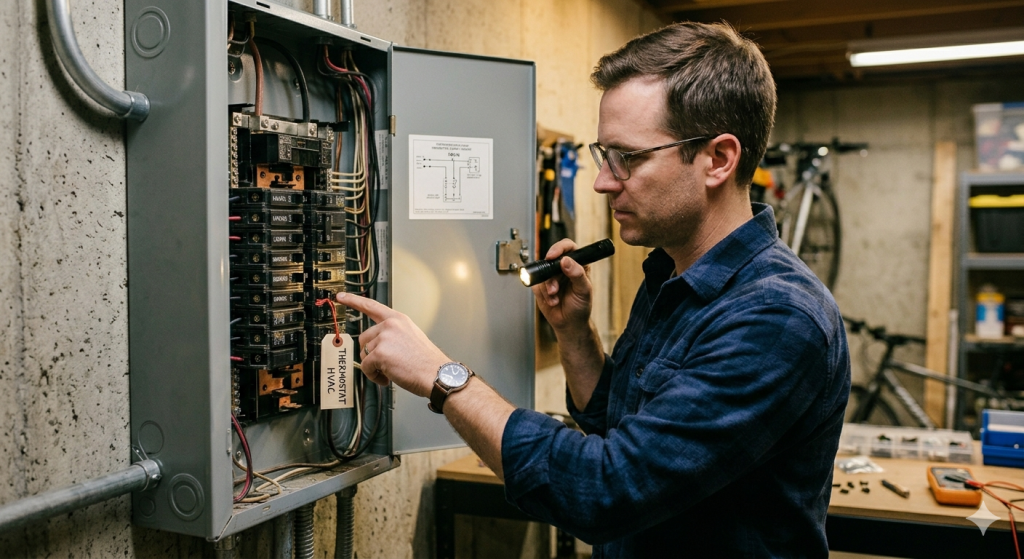
Go to your home’s electrical panel. Find the breaker labelled HVAC, Furnace, or Air Handler. If it’s in the tripped position (middle, between ON and OFF), switch it fully to OFF, then back to ON.
Return to the thermostat within 30 seconds. The display should restore as the 24V power returns to the system.
If the breaker trips again within seconds of being reset, there’s an electrical fault in the HVAC system requiring a professional.
Fix 2: Check the furnace power switch
Most furnaces have a dedicated on/off switch on or near the unit, it looks like a standard wall light switch. Find it and confirm it’s in the ON position.
A switch accidentally knocked to OFF removes all power from the system, including the thermostat display.
Fix 3: Check the HVAC safety switch
Many HVAC systems have a float switch installed on the condensate drain line or drain pan.
If the drain pan fills with water (from a blocked drain line), this switch cuts power to the entire system, including the thermostat, as a safety measure to prevent water damage.
Look near your air handler for a small cylindrical device clipped to the drain line or sitting in the drain pan. If the pan has visible water in it, the drain line is blocked.
Use a wet-dry vacuum to clear the drain line, then reset the float switch (usually by restoring HVAC power at the breaker after clearing the drain).
Fix 4: Check the C-wire connection
Turn off the HVAC circuit breaker before doing this. With the thermostat removed from the wall plate, look at the wire connected to the terminal labelled C.
Confirm it’s securely pushed into the terminal and the terminal screw (if present) is tightened. A loose C-wire causes intermittent or no power to the thermostat display.
Also, check the other end of the C-wire at the HVAC control board inside the furnace or air handler. The wire should be securely connected to the terminal labelled C on the control board.
Fix 5: Power cycle the system
Turn off the HVAC circuit breaker. Wait 60 seconds. Restore power. This clears minor control board faults that can interrupt power to the thermostat.
Wait 30 seconds after restoring power for the display to boot up.
If Your Display Flickers, Dims, or Shows Partial Content
A flickering or dim display, rather than completely blank, usually indicates a power supply that’s marginal rather than completely absent.
- Battery models: the batteries are low but not completely dead. Replace immediately — the display will go fully blank within days.
- Wired models: the C-wire connection may be intermittent. Check the C-wire terminals at both the thermostat and the furnace control board for loose connections or corrosion.
- Both types: the thermostat display itself may be failing. If power is confirmed good but the display remains dim, dim, or shows missing segments, the display component has likely reached end of life. Honeywell thermostats typically last 10 years — a failing display in an older thermostat usually indicates it’s time for replacement.
When to Replace Your Honeywell Thermostat Instead of Troubleshooting
Replace the thermostat. Don’t continue troubleshooting if:
- The thermostat is more than 10 years old
- The display remains blank after confirming correct power at both the C-wire and the breaker
- Battery contacts are too corroded to clean
- The display shows partial segments or permanent ghost images that don’t clear after a factory reset
A new thermostat typically costs $50–$250, depending on features. For replacement recommendations, see our Honeywell thermostat review
Frequently Asked Questions
Why is my Honeywell thermostat screen blank?
A blank Honeywell thermostat screen almost always means a power supply interruption.
For battery-powered models, the batteries are dead or failing; replace them with fresh alkaline batteries.
For wired models, check the HVAC circuit breaker (tripped breakers cut all power to the thermostat), the furnace power switch, and the condensate drain safety switch.
In both cases, also confirm the thermostat is fully seated on its wall plate; a partially unclipped thermostat has no pin contact and shows a blank screen.
Why does my Honeywell thermostat keep going blank?
Recurring blank screens on a battery-powered model indicate the batteries are dying faster than expected.
This is caused by extremely cold temperatures near the thermostat or a software fault causing excessive current draw.
Replace batteries and monitor; if they die within weeks, consider whether the thermostat is functioning normally.
For wired models, recurring blank screens suggest an intermittent connection issue at the C-wire terminals or a fault developing in the HVAC control board.
How do I turn on my Honeywell thermostat with a blank screen?
For battery models: remove the thermostat from the wall plate, replace batteries with fresh alkaline ones, and reseat the thermostat on the plate.
For wired models: restore power at the circuit breaker if it’s tripped, and check the furnace power switch is in the ON position.
If neither applies, work through the diagnostic steps above for your model type.
Do not attempt to press any buttons while the screen is blank; the thermostat needs power restored before any input is registered.
Can a dirty thermostat cause the screen to go blank?
Dust and debris inside the thermostat can, in rare cases, interfere with the internal temperature sensor or create contact issues, but a dirty thermostat causing a completely blank screen is uncommon.
The much more common causes are dead batteries, tripped breaker, or a loose C-wire.
However, accumulated dust near the display’s ribbon cable (visible in some older models when the cover is removed) can affect display contact.
If all power checks are confirmed good and the screen is blank, cleaning the inside of the thermostat with compressed air is worth trying before assuming the thermostat has failed.


