


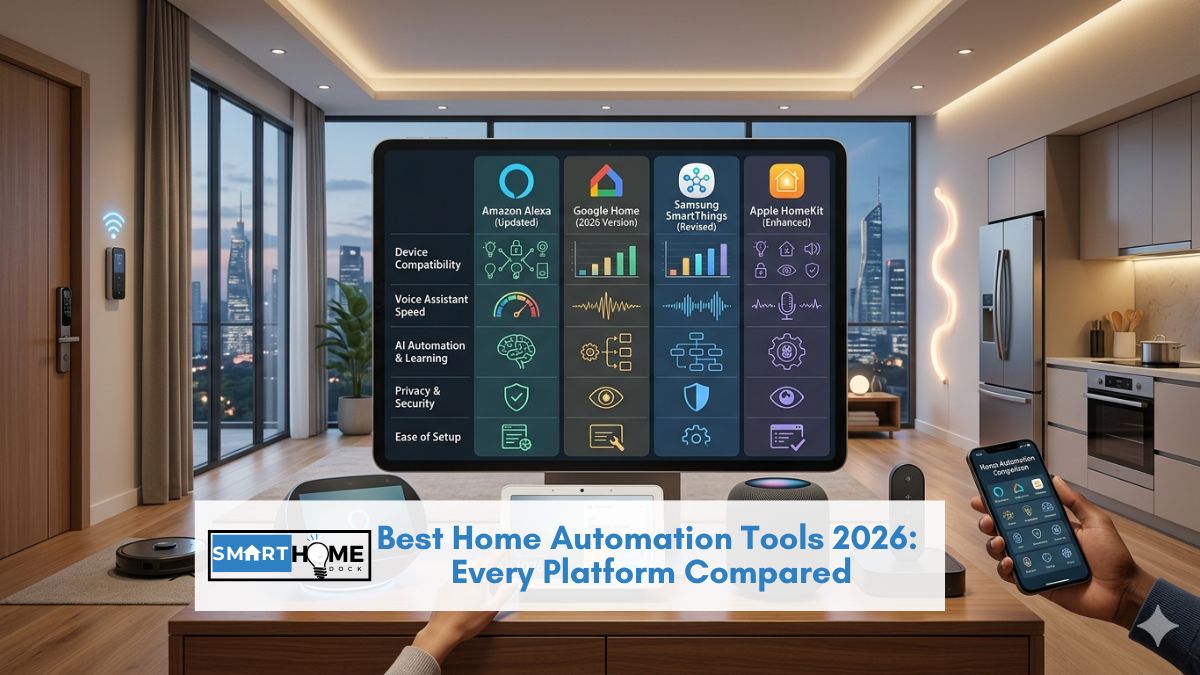
This article contains affiliate links. If you buy through them, SmartHomeDock earns a small commission at no extra cost to you.
You set up your smart lights, your thermostat, your video doorbell. They all work. But they don’t work together.
You open five separate apps to control your home, and nothing happens automatically unless you say something out loud. The devices are smart. The home isn’t automated.
That gap, between smart devices and actual automation, is what home automation tools close. And the answer to which tool is right for you is simpler than it looks: start with what you already have.
Your Echo, your Nest Hub, or your iPhone already includes a capable automation engine. Most people haven’t used it yet.
Seven home automation tools are compared across three tiers: native platform tools, middleware connectors, and power-user platforms.
By the end, you’ll know which one to start with today, which to add when you outgrow it, and the truth about IFTTT in 2026.
Quick Answer: Best Home Automation Tools 2026
Start here (free, no extra app): Alexa Routines if you have an Echo. Google Home Automations if you have a Nest Hub or Android phone. Apple Home Automations if you’re in an iPhone household. These three native tools handle the majority of what most homes need, free and already on your device.
Add when you need cross-platform triggers: IFTTT (~$2.50/month — free tier is now limited to 2 applets). Samsung SmartThings Routines (free — best for mixed-brand homes).
For full control with no cloud dependency: Home Assistant (free, open-source, significant learning curve). Node-RED (visual flow programming, best alongside Home Assistant).
The Three Tiers of Home Automation Tools: Which One Do You Need?
Every home automation tool fits into one of three tiers. Understanding this hierarchy before choosing a tool saves significant time and frustration.
Tier 1 — Native platform tools (start here)
Built into the smart home platform you already use. No installation, no account creation beyond what you already have.
Alexa Routines, Google Home Automations, and Apple Home Automations all live here.
For most households, these tools handle everything needed: schedules, triggers, geofencing, voice commands, and multi-device scenes. Free. Available today on any phone that runs the relevant app.
Tier 2 — Middleware tools (add when native tools aren’t enough)
Tools that sit between your devices and platforms, connecting things that don’t natively talk to each other.
IFTTT connects services and apps beyond just smart home devices. SmartThings Routines bridge Zigbee, Z-Wave, and Matter devices into a unified automation layer.
These tools expand what’s possible without requiring technical knowledge.
Tier 3 — Power-user platforms (for full control)
Open platforms that run locally on your own hardware. Home Assistant and Node-RED give complete control with no cloud dependency, no subscription costs, and no limitations from manufacturer APIs.
The trade-off is a significant learning curve and ongoing configuration. Worth it for technical users who want automations no commercial platform can match. Not worth it for casual smart home users.
💡 Eight years of automations — the honest framework
I started with IFTTT in 2016 before any native platform tools existed. In 2026, I used it for maybe 3 applets. Alexa Routines and Google Home Automations now handle everything I used IFTTT for in 2016, for free, faster, and more reliably.
The sequence that works: exhaust Tier 1 first. Add Tier 2 when you hit a specific limitation. Consider Tier 3 only when Tier 2 isn’t enough. Most homes never need to go beyond Tier 1.
Home Automation for Beginners: Where to Start
If you’ve never built an automation before, this is the right starting point, and it takes less than five minutes.
The first automation every home should have: Leaving Home.
This single automation does more for daily life than any other: when all household phones leave the home geofence, lights turn off, the thermostat switches to energy-saving mode, and the front door locks.
One setup. Runs every time you leave. You never come home to lights you forgot to turn off or a warm house you heated for no one.
How to set up a Leaving Home automation on each platform
Alexa: Open the Alexa app → Automations → Create Automation → Everyone Leaves Home (geofencing trigger) → Add actions (turn off lights, set thermostat, lock door). Five minutes. Works whenever all household members’ phones leave the geofence.
Google Home: Open Google Home → Automations → New Automation → When I leave home → Add actions. Google Home suggests relevant actions based on connected devices automatically — faster to set up than Alexa for basic automations.
Apple Home: Open Home app → Automation → Create New Automation → When The Last Person Leaves → select devices to turn off/lock. Runs locally on your HomePod Mini or Apple TV without any cloud routing.
Once that first automation runs successfully, the second one becomes obvious. Arriving home — lights on, thermostat warm, door unlocked as your phone enters the geofence. Build from there.
Tier 1 — Native Platform Home Automation Tools (Free)
Alexa Routines — Best for Echo Households and Broadest Device Compatibility
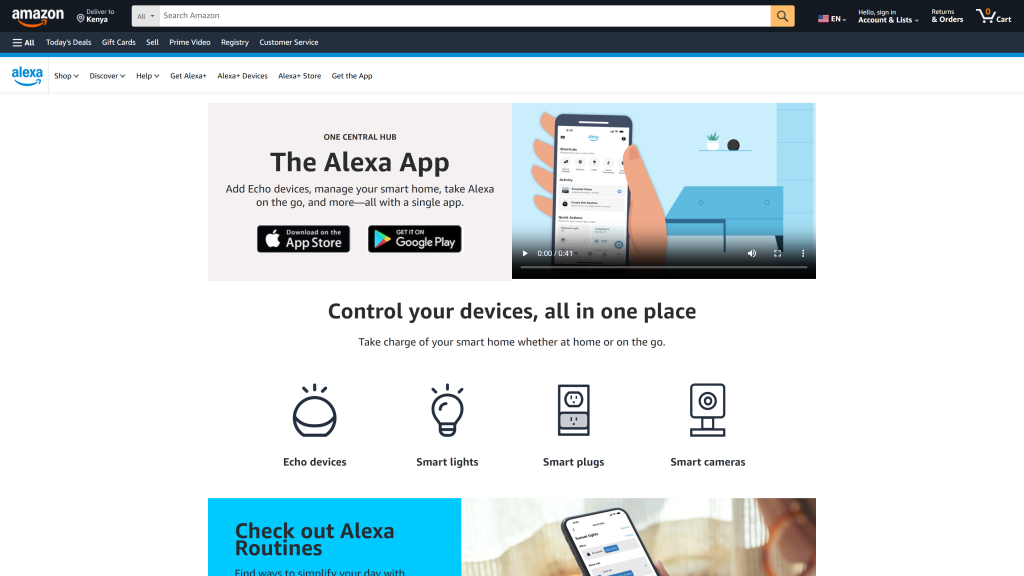
Best for: Amazon Echo households, Zigbee device owners, anyone wanting granular conditional logic in their automations
Cost: Free | App: Amazon Alexa (iOS + Android) | Hub required: No — Echo (4th gen+) acts as hub
Trigger types: Voice, time, location, device state, sensor, sunrise/sunset, weather
Works with: 100,000+ devices — the widest compatibility of any platform
Alexa Routines is the most capable native automation builder available in 2026 for conditional logic.
Stack multiple conditions: Good Morning AND between 6–9 am AND weekday → lights to 80%, coffee maker on, weather briefing. Alexa executes all of that from one routine trigger.
That level of if-and-then conditional stacking is unavailable in Google Home’s Automations builder without additional configuration.
The breadth of device compatibility is Alexa’s defining advantage. Over 100,000 devices work with Alexa, more than any other platform.
If you have a mix of brands, older devices, and newer Matter-certified products, Alexa Routines connects more of them out of the box than any alternative.
The most useful Alexa Routines to set up today:
- Good Morning routine: triggered by wake word at your normal wake time — lights to 50% warm white, weather briefing, news flash, coffee maker on
- Leaving Home: triggered when everyone leaves the geofence — lights off, thermostat to eco mode, doors lock
- Goodnight: triggered by voice — all lights off, doors locked, thermostat to sleep temperature, white noise speaker on
- Alexa Guard: when you say “Alexa, I’m leaving” — switches Echo devices to listen for glass breaking or smoke alarms and send alerts
The honest limitation: Alexa Routines are cloud-dependent. Every routine routes through Amazon’s servers. During internet outages, scheduled routines don’t run.
For critical automations that must work offline, door lock on departure, lights at bedtime, Apple Home Automations with local processing is the more reliable choice.
Alexa also has privacy implications; voice data and usage patterns are processed on Amazon’s infrastructure.
Google Home Automations — Easiest Setup, Best for Android and Nest Households
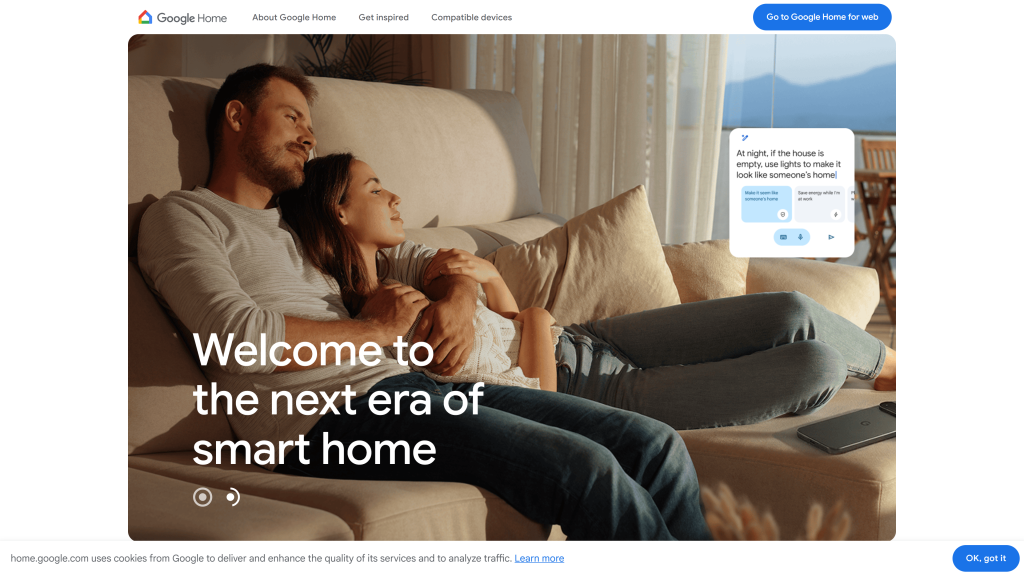
Best for: Android phone users, Google Nest device owners, beginners who want the fastest automation setup
Cost: Free (Google Home Premium at $9.99/month adds video history — not required for automations)
App: Google Home (iOS + Android) | Hub required: No
Trigger types: Voice, time, location, sunrise/sunset, device state, presence
Google Home Automations are easier to set up than Alexa Routines for most users.
The interface presents suggested actions based on connected devices, opens the Automations tab, and Google Home already knows you have a Nest thermostat and Philips Hue bulbs and suggests relevant automations for them. Alexa requires you to build from scratch.
The Android integration is genuinely deeper than any other platform. Google Home reads your Google Calendar to pause automations during scheduled events.
It integrates with Google Maps for more accurate geofencing. And Google Assistant’s natural language understanding is the strongest of any voice assistant.
“Hey Google, set the lights for movie night” interprets intent rather than requiring exact phrasing.
Google Home Automations that go beyond what Alexa offers:
- Sunrise wake-up: gradually brightens lights starting 30 minutes before your Google Calendar alarm, reads the calendar automatically
- Presence-aware thermostat: adjusts temperature based on which specific Google accounts are detected at home, not just “someone is home,” but “person A is home, and person B isn’t.”
- Routines with Google services: “When I say Good Morning, read my commute time, today’s weather, and my first calendar event.”
The limitation vs Alexa: Google Home has fewer third-party device integrations than Alexa, particularly for older or budget Zigbee devices.
Complex conditional logic (multiple if-and conditions in one routine) is less developed than Alexa’s implementation. For households heavily invested in non-Google-branded devices, Alexa’s compatibility breadth wins.
Apple Home Automations — Best Local Processing and Privacy
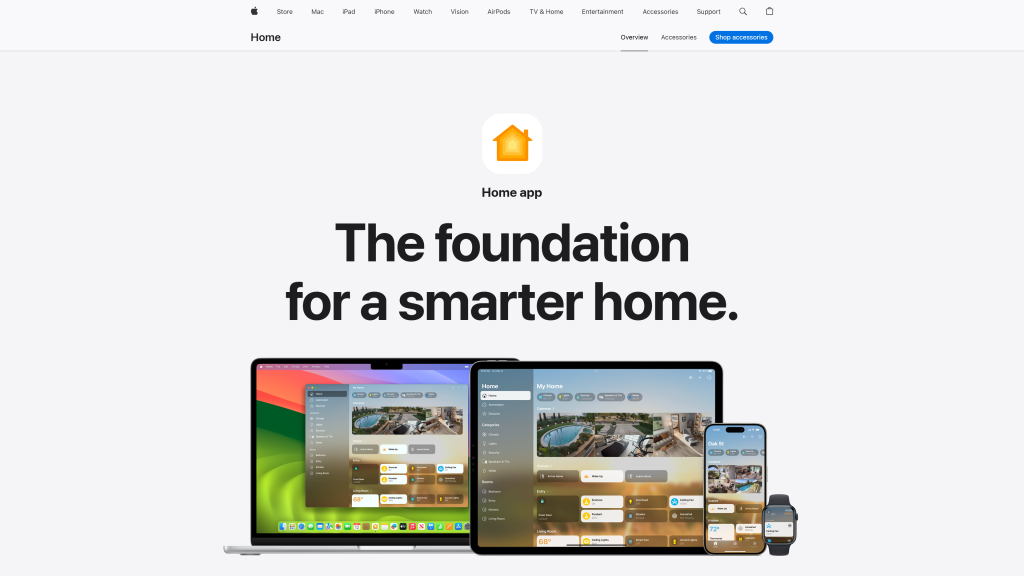
Best for: iPhone households, HomeKit device owners, anyone who wants automations that work offline and processes data locally
Cost: Free | App: Apple Home (iOS only) | Hub required: HomePod Mini, Apple TV 4K, or iPad (for remote access)
Trigger types: Time, location, accessory state, sensor, person arrival/departure, Shortcuts integration
Local processing: Yes ✅ — automations run on hub, not Apple’s servers
Apple Home Automations is the only native platform tool that processes automations locally.
When you set “when the last person leaves, turn off all lights and lock the door” in Apple Home, that automation runs on your HomePod Mini or Apple TV 4K, not on Apple’s servers.
It works during internet outages. It responds faster. And your home behaviour patterns never leave your local network.
The Shortcuts integration makes Apple Home significantly more powerful than it appears. Any Apple Shortcut can be triggered by Home automation.
“When I arrive home” can run a Shortcut that turns on lights, unlocks the door, sends a message to family, turns on a specific Spotify playlist, and sets the thermostat, all from a single presence trigger. No other native platform matches this depth of integration with phone-level actions.
HomeKit Secure Video — available on select cameras — processes video analysis on-device rather than uploading to the cloud.
Face recognition, motion detection, and activity zones run locally. The privacy advantage for a home security setup is meaningful.
The limitation: Apple Home device compatibility is the smallest of the three native platforms. Not every smart device supports HomeKit.
Matter has improved this significantly — Matter-certified devices work with Apple Home via QR code — but some older Zigbee and proprietary devices still don’t.
For homes heavily invested in non-HomeKit devices, Alexa or Google Home provides better compatibility coverage.
Tier 2 — Middleware Home Automation Tools
IFTTT — The Original Automation Connector, Now Paid for Serious Use
Best for: Connecting smart home devices to web services and apps outside the smart home ecosystem
Cost: Free (2 applets only — effectively limited) / Pro at $2.50/month (unlimited applets) / Pro+ at $5/month
App: IFTTT (iOS + Android + web) | Hub required: No
Trigger types: 900+ services — broadest non-smart-home integration of any tool
IFTTT’s free tier changed significantly in 2020. Free accounts are now limited to 2 active applets, down from unlimited.
For most practical automation use cases, this means IFTTT free is not a viable standalone tool in 2026. The paid Pro tier at $2.50/month restores unlimited applets.
Worth it for the specific use cases below, not as a replacement for Alexa Routines or Google Home Automations.
Where IFTTT genuinely adds value that native tools don’t:
- Connecting smart home to non-smart-home services: “When my Ring doorbell rings, add a row to a Google Sheet with the timestamp” — useful for rental property access logs
- Weather-triggered automations: “When Weather Underground shows rain forecast within 2 hours, close the smart blinds” — more granular than platform weather triggers
- Cross-platform device bridging: “When a Wyze camera detects motion, turn on LIFX lights” — connecting devices that don’t share a native platform
- Business and web service integration: “When I post to Instagram, turn on my Philips Hue in brand colour” — entertainment and content creator automations
What IFTTT is no longer the right tool for: basic smart home automations that Alexa Routines or Google Home Automations now handle natively and for free, lights on/off at sunset, geofencing triggers, voice-activated scenes, thermostat scheduling. In 2016, these required IFTTT. In 2026, they don’t.
Free IFTTT alternatives worth knowing:
If the $2.50/month Pro tier isn’t worth it for your use case, two free alternatives cover most IFTTT functionality: Make (formerly Integromat) has a free tier that handles more complex multi-step automations.
n8n is open-source and self-hosted, unlimited workflows at no cost, but requires basic technical setup. For purely smart home automation without web service integration, the native platform tools in Tier 1 are the correct free replacement.
Samsung SmartThings Routines — Best Free Middleware for Mixed-Brand Homes
Best for: Homes with Zigbee, Z-Wave, and Matter devices from multiple brands that need a unified automation layer
Cost: Free (SmartThings hub hardware required for Zigbee/Z-Wave — ~$110 for SmartThings Station)
App: SmartThings (iOS + Android) | Hub required: Optional for Wi-Fi/Matter devices; required for Zigbee/Z-Wave
Works with: Alexa, Google Home, Samsung appliances, 5,000+ compatible devices
SmartThings Routines is the strongest free middleware tool for the most common smart home problem in 2026: you have devices from multiple brands that don’t natively trigger each other.
A Samsung washing machine that should turn on a notification light when the cycle finishes. A Zigbee door sensor that should trigger a Google Home scene.
A Yale Z-Wave lock that should unlock when a SmartThings motion sensor detects arrival.
SmartThings’ Scene and Routine builder handles these cross-device automations without the per-applet cost of IFTTT.
The SmartThings app exposes all connected devices, Zigbee sensors, Z-Wave locks, Matter plugs, Samsung appliances, and voice assistants in a single interface.
Routines can use any connected device as a trigger or action regardless of brand or protocol.
Edge Drivers, SmartThings’ local processing architecture, run many automations on the hub itself rather than through Samsung’s cloud. This means faster execution and continued operation during internet outages for local-capable automations.
The limitation: SmartThings dropped Z-Wave support in their newer Station hardware; you need a USB dongle (~$30 extra) for Z-Wave devices.
Also, Samsung’s long-term platform commitment has been questioned in the community after discontinuing its standalone SmartThings hub hardware in 2021.
The platform is maintained and functional, but those building a long-term smart home setup should consider this. See our smart home hub guide for hardware alternatives.
Tier 3 — Power-User Home Automation Platforms
Home Assistant — The Most Powerful Free Home Automation Platform
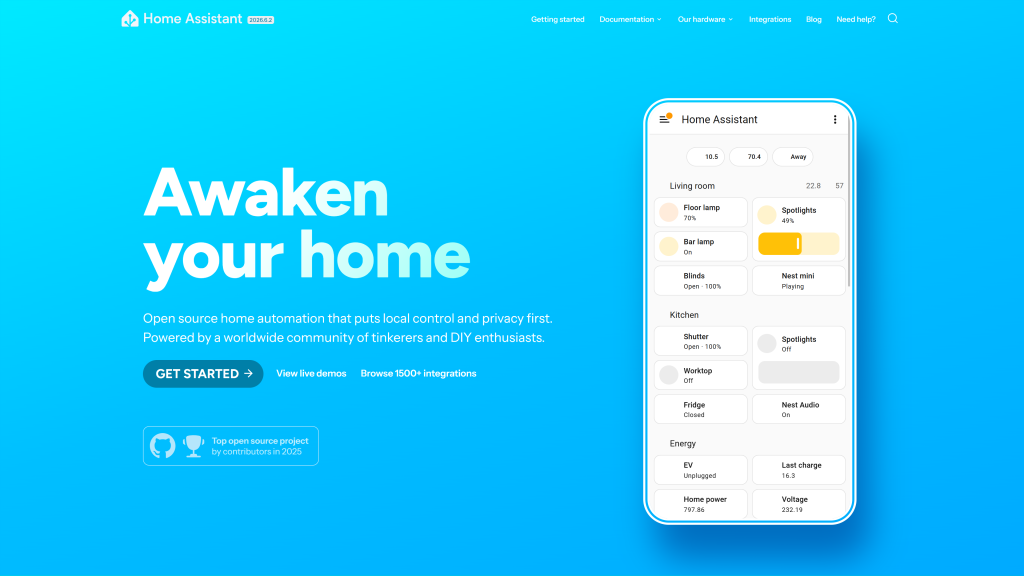
Best for: Technical users who want full local control, no cloud dependency, and automation capabilities beyond any commercial platform
Cost: Free (open-source) — hardware required (~$99 Home Assistant Green or $35 Raspberry Pi 4)
Optional: Nabu Casa cloud ($7/month for remote access — all core features work locally without it)
Integrations: 3,000+ brands and services — the broadest of any platform
Learning curve: Significant — expect hours of setup, not minutes
Home Assistant is what’s possible when there are no commercial constraints. Your automation runs on your own hardware. No manufacturer can sunset it.
No subscription can lock features behind a paywall. No cloud outage affects it. Automations: no commercial platform handles are standard here.
Turn off the thermostat when electricity prices spike. Trigger the robot vacuum when you leave, AND the weather is clear. Send a notification when the washing machine power drops below 5W.
3,000+ integrations mean virtually every smart device ever made works with Home Assistant, including discontinued products that lost cloud support, enterprise devices not designed for consumers, and DIY sensors built with ESPHome. If a device exists, there’s probably a Home Assistant integration for it.
The automation engine supports triggers, conditions, actions, modes, variables, templates, and scripting.
“Turn on the porch light only if it’s after sunset, AND someone is within 500m, AND the front door hasn’t opened in 10 minutes, AND it’s not Tuesday”.
Home Assistant handles this in the visual automation editor. Node-RED integration adds a flow-based visual programming interface for those who prefer that approach.
Home Assistant is not for anyone who wants something working in under 30 minutes. Initial setup involves choosing hardware, installing the OS, pairing devices, and learning the automation model.
Ongoing maintenance includes periodic updates and occasional troubleshooting. The payoff is enormous for technical users. For everyone else, Tier 1 tools do 90% of the work at 1% of the setup time.
Node-RED — Visual Flow Automation for Home Assistant Power Users
Best for: Home Assistant users who want to build complex automations visually without writing code
Cost: Free (open-source) — typically runs as a Home Assistant add-on
Interface: Browser-based visual flow editor — connect triggers, conditions, and actions by drawing lines between nodes
Learning curve: Moderate — easier than YAML, harder than Alexa Routines
Node-RED is a visual flow-based programming tool that most Home Assistant power users add after outgrowing the standard automation editor.
Instead of writing automations as YAML configuration files or using the GUI editor, Node-RED lets you connect “nodes”, each representing a trigger, condition, transformation, or action, by drawing lines between them in a browser interface.
The visual approach makes complex multi-step automations easier to understand and debug.
A 10-step automation that checks time, presence, device state, weather conditions, and then triggers four different actions in sequence is far clearer as a Node-RED flow diagram than as a text file.
Node-RED also connects Home Assistant to external services natively: MQTT brokers, REST APIs, TCP/IP sockets, email, Slack, and databases.
For technically inclined users who want to push smart home data to external systems or pull in data from APIs, Node-RED is the right tool alongside Home Assistant.
The entry point: install Node-RED as an add-on in Home Assistant Supervisor. A full tutorial is available at nodered.org.
Most users who try Node-RED end up using it for their most complex automations while keeping simpler automations in Home Assistant’s native editor.
Home Automation Tools 2026 — Full Comparison
| Tool | Tier | Cost | Setup time | Local processing | Best for |
|---|---|---|---|---|---|
| Alexa Routines | Native | Free | 5 minutes | Partial (Zigbee) ⚠️ | Echo households, broadest device compatibility |
| Google Home Automations | Native | Free | 3 minutes | Partial (Thread) ⚠️ | Android users, easiest setup, Google services |
| Apple Home Automations | Native | Free | 5 minutes | Yes ✅ (runs on HomePod/ATV) | iPhone households, privacy, offline reliability |
| IFTTT | Middleware | Free (2 applets) / $2.50/mo | 10 minutes | No — cloud only | Smart home + web service cross-connections |
| SmartThings Routines | Middleware | Free (hub ~$110) | 30–60 minutes | Partial (Edge Drivers) ⚠️ | Mixed-brand Zigbee/Z-Wave/Matter homes |
| Home Assistant | Power | Free + hardware (~$99) | Several hours | Yes ✅ — fully local | Technical users, full control, no cloud |
| Node-RED | Power | Free (runs with HA) | Moderate | Yes ✅ — fully local | HA users wanting visual automation builder |
Home Automation Without a Hub — What’s Possible in 2026
In 2026, the question “Do I need a hub for home automation?” has a clear answer: no, for most homes. Here’s what’s possible without any dedicated hub hardware.
Works hub-free: Alexa Routines with Wi-Fi and Matter devices. Google Home Automations with any Google-compatible device.
Apple Home Automations with Wi-Fi and Thread/Matter devices. IFTTT with any internet-connected service. Basic scheduling, geofencing, voice control, and presence-based automations — all hub-free.
Requires a hub: Zigbee device automations (IKEA Tradfri, Aqara sensors, Sonoff). Z-Wave device automations (Schlage Connect locks, Aeotec sensors).
Local processing that continues working during internet outages. Complex multi-device automations with Home Assistant.
For homes with exclusively Wi-Fi and Matter-certified devices, the majority of devices launched after 2022, native platform tools work entirely hub-free.
The hub becomes necessary when Zigbee or Z-Wave devices are involved, or when local-first automation is the priority. See our complete smart home hub guide for which hub to buy when you need one.
10 Home Automation Ideas to Set Up This Week
These ten automations cover the highest-impact use cases across all platforms. Each one can be built in under five minutes using the Tier 1 native tools above.
- Leaving Home: All lights off, thermostat to eco, doors lock when all phones leave the geofence.
- Arriving Home: Lights to welcome the setting, thermostat to comfort temperature, door unlocks as your phone approaches.
- Sunrise alarm: Bedroom lights gradually brighten from 1% to 70% over 30 minutes before your alarm.
- Wind-down at 9 pm: All lights shift to warm white at 25%. Reduces blue light exposure before sleep automatically.
- Motion-activated hallway lights: Motion sensor triggers hallway light to 30% between 11 pm and 6 am only, not during the day.
- Away mode: When you leave for more than an hour, lights cycle on and off on a randomised schedule to simulate occupancy.
- After robot vacuum: When the robot vacuum finishes its cleaning cycle, the air purifier runs on boost for 20 minutes.
- Doorbell alert: When the video doorbell detects motion, indoor lights flash once.
- Thermostat + lock pairing: When the smart lock is locked manually (not by automation), switch the thermostat to away mode after 10 minutes.
- Weather-triggered blinds: When the outdoor temperature exceeds 28°C and the blinds are open, close them automatically to reduce solar heat gain.
Frequently Asked Questions About Home Automation Tools
What is the best free home automation tool in 2026?
The best free home automation tool depends on which smart home platform you use.
Alexa Routines is the best free tool for Amazon Echo households, with the broadest device compatibility and the most capable conditional logic.
Google Home Automations is the easiest to set up for Android users and Nest device owners.
Apple Home Automations is the best option for iPhone households and the only native tool with fully local processing.
All three are completely free. IFTTT’s free tier is now limited to 2 applets, insufficient for most practical automation needs without the $2.50/month paid plan.
Is IFTTT still worth it in 2026?
IFTTT is worth $2.50/month for connecting smart home devices to web services that native platforms don’t support: weather APIs, Google Sheets logging, social media triggers, and cross-brand connections Alexa or Google Home can’t make.
It is no longer necessary for standard smart home automations like lights on at sunset, geofencing, or voice-activated scenes; these all work free through native platform tools.
IFTTT free (2 applets) is too limited for serious use. The paid Pro tier is good value for the specific use cases where nothing else fills the gap.
What is the difference between Alexa Routines and Google Home Automations?
Google Home Automations is easier to set up for most users; the interface suggests relevant automations based on connected devices, and the setup process takes 2–3 minutes.
Alexa Routines offers broader third-party device compatibility (100,000+ compatible devices) and more granular conditional logic for multi-step automations.
Google Home integrates more deeply with Google services (Calendar, Maps, Android phone data) for context-aware automations.
Alexa integrates more broadly with third-party devices, particularly older Zigbee and proprietary smart home hardware.
For most standard automations, the difference is minimal; choose the platform that matches your primary voice assistant.
Do I need a hub for home automation?
Not for most homes in 2026. Wi-Fi and Matter-certified devices, the majority of devices launched after 2022, work directly with Alexa Routines, Google Home Automations, and Apple Home Automations without any hub.
A hub becomes necessary when you have Zigbee devices (IKEA Tradfri, Aqara sensors), Z-Wave devices (Schlage Connect locks), or when you want automations to run locally during internet outages.
See our smart home hub guide for which hub fits your setup.
What is Home Assistant, and is it better than Alexa?
Home Assistant is an open-source home automation platform that runs on your own hardware and processes everything locally- no cloud, no subscription, no manufacturer dependency.
It’s not a replacement for Alexa for voice control. It’s an alternative automation engine for building complex routines that Alexa can’t match, with if-this-then-that logic with multiple conditions, integrations with 3,000+ services, energy monitoring, and custom dashboards.
For technical users willing to invest setup time, Home Assistant is more capable than any commercial platform.
For most households, Alexa Routines or Google Home Automations handle daily automation needs more simply and reliably.
Final Verdict — Which Home Automation Tool Should You Use?
✅ You have an Amazon Echo and want to start automating today
Use: Alexa Routines.
Free. Already on your phone. Build a Leaving Home routine first — 5 minutes, runs every day, saves real energy. Broadest device compatibility of any platform. Add IFTTT Pro later only if you need web service connections Alexa can’t make natively.
Open Alexa App → Automations → start building
✅ You have a Google Nest Hub or Android phone and want the easiest setup
Use: Google Home Automations.
Free. Easiest automation setup of any platform — suggested actions, 3-minute setup, deep Android and Google Calendar integration. Best for presence-aware automations that use personal context like calendar events and commute time.
Open Google Home → Automations → start building
✅ You’re an iPhone household and want automations that work offline
Use: Apple Home Automations.
Free. Runs locally on your HomePod Mini or Apple TV — no cloud routing, no outage risk. The Shortcuts integration unlocks deeper phone-level actions than any other native platform. Privacy-first architecture with HomeKit Secure Video.
Open Home App → Automation → start building
✅ You need to connect smart home devices to web services Alexa/Google can’t reach
Use: IFTTT Pro ($2.50/month).
900+ service integrations. The only tool that connects smart home devices to Google Sheets, RSS feeds, email triggers, social media, and hundreds of web APIs. Worth $2.50/month specifically for this use case. Not worth it as a replacement for native platform automations.
✅ You have a mixed-brand home with Zigbee, Z-Wave, and Matter devices
Use: Samsung SmartThings Routines (free + ~$110 hub).
The best free middleware for unified cross-protocol automation. Connects Zigbee sensors, Z-Wave locks, Matter plugs, and Samsung appliances into a single routine builder. Cross-platform exposure to Alexa and Google Home simultaneously.
See our hub guide for SmartThings Station hardware options.
✅ You’re technically comfortable and want no cloud, no subscription, full control
Use: Home Assistant (free + ~$99 hardware).
3,000+ integrations. Fully local. No manufacturer dependencies. Automations that commercial platforms can’t match. Expect hours of setup. Add Node-RED for visual flow programming when the built-in automation editor isn’t enough.
