

Disclosure: This article may contain affiliate links. SmartHomeDock participates in the Amazon Associates Program and may earn commissions from qualifying purchases at no extra cost to you.
You stuck a cheap LED strip under your TV, plugged it into a USB, and got a sad purple glow that flickered whenever the screen changed scenes.
Two days later, the adhesive failed, and the strip dangled behind your entertainment centre like a forgotten Christmas decoration.
That was my first LED strip experience too, and it’s exactly why the brand and model you choose matter more with light strips than almost any other smart home product.
The best smart LED light strips do three things well: they produce bright, accurate colours without flicker, they stick to surfaces permanently, and they integrate cleanly with Alexa, Google Home, or HomeKit for voice control and automation.
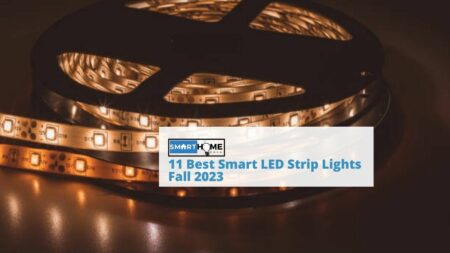
After testing over a dozen strips across kitchens, bedrooms, entertainment centres, and outdoor patios, these 10 deliver on all three.
Quick Answer: The best smart LED light strips in 2026 are the Govee M1 RGBIC Strip (best overall — music sync, RGBIC segments, $30 for 6.5 feet), the Philips Hue Lightstrip Plus V4 (best premium — brightest whites, Hue ecosystem integration), and the Nanoleaf Essentials Matter Lightstrip (best for Matter — Thread connectivity, cross-platform). All three work with Alexa and Google Home; the Nanoleaf and Hue also support HomeKit.
Best Smart LED Light Strips: Quick Comparison
| LED Strip | Best For | Price | Length | Smart Home | Segments |
|---|---|---|---|---|---|
| Govee M1 RGBIC | Best overall | $30 | 6.5 ft | Alexa, Google | RGBIC multi-zone |
| Philips Hue Lightstrip Plus V4 | Best premium | $98 | 6.6 ft | Alexa, Google, HomeKit | Single zone |
| Nanoleaf Essentials Matter Strip | Best for Matter | $69 | 6.6 ft | All 4 platforms | Single zone |
| Govee RGBIC Pro (H6167) | Best music sync | $25 | 16.4 ft | Alexa, Google | RGBIC multi-zone |
| LIFX Lightstrip | Best no-hub colour | $70 | 6.6 ft | Alexa, Google, HomeKit | 8 addressable zones |
| Govee Matter LED Strip | Best budget Matter | $35 | 6.6 ft | All 4 platforms | RGBIC multi-zone |
| Wyze Light Strip Pro | Best value long strip | $25 | 16.4 ft | Alexa, Google | 16 addressable zones |
| Sengled Wi-Fi LED Strip | Cheapest smart strip | $15 | 6.6 ft | Alexa, Google | Single zone |
| Cololight Strip Plus | Best for gaming setups | $50 | 6.6 ft | Alexa, Google | 60 LED/m addressable |
| Amazon Basics Smart Strip | Best for Alexa | $18 | 6.6 ft | Alexa | Single zone |
What to Look for in Smart LED Light Strips
Before diving into the picks, here are three things that separate good smart LED light strips from the junk that ends up in your drawer after a week:
RGBIC vs RGB: Standard RGB strips display one colour across the entire length. RGBIC (or addressable) strips can show multiple colours simultaneously, different colours in different segments at the same time. For accent lighting behind a TV or under cabinets, RGBIC makes a dramatic difference. Every Govee strip on this list uses RGBIC technology.
Brightness matters more than you think: Cheap strips produce 200–400 lumens, fine for ambient glow behind a monitor, but useless for under-cabinet kitchen lighting. For functional task lighting, look for strips producing 800+ lumens per metre. The Philips Hue Lightstrip Plus and LIFX Lightstrip are the brightest on this list.
Adhesive quality: The number one complaint about LED strips is the adhesive failing within weeks. 3M VHD adhesive is the gold standard. Philips Hue, LIFX, and Govee’s premium strips use it. Budget strips use a generic adhesive that struggles on textured surfaces. If your strip peels, clean the surface with rubbing alcohol before reapplying, and consider adhesive mounting clips as backup.
💡 Expert Tip:
Before installing any LED strip, run it for 30 minutes on a flat surface to test for dead LEDs and colour consistency. Once you peel the adhesive backing and stick the strip to your wall or cabinet, removing it without damage is nearly impossible. Also, measure twice; most strips can be cut at marked intervals (usually every 3 LEDs), but cannot be reconnected after cutting without soldering or special connectors. Buy slightly longer than you need, not shorter.
The 10 Best Smart LED Light Strips in 2026
1. Govee M1 RGBIC LED Strip — Best Overall Smart LED Strip

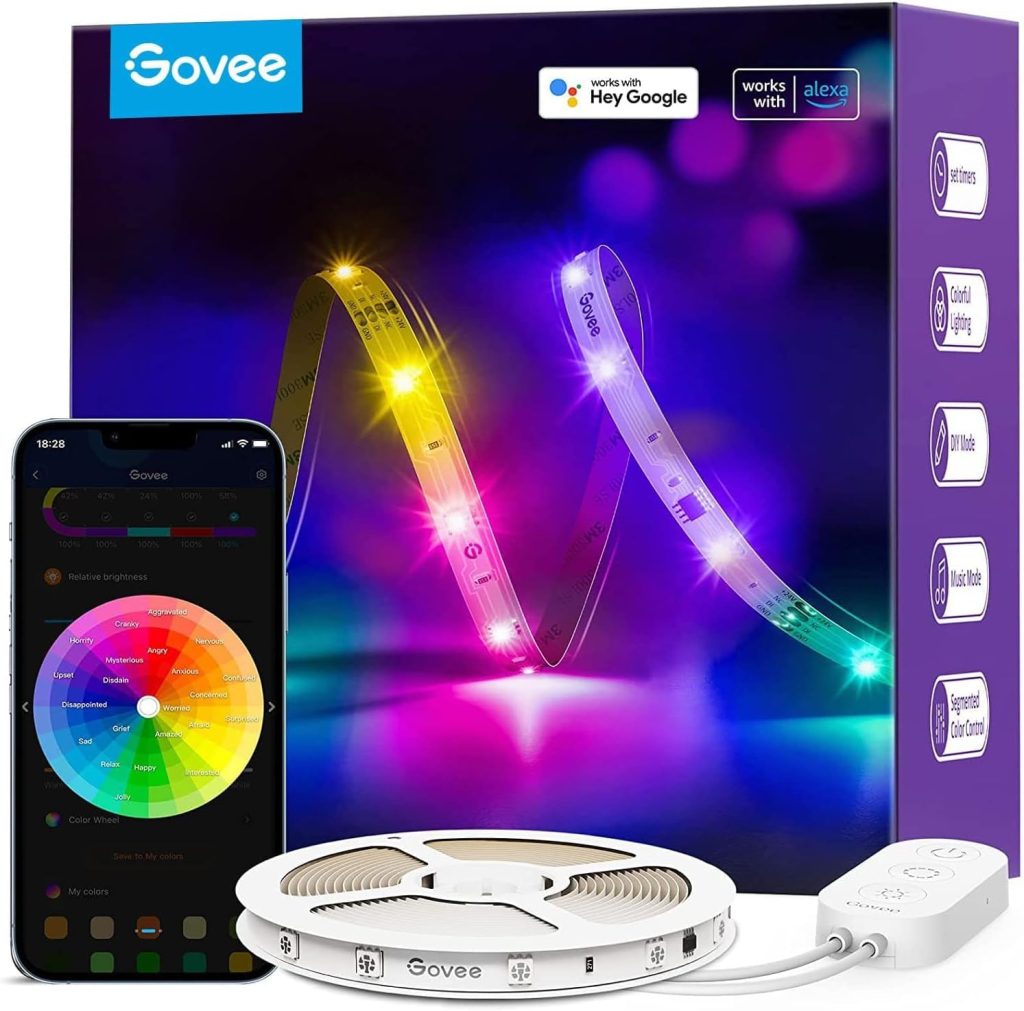
The Govee M1 is the best smart LED light strip for most people.
At $30 for 6.5 feet, it delivers RGBIC technology (multiple colours simultaneously), music sync through the built-in microphone, and over 60 scene presets through the Govee app.
Alexa and Google Home voice control work reliably, and the app is one of the best in the smart home space intuitive, feature-rich, and regularly updated.
Brightness is solid at approximately 600 lumens per metre, with accurate colour reproduction across the spectrum.
The 3M adhesive held firmly on both smooth drywall and painted wood surfaces in my testing. The strip can be trimmed at marked intervals but cannot be extended, so measure carefully before buying.
The Matter-compatible version (Govee Matter LED Strip) is also available at $35 if you need cross-platform support, including HomeKit and SmartThings.
2. Philips Hue Lightstrip Plus V4 — Best Premium Smart LED Strip

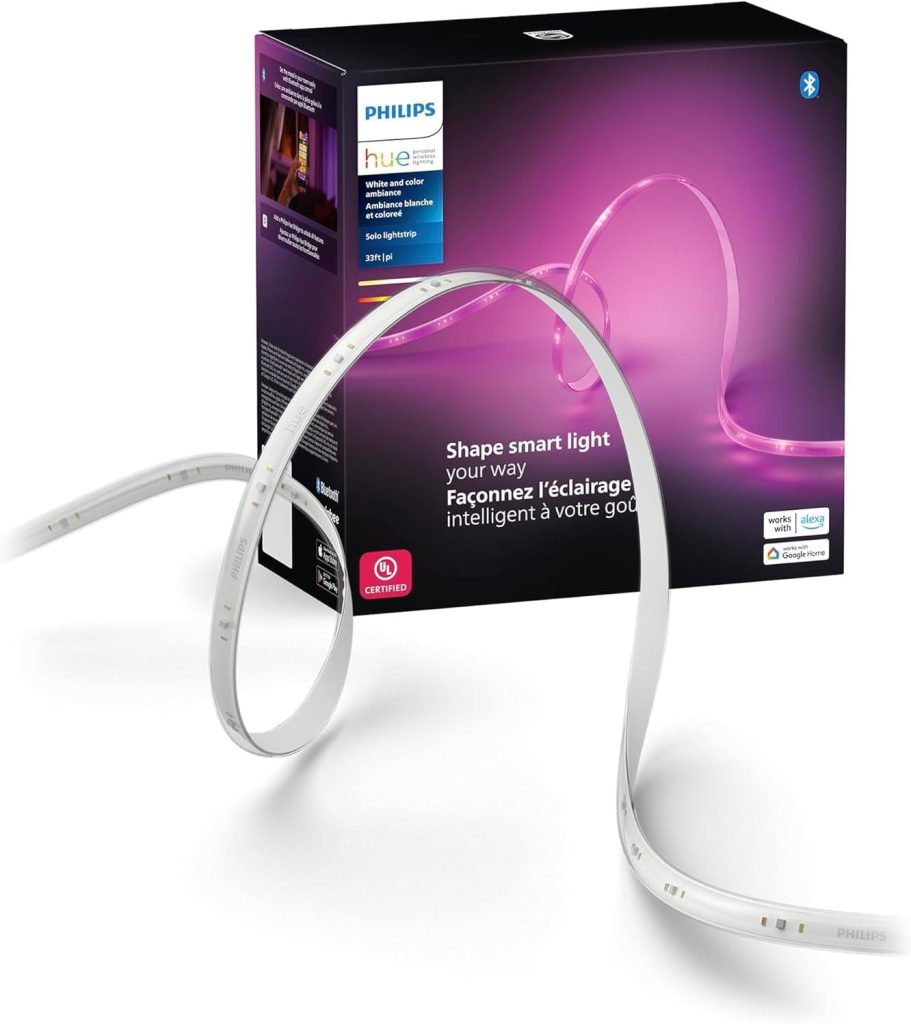
If white light quality matters to you, and it should for kitchens and bathrooms, the Hue Lightstrip Plus is the clear winner.
It uses dedicated warm and cool white LEDs alongside the RGB LEDs, producing the most natural, accurate white light of any strip I’ve tested.
At 1,600 lumens, it’s bright enough for genuine task lighting under kitchen cabinets.
The trade-off is price: $80 for 6.6 feet, plus $60 for the Hue Bridge if you don’t already own one.
However, the Hue Bridge acts as a Matter bridge, exposing this strip to all four major platforms. For the complete Hue smart bulb ecosystem, see our best smart bulbs 2026 guide.
3. Nanoleaf Essentials Matter Lightstrip — Best Matter LED Strip

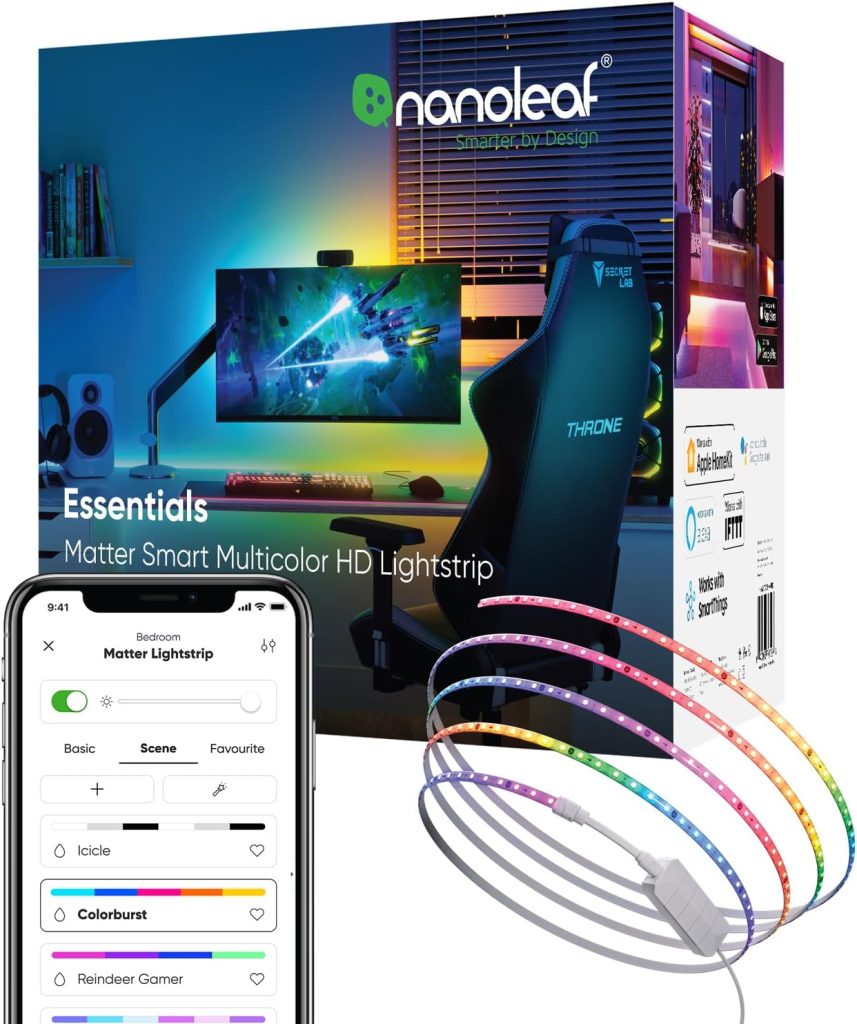
The Nanoleaf strip runs on Thread (part of the Matter standard), which means sub-500ms response times and native compatibility across Alexa, Google Home, HomeKit, and SmartThings.
At $40, it’s the most affordable way to get a Matter-certified LED strip with cross-platform support.
Brightness is strong at 2,000 lumens across the full 6.6-foot length, with 16 million colours and tuneable whites.
It requires a Thread border router (built into HomePod mini, Apple TV 4K, Nest Hub 2nd gen).
4. Govee RGBIC Pro (H6167) — Best Music Sync LED Strip

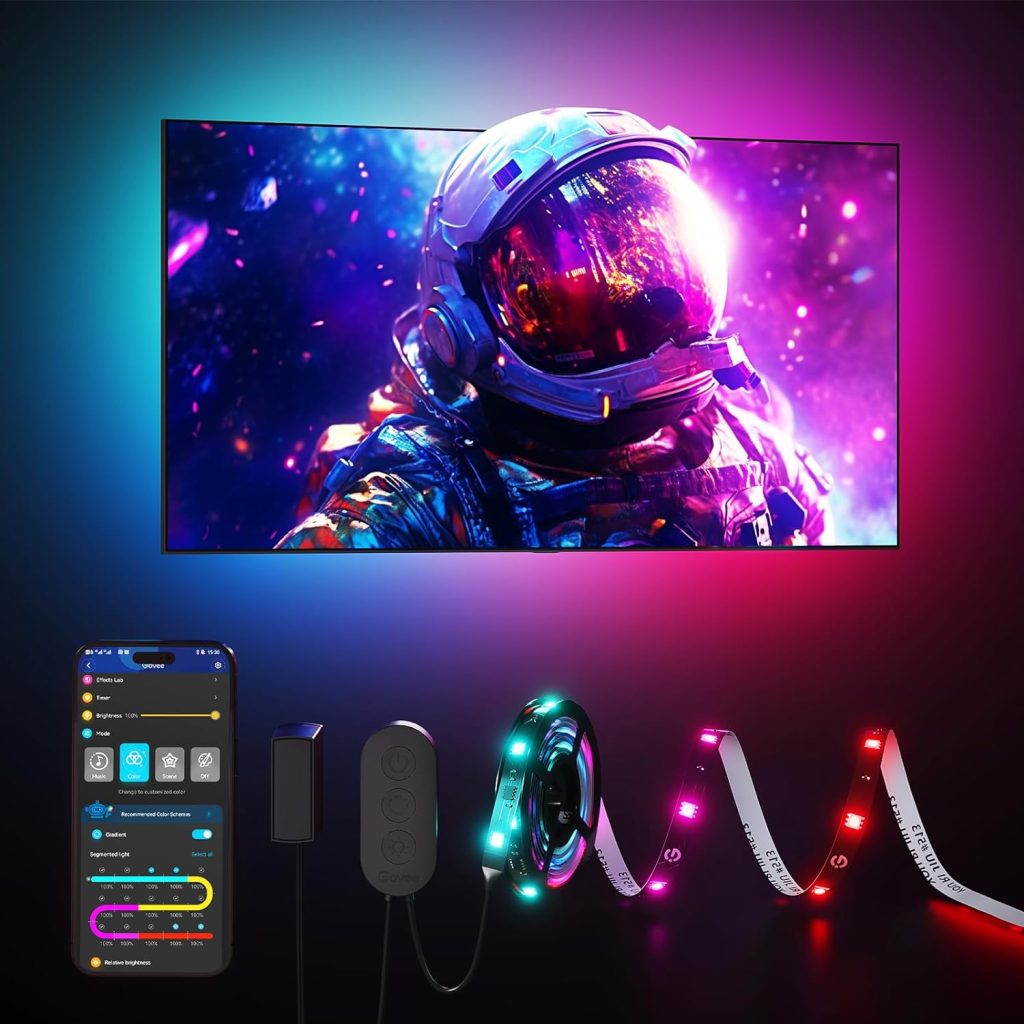
At 16.4 feet for $25, the RGBIC Pro is the best value for long runs behind couches, along baseboards, or around an entire ceiling perimeter.
The music sync feature uses the built-in mic to react to music in real time, with RGBIC segments creating a light show effect.
This is the strip I recommend for entertainment rooms and gaming setups on a budget.
5. LIFX Lightstrip — Best No-Hub Colour Strip

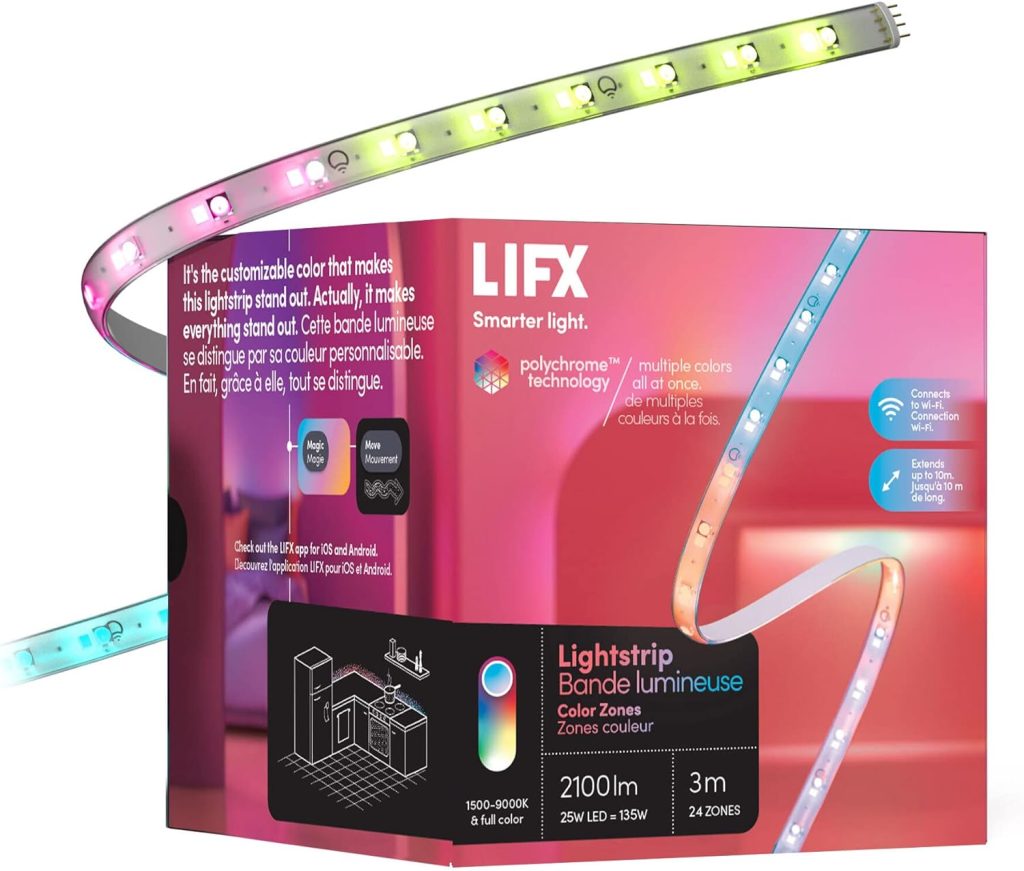
LIFX connects directly over Wi-Fi with no hub or bridge, and supports Alexa, Google Home, and HomeKit out of the box.
The 8 addressable zones allow multi-colour effects, and the colour accuracy is among the best I’ve tested, with deep blues and purples that don’t wash out.
At $70, it’s expensive but delivers premium quality without any extra hardware purchase.
6. Govee Matter LED Strip — Best Budget Matter Strip

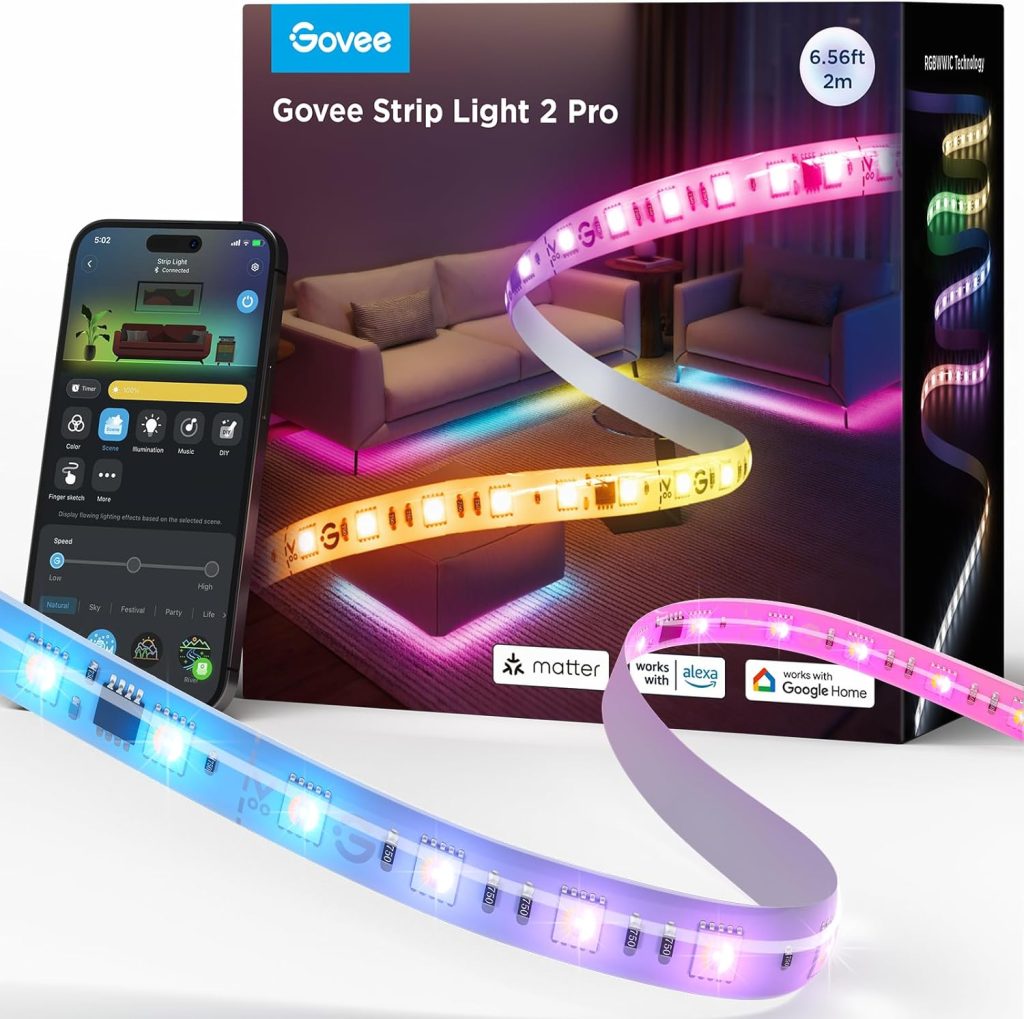
Govee’s Matter-certified strip at $35 brings RGBIC multi-zone colour and music sync to all four platforms (Alexa, Google, HomeKit, SmartThings).
For anyone who needs HomeKit compatibility at a Govee price point, this is the answer.
7. Wyze Light Strip Pro — Best Value Long Strip

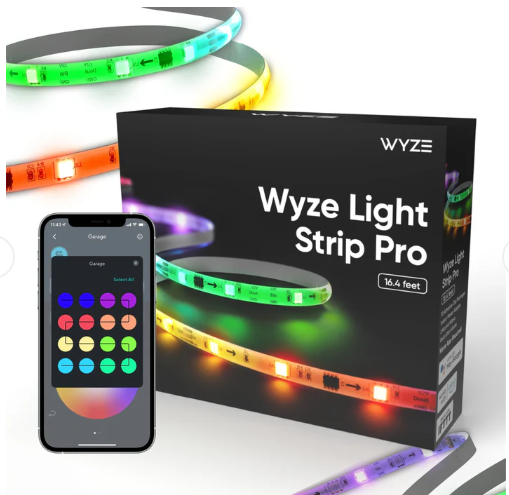
The Wyze Light Strip Pro offers 16.4 feet with 16 individually addressable colour segments for $25.
Music visualisation, scene presets, and smooth Alexa/Google integration make it competitive with Govee at the same price.
The Wyze app adds scheduling and sunrise/sunset routines.
8. Sengled Wi-Fi LED Strip — Cheapest Smart Strip

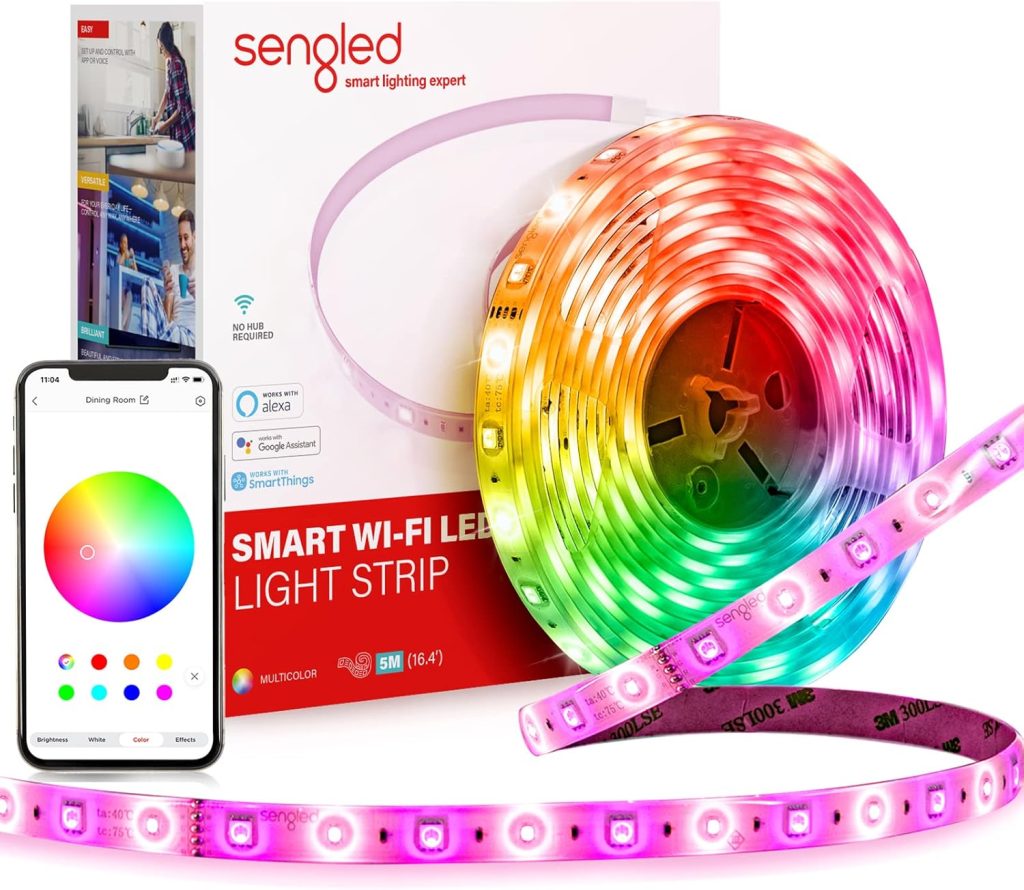
At $15, the Sengled strip is the lowest-cost way to add smart LED accent lighting. Single-zone colour (no RGBIC), Wi-Fi connected, with Alexa and Google voice control.
Basic but functional for bedroom accent lighting or behind-monitor glow. S1 auto-pairing connects it to Alexa-enabled Echos instantly.
9. Cololight Strip Plus — Best for Gaming Setups

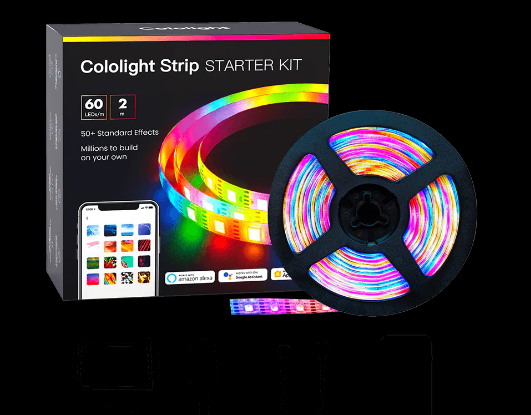
The Cololight uses 60 LEDs per metre with individually addressable segments, producing the most granular colour control on this list.
The Razer Chroma integration syncs lighting effects with PC games in real time. At $50 for 6.6 feet, it’s purpose-built for gaming desks and streaming setups.
10. Amazon Basics Smart LED Strip — Best Budget Alexa Strip

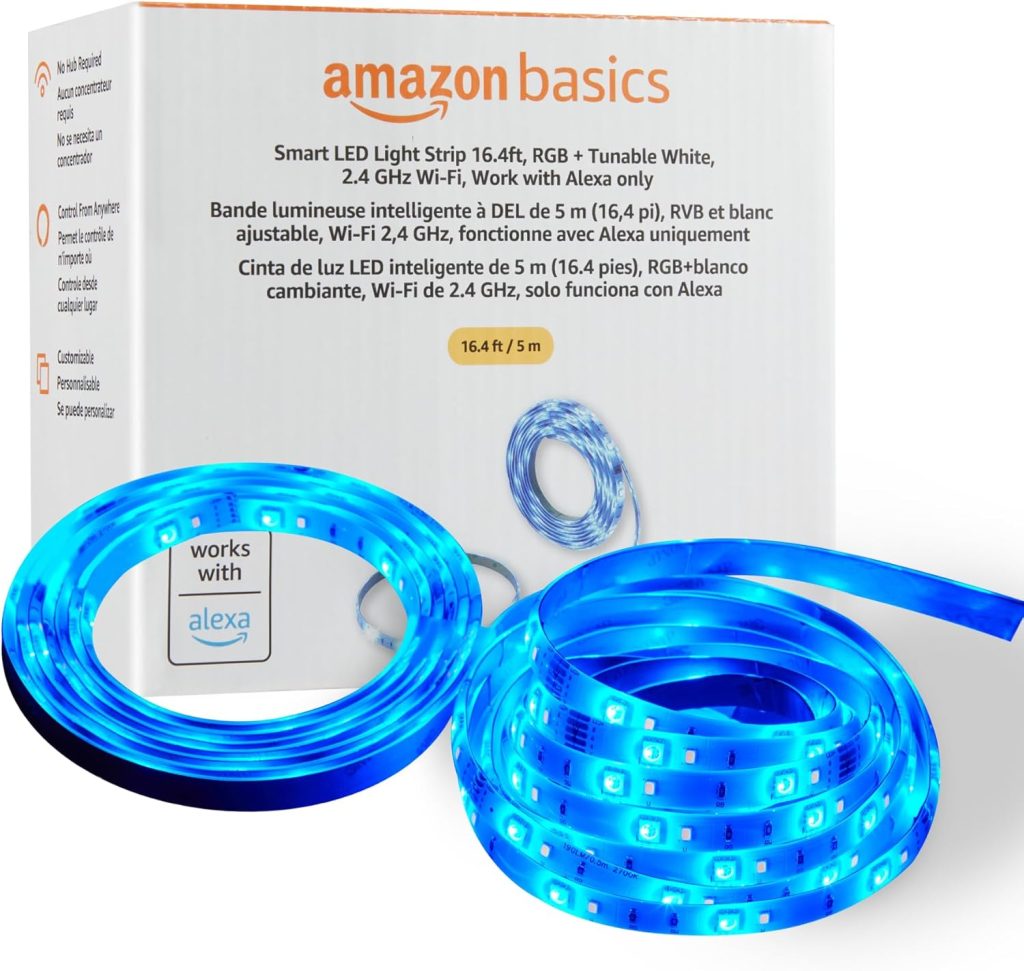
Amazon’s own strip at $18 integrates directly through the Alexa app no third-party skill needed.
Setup takes under a minute, and voice control is responsive. Single-zone colour at 800 lumens.
For Alexa-only households wanting simple, affordable strip lighting, this is the easiest option.
Where to Install Smart LED Light Strips
The most impactful placements for smart LED light strips, based on my testing across multiple rooms:
Behind your TV (bias lighting): Reduces eye strain and makes colours appear more vivid. Use an RGBIC strip set to match your screen content. Govee’s DreamView integration does this automatically with a camera module. Even a basic warm white strip behind a 55-inch TV makes a noticeable difference during evening viewing.
Under kitchen cabinets: Transforms your countertop visibility. Use a strip with good white light quality (Philips Hue or Nanoleaf). RGB colours look fun, but you’ll use warm/cool white 90% of the time here. Schedule them to turn on at sunset and off at midnight through Alexa or Google routines.
Along bedroom ceiling coves: Indirect lighting that sets the mood without the harshness of overhead fixtures. Program a “goodnight” routine that dims the strip to 5% warm white over 15 minutes. For routine ideas, see our Alexa routines guide.
Under bed frames: Subtle night-light that triggers when the motion sensor detects you getting up. Pair with a smart motion sensor through your voice assistant for hands-free activation.
Frequently Asked Questions About Smart LED Light Strips
Can you cut smart LED light strips?
Yes, most smart LED strips can be cut at marked intervals (usually every 3 LEDs or every 10cm).
The cutting marks are clearly visible on the strip. However, once cut, the removed section cannot be reconnected without soldering or special connectors.
Always measure your installation area before cutting.
Some strips (like Govee M1 and Philips Hue) can be extended with official extension strips purchased separately.
Do smart LED light strips use a lot of electricity?
No — a typical 6.6-foot smart LED strip consumes 10–20 watts, roughly the same as a single incandescent bulb. Running a strip at full brightness for 8 hours costs approximately $0.02 in electricity. LED strips are one of the most energy-efficient lighting options available.
What’s the difference between RGBIC and RGB light strips?
RGB strips display one colour across the entire length. If you set it to blue, the whole strip is blue.
RGBIC (addressable) strips can display multiple colours simultaneously in different segments.
This enables rainbow effects, music-reactive patterns, and flowing colour transitions.
RGBIC strips cost slightly more but deliver dramatically better visual effects.
Do smart LED strips work with Alexa?
Most smart LED light strips work with Alexa for voice-controlled on/off, dimming, and colour changes.
Say “Alexa, set the TV lights to blue” or “Alexa, dim the kitchen strip to 30%.”
For the deepest Alexa integration without a third-party app, the Amazon Basics Smart LED Strip connects through the Alexa app directly.
For Matter-certified strips that work across all platforms, see the Govee Matter and Nanoleaf Essentials picks above.
How do you stop LED light strips from peeling off?
Clean the mounting surface with rubbing alcohol and let it dry completely before applying the adhesive backing.
Avoid textured surfaces LED strips adhere best to smooth, clean surfaces like glass, metal, finished wood, and smooth drywall.
For extra security, use adhesive mounting clips every 12 inches as backup. If the strip still peels, 3M VHB mounting tape (available separately) provides a stronger bond than most factory adhesives.