


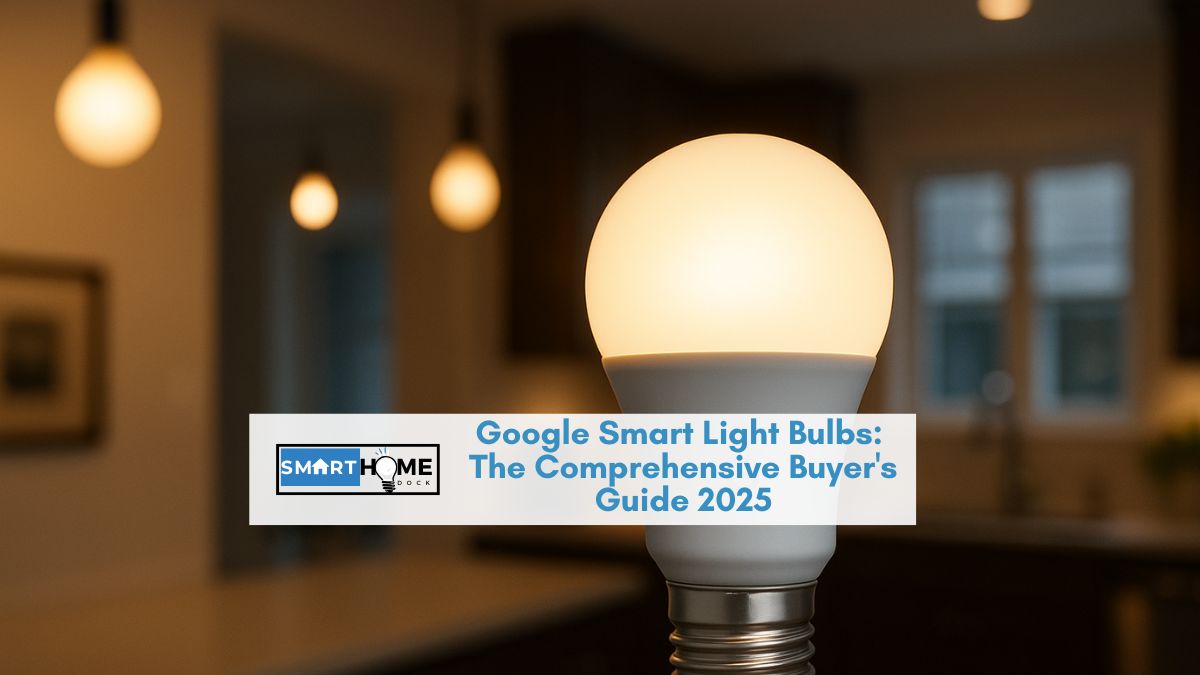
Once the sun goes down and you walk into a room, the first thing that you will likely do is tap on a light switch.
And if you are using smart lights, then things will be even easier and more enjoyable. Smart lights offer reliable illumination, fun, and security, all packed in easy-to-use light bulbs.
So, if you are still relying on conventional bulbs, consider upgrading to smart lights to change the feel of your rooms, conserve energy, and save money.
And if your home runs on the Google Home automation system, then you are lucky because there are several smart light bulbs that are compatible with Google Assistant. The best of them are Google light bulbs.
These bulbs allow for greater personalization of your living spaces, from the color hue of the smart lights to the home automation features.
These features allow you to configure your room’s brightness from your smartphone.
There seem to be an infinite number of Google light bulb varieties, each with a unique set of characteristics.
Some connect well with smart home ecosystems like Alexa and HomeKit, while others can alter the color temperature.
So, it can be confusing to identify the best ones for your smart home. But don’t worry.
To help you narrow down your options, we will discuss different aspects of Google smart lights in this comprehensive buyer guide.
We will also review some of the top-rated Google Home-compatible smart lights.
But first, we will discuss what these bulbs are and how they will improve the overall experience in your home.
Thereafter, we will discuss what to look for in smart bulbs and recommend the best Google smart lights. So, let’s get started.
What Do Google Light Bulbs Do?
Google smart lights are user-friendly bulbs and sometimes light switches that are designed to work with Google Home and other technologies that allow you to customize lighting in every room.
Some of these bulbs can change color via a quick configuration on your smartphone.
Others offer dimming or the ability to turn them on and off from anywhere.
Users with these lights can set the mood in different rooms in their homes and even schedule lights to turn on and off at specific times.
Ideally, Google light bulbs, just like other smart bulbs, are designed to work and be used like your conventional light bulb.
They can fit any lamp or light fixture and consume less energy. Once installed, you can use them manually with a flip of the wall switch.
But they have an added capability of being controlled via a smartphone app or even your voice.
This means that you can control them remotely as long as they can connect to your home WiFi or just Bluetooth.
What to Invest in Google Light Bulbs?
We are not trying to convince you to abandon your existing lighting in your home for a smart one. In any case, not everyone needs smart lights.
However, there are several gains and conveniences associated with using smart lights. Here are just a couple of them:
First, you can control the brightness of your home’s lighting with the touch of a button and, sometimes, with just your voice commands.
Secondly, Google light bulbs include a variety of helpful capabilities built into them. These include the capacity to emit different colors or tones and the ability to dim them to your liking.
Imagine them as a more advanced version of your conventional lights with an added ease of being able to control them from anywhere.
You will not need to walk around the house to find a switch. Instead, you can just ‘speak’ to the lights.
Another good thing about them is the ability to conserve energy. The fact that they are smart means that they can turn off whenever they are not in use.
For instance, you can set your light to turn on at night and turn off in the morning.
Some of them even come with sensors, meaning that they can turn on when they sense someone in the room and vice versa.
The importance of this is that you will use your lights more efficiently, thus saving money on energy bills.
The good thing with some smart lights is that they offer energy reports, so you will know where you are using the most power and how to optimize them.
Remote control is one of the most outstanding features of Google smart lights.
Being able to control them via the Google Home app or even Google Assistant offers a lot of convenience.
They also have the potential to integrate with your other Google Home devices, improving the overall experience in your home.
Do Google Light Bulbs Need a Hub?
If you have Google Home in your smart home, then you won’t have to worry because you already have a smart hub.
The thing here is that Google Home Hub will control every aspect of your home in a smooth manner. This includes smart lighting compatible with Google Home.
The good thing with most smart light bulbs is that they don’t need a separate device to connect them. But it is still wise to check your bulbs before making a purchase.
Some popular smart lights like Philips Hue require a separate bridge to work properly and light with other systems, while some connect directly to your Google Home Hub.
What you should know is that there are pros and cons to each of these types.
How to Choose the Best Google Light Bulbs
Before you choose the best Google smart lights, you should first have an idea of how many smart lights you will need in your smart home.
Here are other important considerations that you have to take into account:
- Color or tunable white: Color LEDs stand out in the world of smart lighting, thanks to their rainbow of hues and other party tricks. But in reality, most users will just stick to white.
- Smart lighting protocol and features: The three major technologies that drive the smart bulb market are Zigbee, WiFi, and Bluetooth. So, you have to select bulbs that fall in at least one of these technologies. Each of them has its pros and cons. WiFi bulbs require no hub or bridge because they work directly with your WiFi router. This is the same with Bluetooth, only that it doesn’t require your home network. Zigbee is one of the most popular protocols but requires a bridge to link to your home WiFi network.
- Smart bulbs or smart switches: This is a highly debatable argument with regard to implementing smart lighting in your home. You can go either way. That is, you can invest in expensive switches and pair them with your dumb, cheap bulbs or invest in expensive smart bulbs and control them individually. The amount of convenience you will need will influence your choice.
Top-Rated Smart Light Bulbs for Google Home and Google Assistant
1. Philips Hue White and Ambiance
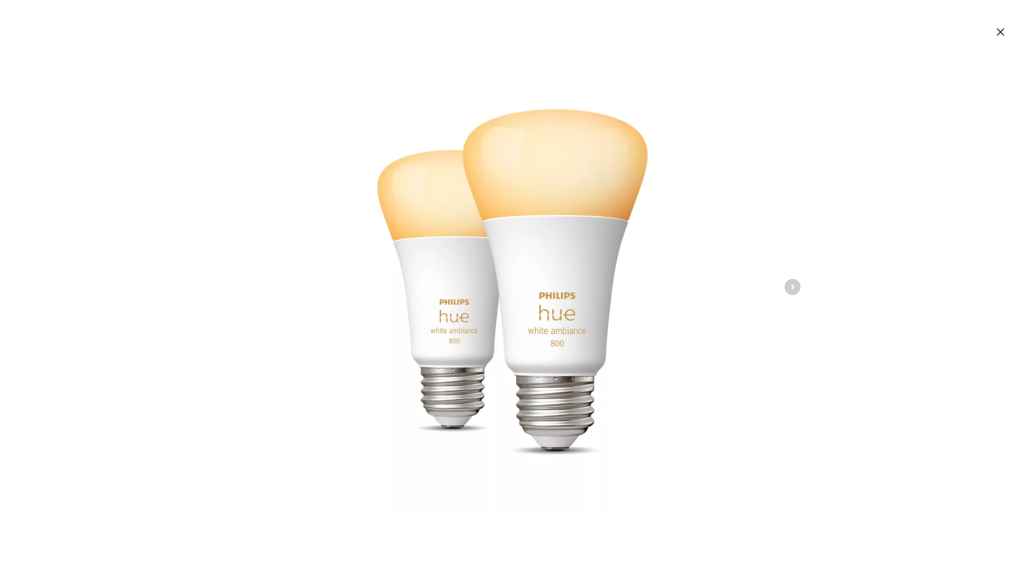
This Philips smart bulb is counted among the best Google light bulbs on the market because of its simple setup, reliability, and ease of use.
The starter kit comes with two or four dimmable colored smart bulbs, which you can use the Hue Sync app to connect to other smart devices and services.
Pros
- Stunning color effect
- Impressive third-party integrations
- It is easy to set up.
- Reliable
Cons
- Require the Hue hub.
- Expensive
2. Wyze Bulbs
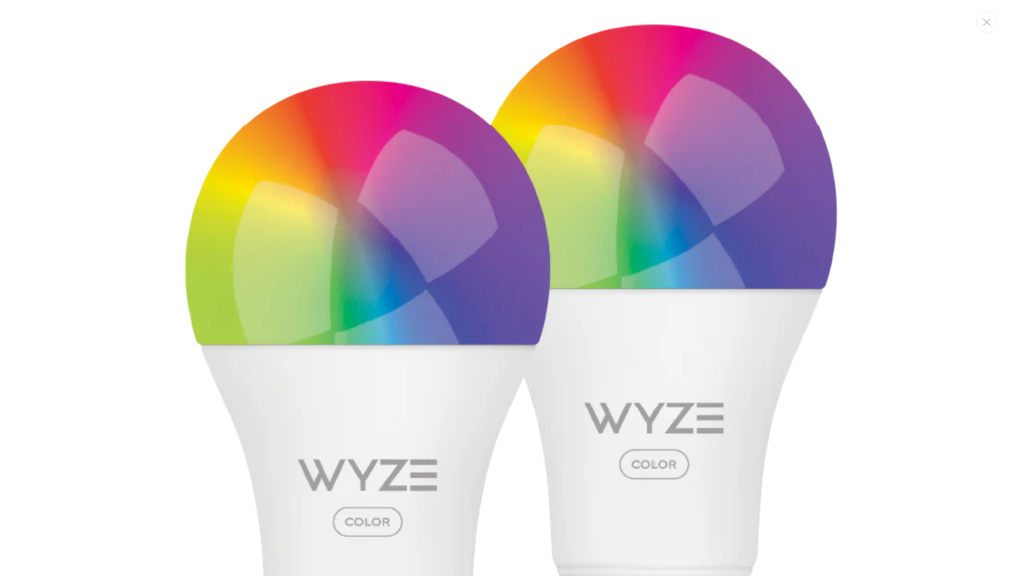
Wyze smart lights are perfect for anyone looking for a budget option. But don’t be mistaken to think that they are substandard. They offer nearly the same features and functionality as premium Google light bulbs.
The good thing about these bulbs is that you can control them via the Wyze app. They are also compatible with Google Home, so you can control them via Google Assistant.
Pros
- Works well with both Alexa and Google Assistant.
- Tunable white
- Affordable
Cons
- No support for HomeKit
3. Sengled Smart LED Bulbs
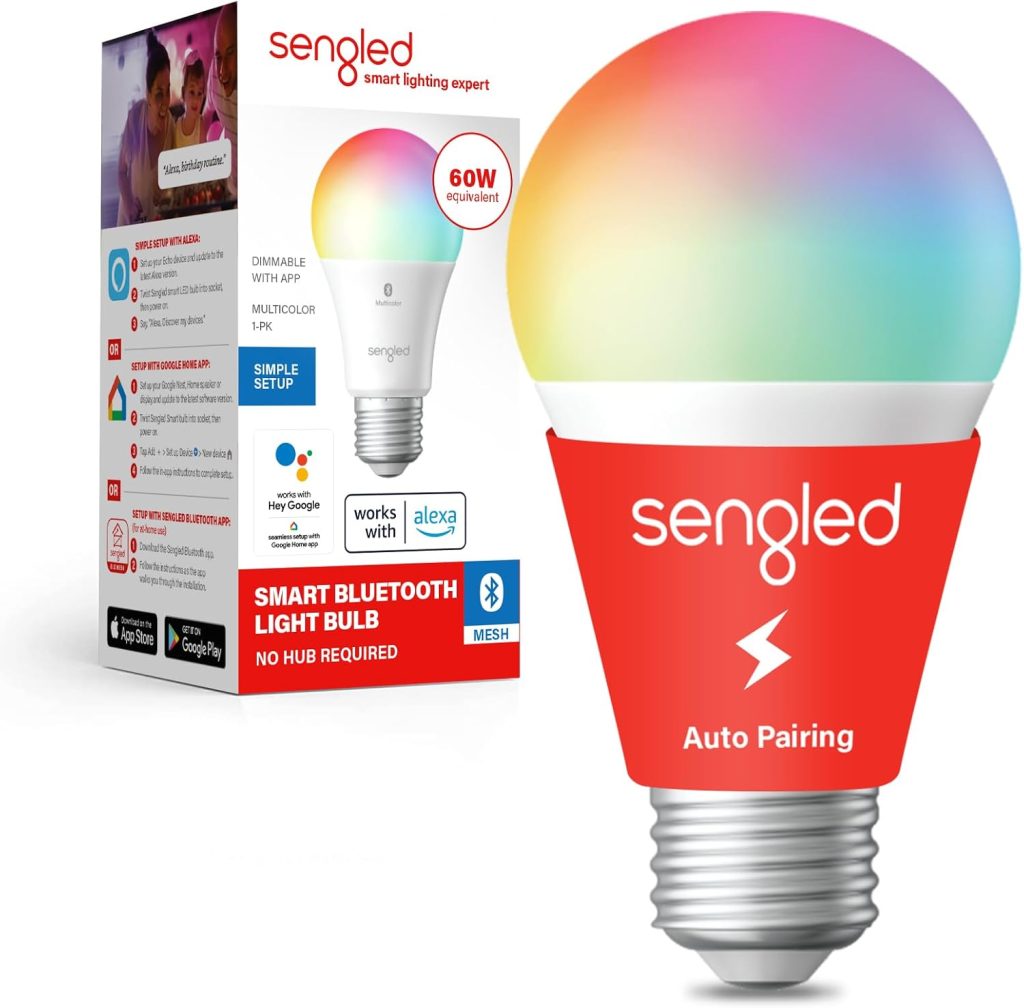
Sengled’s large selection of smart lights will improve the experience of any home.
Sengled’s smart LED bulbs, in particular, are easy to set up and control.
Moreover, they don’t require a hub because Google Home is enough. It also lets you create moodscapes and change the brightness to your liking.
Pros
- Simple to use
- Don’t require a hub.
- Can change brightness to suit different moods and goals.
Cons
- There could be sporadic connectivity problems.
4. Nanoleaf Essentials Matter BR30 Smart Bulb
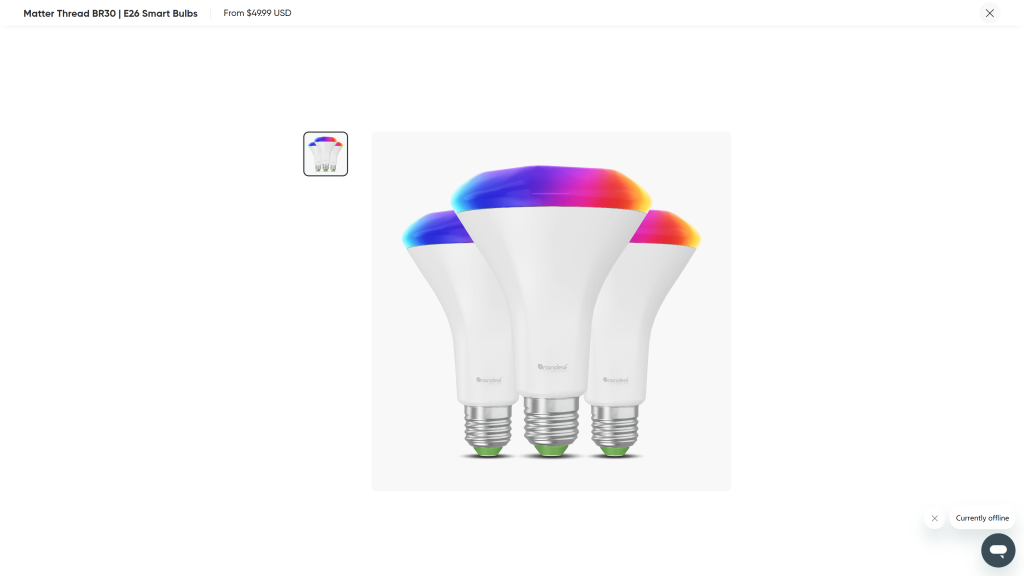
The Nanoleaf Essential is a full-featured smart bulb for recessed fixtures that is Matter-compatible.
It also works perfectly with Google Home.
So, it might be ideal if you are looking to smarten your recessed lighting.
Unfortunately, it doesn’t have a built-in WiFi radio.
Pros
- Works with several platforms
- Rich colors
- Mood lighting effects
- Thread and Matter support
Cons
- Requires a Thread border for remote control
- Tricky setup
5. Lepro GU10 WiFi Smart Bulb
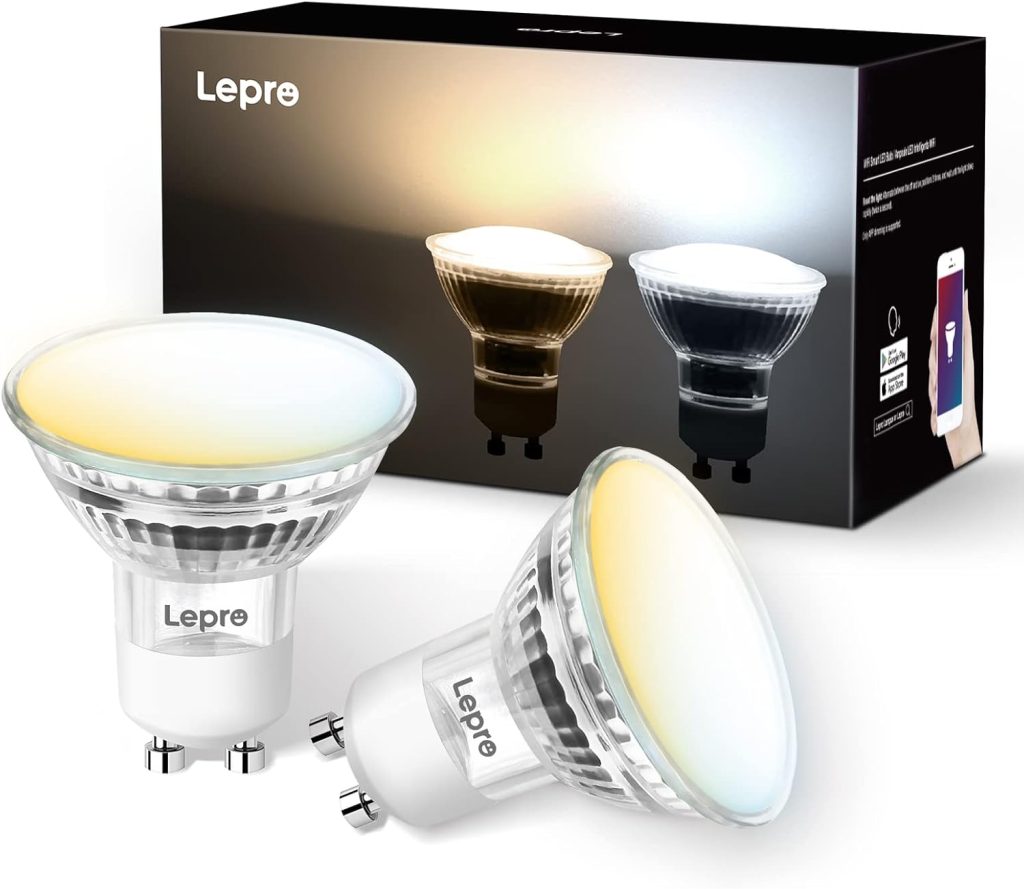
Google Home-compatible the Lepro WiFi smart bulb allows for easier control of lights in your home.
The good thing is that it doesn’t require a hub to operate and works well with the Smart Life app.
This means that you can control it from anywhere.
Pros
- Wide range of colors (about 16 million colors)
- Satisfactory tone of between 2700K and 6500K
- Easier to change brightness from 1% to 100%
- No hub required.
Cons
- Flickering issues
- Not ideal for outdoor use
Final Thoughts
Investing in smart lights is one of the easiest and most affordable ways to make your living spaces more comfortable and convenient.
The good thing with some of these smart lights like Google light bulbs is that they don’t require a separate hub because they can run via the Google Home Hub.
And the best thing is that you can control them remotely via the Google Home app as well as through voice commands when linked with Google Assistant.
They also come in a variety of shapes, sizes, colors, and features, meaning that there is a lot that you have to consider before buying them.
Also Read:
