


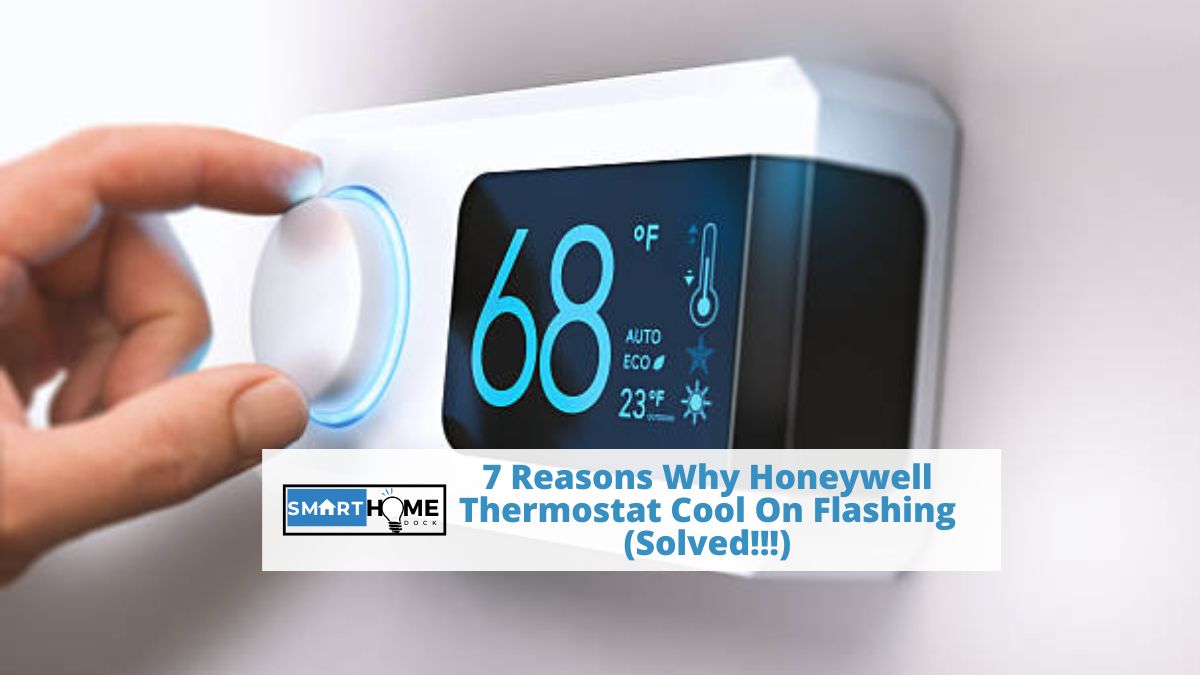
We will cover the main seven reasons why Honeywell thermostat cool on flashing.
Air conditioners have a special job of making you comfortable, especially in extreme weather.
While this may sound straightforward, the system is complex in nature, meaning that things can go wrong at any minute.
One of the issues that you may experience is that your Honeywell thermostat cool on flashing.
Usually, when the cool indicator flashes, it typically means that your Honeywell thermostat is in delay mode.
So, you may not need to worry about it unless it takes several hours to get back on track.
If that is the case, it could be an indicator that something is wrong – for instance, the AC’s air filter might be clogged or the thermostat battery might be low or damaged.
There are several other reasons that could trigger the issue.
Understanding Honeywell Thermostat Cool on Flashing

If your AC is working to cool down your home, then your thermostat will show the cool on indicator.
In most cases, this indicator signals a call for cooling with a delayed response for equipment safety or a built-in compressor protection feature.
This intentional safety feature will prevent any harm to your compressor, for instance, in the case of a power outage.
With this in mind, it is recommended to wait for a few minutes, say five minutes, to cover the built-in protective mechanism.
By taking five minutes or so, your Honeywell thermostat ensures that everything runs smoothly without any damage.
After a short while, the cool on message will stop flashing and remain solid, and the HVAC system will start to work.
But if the issue persists after this period, your next step is to troubleshoot the thermostat.
Also, note that a flashing cool on message may also appear due to many other reasons that we will discuss below.
Reasons Why Honeywell Thermostat Cool on Flashing
In this section, we will look at the top reasons why your Honeywell thermostat cool on flashing.
Such a problem is an indicator of a potential shortcoming in the system that requires your attention.
So, we will also provide a troubleshooting guide for this issue and improve your Honeywell thermostat performance.
Without further ado, here are the main reasons:
1. Low or Dead Batteries
One of the most common causes of the problem of Honeywell thermostat cool on flashing is low or dead batteries.
Usually, thermostat batteries will last for about 10 months.
So, if you have used your batteries for more than this period and are experiencing the problem of persistent blinking cool on, then you may need to replace the batteries.
To do so, turn off the source of power to your HVAC system, remove your thermostat from the wall mount, open the back of the panel, and replace the batteries.
But if your thermostat uses a 24 VAC power source, you may need to check the wiring.
2. Faulty Wiring or Circuit Breakers
If you have faults in your wiring or circuit breakers, the issue of Honeywell thermostats flashing might occur.
To troubleshoot this problem, try these strategies:
- Ensure the furnace’s power switch is set to On.
- Check the circuit breaker switches for your HVAC system
- Check the wiring connections between your HVAC system and thermostat
As you do so, watch out for unusual clicking noises or humming coming from your device.
Also, examine your equipment and make sure all the panels or doors are properly closed.
Any opening, obstruction, or detached part may cause the safety switches to disconnect.
So, if possible, check switches and fuses physically or by using the setting on a multimeter.
3. Power Outage and Interruption
Flashing cool may also occur due to power outage or a power surge.
Normally, Honeywell thermostats will bounce back automatically after a power outage without the need for a reset.
But it is good to check if the voltage and power connection have been restored properly.
4. Clogged or Dirty Air Filters
If the issue persists after replacing batteries and checking your HVAC wiring system, you should also check if your air filters are dirty or clogged.
Any shortcoming in this area will affect the normal airflow of your HVAC system, potentially interfering with its efficiency, causing the cool on message to flash.
It also puts some extra strain on your Honeywell thermostat and related devices, ultimately leading to higher energy bills.
You should therefore inspect your system, especially the air filters, on a regular basis to maintain optimal system performance.
5. System delays and Protections
Most Honeywell thermostats come with built-in compressor protection feature that delays the compressor from restarting too early after turning off.
This delay feature can cause the cool on flash to last for a few minutes.
This is mainly designed to protect your thermostat from unexpected damage.
So, you shouldn’t worry if the blinking only lasts for a few minutes.
But if the flashing lasts for more than five minutes, then it could interfere with the normal operation of your system.
6. Refrigerant Levels and Compressor Issues
Another issues that is to blame for Honeywell thermostat cool on flashing is low refrigerant levels.
Also, compressor problems can cause the blinking cool on message.
So, if the problem persists after addressing other potential causes, you can seek help from a qualified HVAC technician who will diagnose and address any refrigerant- or compressor-related issues.
7. Incorrect Settings in Setup Mode
Sometimes, your honeywell thermostat may revert to setup mode, especially after recovering from a power outage.
This situation may cause the cool indicators to flash.
So, if you suspect that could be the cause of the problem, just check your Honeywell thermostat and make the necessary adjustments.
In addition to this, check if the time displayed on your thermostat is correct.
Any incorrect time setting can cause glitches in the schedule settings, triggering your thermostat to misbehave.
In some cases, you can resolve some of these problems by just resetting your thermostat to factory defaults.
Just keep in mind that this process will erase your configured settings and schedules.
So, it is a good idea to take note of any settings you don’t want to forget.
Frequently Asked Questions (FAQs)
How long does the Honeywell thermostat blink cool on flashing?
Each thermostat model is different but most of them have a built-in compressor protection unit that prevents the compressor from restarting immediately after a shutdown.
This minimum off timer will be activated after the compressor switches off. This usually takes only a few minutes.
What do I do if the honeywell thermostat cool on flashing for more than five minutes?
If your honeywell thermostat delays for more than five minutes, chances are that there is an issue with the voltage of the thermostat.
For this reason, you should seek the help of a technician who will help you verify if the voltage is within the acceptable range and there are no shorted wires.
When should I replace a malfunctioning thermostat?
In most cases, you can resolve most thermostat issues by troubleshooting them.
But there are instances where you may need to replace your device.
Most thermostats have a lifespan of around ten years.
So, if your Honeywell thermostat is about that age, then it is the best time to replace it.
Besides this, there are several other instances where you may need to replace your thermostat, including:
– Higher energy consumption: if you have a malfunctioning thermostat, it may give you inaccurate readings. So, your AC may work more than necessary, spiking up the electricity bills.
– Your AC keeps turning on and off: A malfunctioning thermostat can trigger the AC to turn on and off, irrespective of the situation.
– Unresponsive thermostat: If your Honeywell thermostat doesn’t respond to changes, it may be the best time to replace it.
– Thermostat gives inaccurate readings: Sometimes, your thermostat may fail to read the temperature correctly, therefore, failing to trigger the AC to act accordingly. If that is the case, just replace the device.
– Temperature is unstable: If your AC constantly changes the temperature, find out if the thermostat is the cause of the issue. In that case, you may need to acquire a new one.
– AC is short cycling: If your AC turns off after a few seconds, it prevents the AC from completing the cooling cycle. To address this problem, just replace the thermostat.
Wrap Up
Your thermostat and AC system should be in perfect working condition.
But if your honeywell thermostat cool on flashing, it is an indicator that there is an underlying issue that you need to resolve.
In most cases, it means that there is a delay, and the system will start after 5-10 minutes. But if the problem persists, try troubleshooting your system.
The good thing is that you now know the main reason that may cause this problem. This will help you while troubleshooting the issue.
So, just address them one by one until you get to the root of the problem.
But just in case you are unable to do so, don’t hesitate to contact a qualified AC professional to look into the issue.
Also, it would be wise to replace the device if you have used it for more than ten years or if it gives inaccurate readings.
Also Read:
